


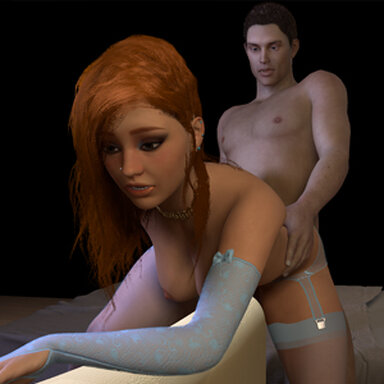


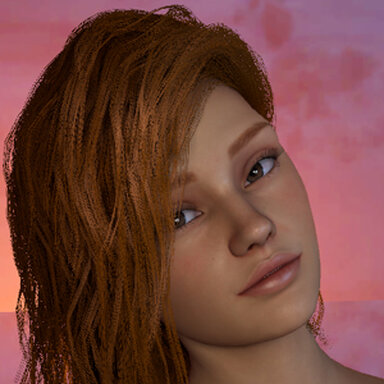
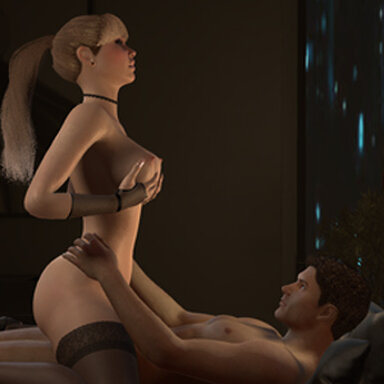
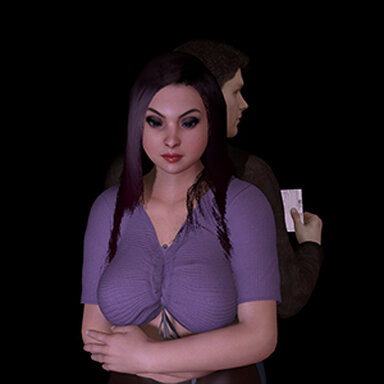
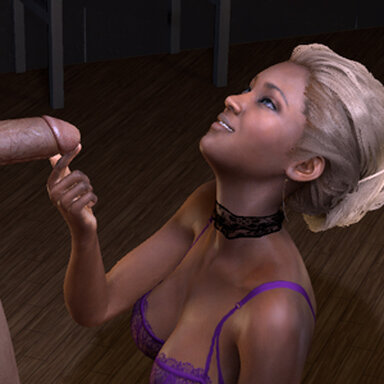
An eager client visits Daisy.
Also available through Satin stories launcher.
UPDATE: Uploaded correct Var. Previous one had an incorrect thumbnail.
UPDATE 2: A resource that previously was hub-hosted no longer is. Update fixes this.
Please note:
- Even if not all stories are "work" related, Satin stories do take place in a brothel.
- The scene has some minute movements. Nothing "broke" for me, but if it does for you, try to go prev and next. Failing that, restart with F4
- avoid altering animation speed and / or weight during transitions. On loops its mostly ok, but too much speed may create problems.
The scene was made with high quality soft body physics, text-to-speech function and desktop mode in mind. Other parameters used were (user preferences): pixel light count 4; physics rate 60hz; physics update cap 2.
Deviations from these settings may lead to unforseen results.
Features:
- Animations that can be viewed sequencially, with secondary animations to produce more variety
- Text to speech audio and subtitles (both can be turned off)
- Cinematic camera and preset cameras
- UI for desktop and VR. I've altered some UI VR settings which should make it better, but it is still experimental. Feedback appreciated.


Instructions:
Open top menu-> scene browser-> Dry_spell_(Sequencial_Anim)
or
Open scene-> Aipas-> Dry_spell_(Sequencial_Anim)
Some transitions may take up to 8 seconds to start.
Recommend VR USERS press F8 to toggle UI MODE
F9 - Vam cam; F10 - dynamic cam; F11 - Her POV; F12 - His POV
F4 - Restart scene
TRANSITIONS are running while the transition SIGN << >> located near the TOP RIGHT CORNER is on. DON'T USE CONTROL UI during it.
Press P for play mode and F1 to disable Vam's native interface
Final note: the next scene will be an interactive anim.
Also available through Satin stories launcher.
UPDATE: Uploaded correct Var. Previous one had an incorrect thumbnail.
UPDATE 2: A resource that previously was hub-hosted no longer is. Update fixes this.
Please note:
- Even if not all stories are "work" related, Satin stories do take place in a brothel.
- The scene has some minute movements. Nothing "broke" for me, but if it does for you, try to go prev and next. Failing that, restart with F4
- avoid altering animation speed and / or weight during transitions. On loops its mostly ok, but too much speed may create problems.
The scene was made with high quality soft body physics, text-to-speech function and desktop mode in mind. Other parameters used were (user preferences): pixel light count 4; physics rate 60hz; physics update cap 2.
Deviations from these settings may lead to unforseen results.
Features:
- Animations that can be viewed sequencially, with secondary animations to produce more variety
- Text to speech audio and subtitles (both can be turned off)
- Cinematic camera and preset cameras
- UI for desktop and VR. I've altered some UI VR settings which should make it better, but it is still experimental. Feedback appreciated.
Instructions:
Open top menu-> scene browser-> Dry_spell_(Sequencial_Anim)
or
Open scene-> Aipas-> Dry_spell_(Sequencial_Anim)
Some transitions may take up to 8 seconds to start.
Recommend VR USERS press F8 to toggle UI MODE
F9 - Vam cam; F10 - dynamic cam; F11 - Her POV; F12 - His POV
F4 - Restart scene
TRANSITIONS are running while the transition SIGN << >> located near the TOP RIGHT CORNER is on. DON'T USE CONTROL UI during it.
Press P for play mode and F1 to disable Vam's native interface
Final note: the next scene will be an interactive anim.






![[Unisex] Decals Pack 01](https://1424104733.rsc.cdn77.org/data/resource_icons/0/200.jpg?1590334554)








Took a brake from Vam but I should get back into things shortly.
Cheers.