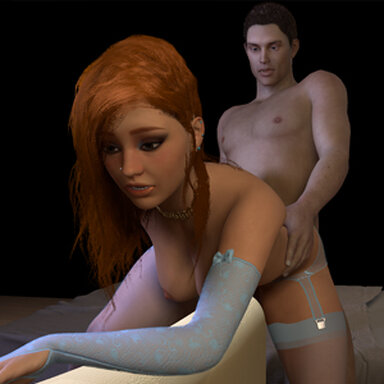
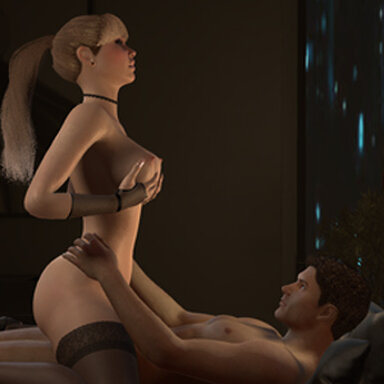
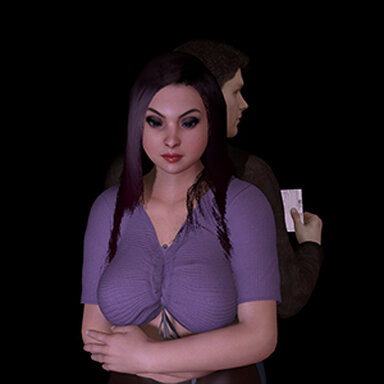
An eager client visits Daisy.
Also available through Satin stories launcher.
Please note:
- Even if not all stories are "work" related, Satin stories do take place in a brothel.
- The scene has some minute movements. Nothing "broke" for me, but if it does for you, try to go prev and next. Failing that, restart with F4
The scene was made with high quality soft body physics, text-to-speech function and desktop mode in mind. Other parameters used were (user preferences): pixel light count 4; physics rate 60hz; physics update cap 2.
Deviations from these settings may lead to unforseen results.
Features:
- Animations that can be viewed sequencially, with secondary animations to produce more variety
- Text to speech audio and subtitles (both can be turned off)
- Cinematic camera and preset cameras
- UI for desktop and VR. I've altered some UI VR settings which should make it better, but it is still experimental. Feedback appreciated.


Instructions:
Open top menu-> scene browser-> Dry_spell_(Sequencial_Anim)
or
Open scene-> Aipas-> Dry_spell_(Sequencial_Anim)
Some transitions may take up to 8 seconds to start.
Recommend VR USERS press F8 to toggle UI MODE
F9 - Vam cam; F10 - dynamic cam; F11 - Her POV; F12 - His POV
F4 - Restart scene
TRANSITIONS are running while the transition SIGN << >> located near the TOP RIGHT CORNER is on. DON'T USE CONTROL UI during it.
Press P for play mode and F1 to disable Vam's native interface
Final note: the next scene will be an interactive anim.
Also available through Satin stories launcher.
Please note:
- Even if not all stories are "work" related, Satin stories do take place in a brothel.
- The scene has some minute movements. Nothing "broke" for me, but if it does for you, try to go prev and next. Failing that, restart with F4
The scene was made with high quality soft body physics, text-to-speech function and desktop mode in mind. Other parameters used were (user preferences): pixel light count 4; physics rate 60hz; physics update cap 2.
Deviations from these settings may lead to unforseen results.
Features:
- Animations that can be viewed sequencially, with secondary animations to produce more variety
- Text to speech audio and subtitles (both can be turned off)
- Cinematic camera and preset cameras
- UI for desktop and VR. I've altered some UI VR settings which should make it better, but it is still experimental. Feedback appreciated.
Instructions:
Open top menu-> scene browser-> Dry_spell_(Sequencial_Anim)
or
Open scene-> Aipas-> Dry_spell_(Sequencial_Anim)
Some transitions may take up to 8 seconds to start.
Recommend VR USERS press F8 to toggle UI MODE
F9 - Vam cam; F10 - dynamic cam; F11 - Her POV; F12 - His POV
F4 - Restart scene
TRANSITIONS are running while the transition SIGN << >> located near the TOP RIGHT CORNER is on. DON'T USE CONTROL UI during it.
Press P for play mode and F1 to disable Vam's native interface
Final note: the next scene will be an interactive anim.








![[Unisex] Decals Pack 01](https://1424104733.rsc.cdn77.org/data/resource_icons/0/200.jpg?1590334554)