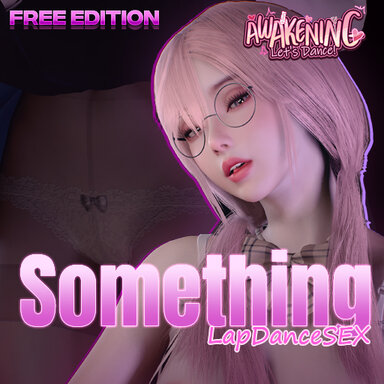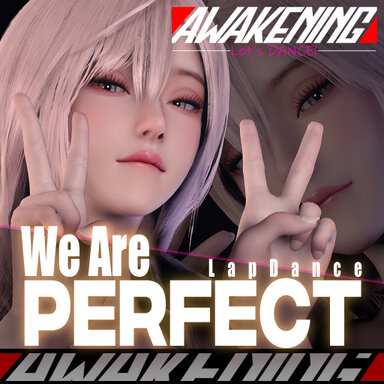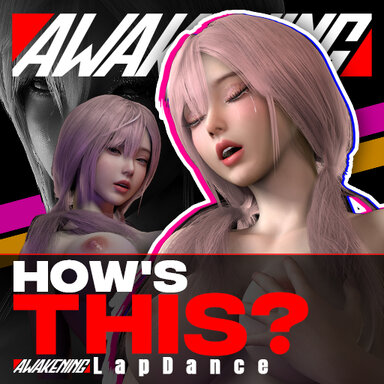

First of all, A huge thanks to dnaddr for letting me use the "MengMeng" model in my paid scene!

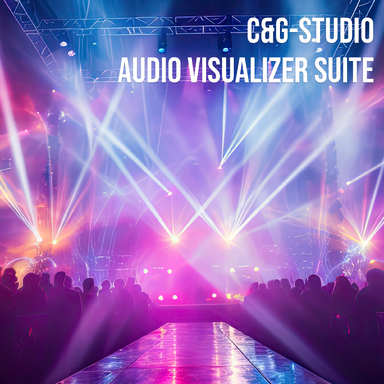
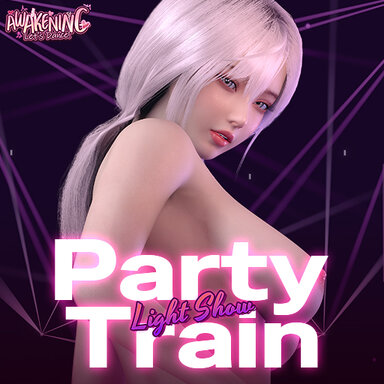
I tried making a light show — the character just has some simple swaying and riding movements. Also, this scene makes it easier and more intuitive to adjust your own settings.
*If you click the button and the screen turns black without recovering, please delete the "Overlay" plugin on the "__Overlay" atom.
For those who prefer not to see the light show, I’ve added a toggle for it under Lights Options — you can turn specific settings on or off based on your needs.
I’ve also added a bunch of new customization options under the Custom Options tab in Graphics Options — hope this helps with your frame rate!
Regarding POV — the previous ESC exit no longer works. Now, please use the NumPad 0 key or press F1 multiple times to exit POV.


Comparison


Enjoy~
I tried making a light show — the character just has some simple swaying and riding movements. Also, this scene makes it easier and more intuitive to adjust your own settings.
*If you click the button and the screen turns black without recovering, please delete the "Overlay" plugin on the "__Overlay" atom.
For those who prefer not to see the light show, I’ve added a toggle for it under Lights Options — you can turn specific settings on or off based on your needs.
I’ve also added a bunch of new customization options under the Custom Options tab in Graphics Options — hope this helps with your frame rate!
Regarding POV — the previous ESC exit no longer works. Now, please use the NumPad 0 key or press F1 multiple times to exit POV.
Comparison
Enjoy~