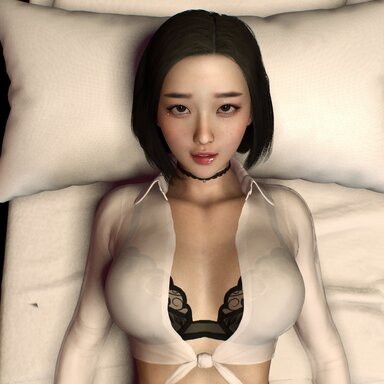



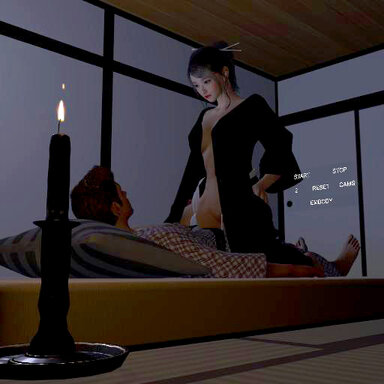
This scene is design for VR. No Male character is included. BUT, a camride option is included to simulate the VR experience.

This scene started as a way to test out VR passthrough on the Quest 3 (which is awesome, BTW), but I wanted to develop it a little further for release.

This scene is similar to my Missionary 2 scene, but focuses more on expressions and variations in movement. It runs between ~5-10 minutes long, and includes a finish animation triggered randomly by the sliders.

There is also a Camride option ('E' button in the scene UI) that enables an autothruster sync'd to the animation to simulate the VR experience. I recommend using free look (Tab) to rotate the head.

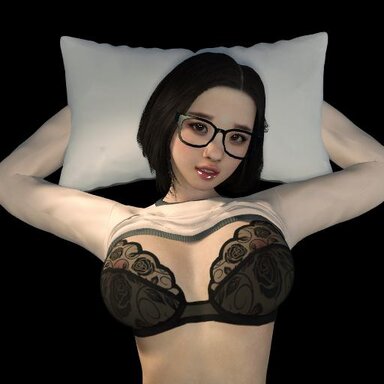
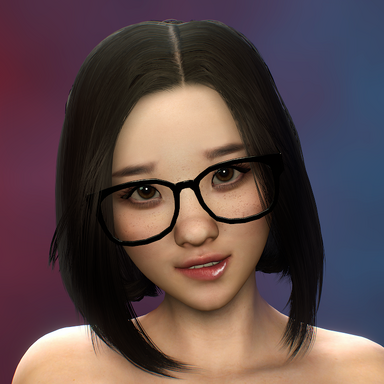
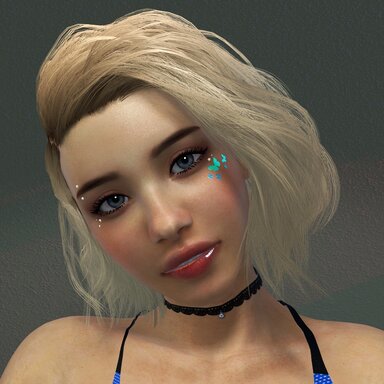
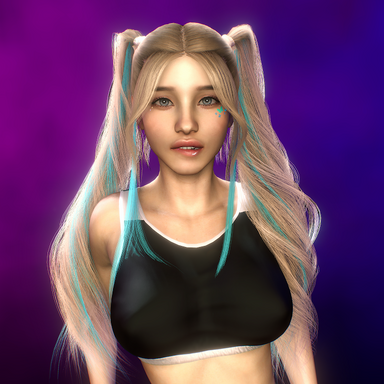
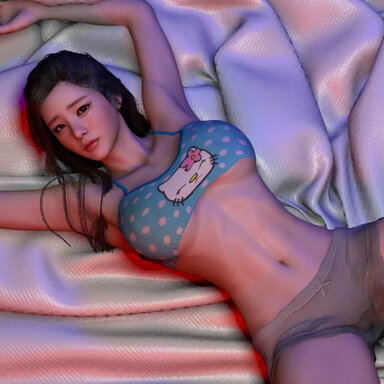
The scene should work with any character, but note that the clothing presets are specific to the scene, so you'll have to use your own presets. I've also noticed that some expressions look better than others on specific characters. This scene was designed for @MonsterShinkai 's Rin character, swapped out with Noelle for the release. Also note that the animation adjusts the character's skin gloss and adjusts the alpha value of the blush clothing item, so using other looks may cause some weirdness.
There are scene control buttons on the lower-right edge of the bed. They control some of the heavier plugins (Postmagic and SkinMicroDetail), and allow for the bed & pillow to be hidden for VR Passthrough. I recommend @Sally Whitemane's Camera background plugin for the passthrough.

The scene stops after the character's finish. The animation for the transition between the finish and back to scene start isn't super clean. I may fix this in future.

This scene started as a way to test out VR passthrough on the Quest 3 (which is awesome, BTW), but I wanted to develop it a little further for release.
This scene is similar to my Missionary 2 scene, but focuses more on expressions and variations in movement. It runs between ~5-10 minutes long, and includes a finish animation triggered randomly by the sliders.
There is also a Camride option ('E' button in the scene UI) that enables an autothruster sync'd to the animation to simulate the VR experience. I recommend using free look (Tab) to rotate the head.
The scene should work with any character, but note that the clothing presets are specific to the scene, so you'll have to use your own presets. I've also noticed that some expressions look better than others on specific characters. This scene was designed for @MonsterShinkai 's Rin character, swapped out with Noelle for the release. Also note that the animation adjusts the character's skin gloss and adjusts the alpha value of the blush clothing item, so using other looks may cause some weirdness.
There are scene control buttons on the lower-right edge of the bed. They control some of the heavier plugins (Postmagic and SkinMicroDetail), and allow for the bed & pillow to be hidden for VR Passthrough. I recommend @Sally Whitemane's Camera background plugin for the passthrough.
The scene stops after the character's finish. The animation for the transition between the finish and back to scene start isn't super clean. I may fix this in future.






![AutomaticBodySmoother [Session Plugin]](https://1424104733.rsc.cdn77.org/data/resource_icons/5/5235.jpg?1615279940)