This mocap is designed to allow you to control the speed and rhythm of the thrusting. You can also sync the motion with a motorized toy easily with the press of a button. This is the first sex mocap my GF ever recorded, and it still looks great, years later. Enjoy!
Please note: This scene is CC BY-NC-ND, which means the mocaps cannot be repackaged in another scene without permission!
Includes TCode mode, optimized for OSR2 and SR6!
Motion capture, face capture, and finger tracking all performed by a real woman. Configured to be controlled almost entirely with voice commands. Optimized for VaMLaunch, can be used with toys like Handy, Keon, and Launch.
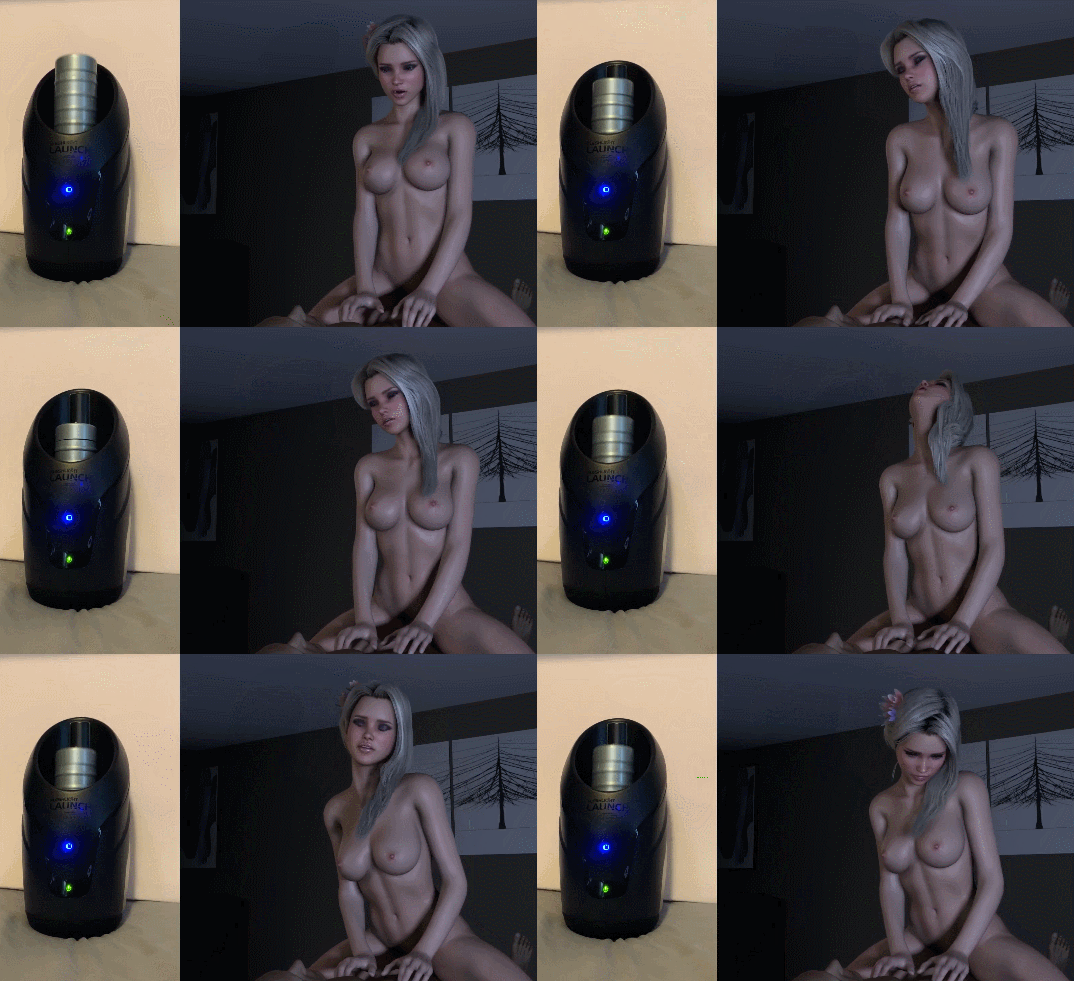



Video Demo:
.
.
For more instructions on how to connect VaM to your motorized toy, check out my guide:

 hub.virtamate.com
Credits:
AcidBubbles, Everlaster, Hazmhox, MacGruber, VAM_GS, JJ Builds, Hunting-Succubus, ToumeiHitsuji, Stopper, Romolas, ClockwiseSilver, LFE
Notes:
-For voice control, use the microphone that is set as default in Windows settings, give desktop apps microphone permissions in privacy settings, and have your VaM window in the foreground of Windows, even if in VR.
-Read aloud UI buttons colored PINK to use them. Other working keywords: Unpause, Hide UI, Be Quiet.
-For use with VaMLaunch, VaMSync must be installed and connected to your toy. Activate the toy by clicking the "Toy On/Off" button under "Toy Options," or saying the command "Toy On."
-For Tempest MAx TCode (SR6 / OSR2), add your preferred SerialToyController plugin to the male atom, and click on "TCode Mode" to use optimized hip movements. Motion has been debugged for default G2F. Also now has the option to use Hybrid Mode, which has TSC pre-configured.
If you enjoy this scene, please consider supporting us on Patreon!
 www.patreon.com
Please note: This scene is CC BY-NC-ND, which means the mocaps cannot be repackaged in another scene without permission!
Includes TCode mode, optimized for OSR2 and SR6!
Motion capture, face capture, and finger tracking all performed by a real woman. Configured to be controlled almost entirely with voice commands. Optimized for VaMLaunch, can be used with toys like Handy, Keon, and Launch.
Video Demo:
.
.
For more instructions on how to connect VaM to your motorized toy, check out my guide:
How to connect a motorized toy to VaM - Guides -
Motorized toys, sometimes called Interactive Strokers or Haptic Sex Toys, can add a whole new level of immersion to your VaM scenes! This has been one of my favorite ways to enjoy VaM since I bought a Fleshlight Launch years ago. In this...
hub.virtamate.com
Credits:
AcidBubbles, Everlaster, Hazmhox, MacGruber, VAM_GS, JJ Builds, Hunting-Succubus, ToumeiHitsuji, Stopper, Romolas, ClockwiseSilver, LFE
Notes:
-For voice control, use the microphone that is set as default in Windows settings, give desktop apps microphone permissions in privacy settings, and have your VaM window in the foreground of Windows, even if in VR.
-Read aloud UI buttons colored PINK to use them. Other working keywords: Unpause, Hide UI, Be Quiet.
-For use with VaMLaunch, VaMSync must be installed and connected to your toy. Activate the toy by clicking the "Toy On/Off" button under "Toy Options," or saying the command "Toy On."
-For Tempest MAx TCode (SR6 / OSR2), add your preferred SerialToyController plugin to the male atom, and click on "TCode Mode" to use optimized hip movements. Motion has been debugged for default G2F. Also now has the option to use Hybrid Mode, which has TSC pre-configured.
If you enjoy this scene, please consider supporting us on Patreon!
Get more from CuddleMocap on Patreon
Get more from CuddleMocap on Patreon. Become a member for just $3/month. Hey everyone! We are a couple who enjoys making CGI scenes for VR and…