


What is this?
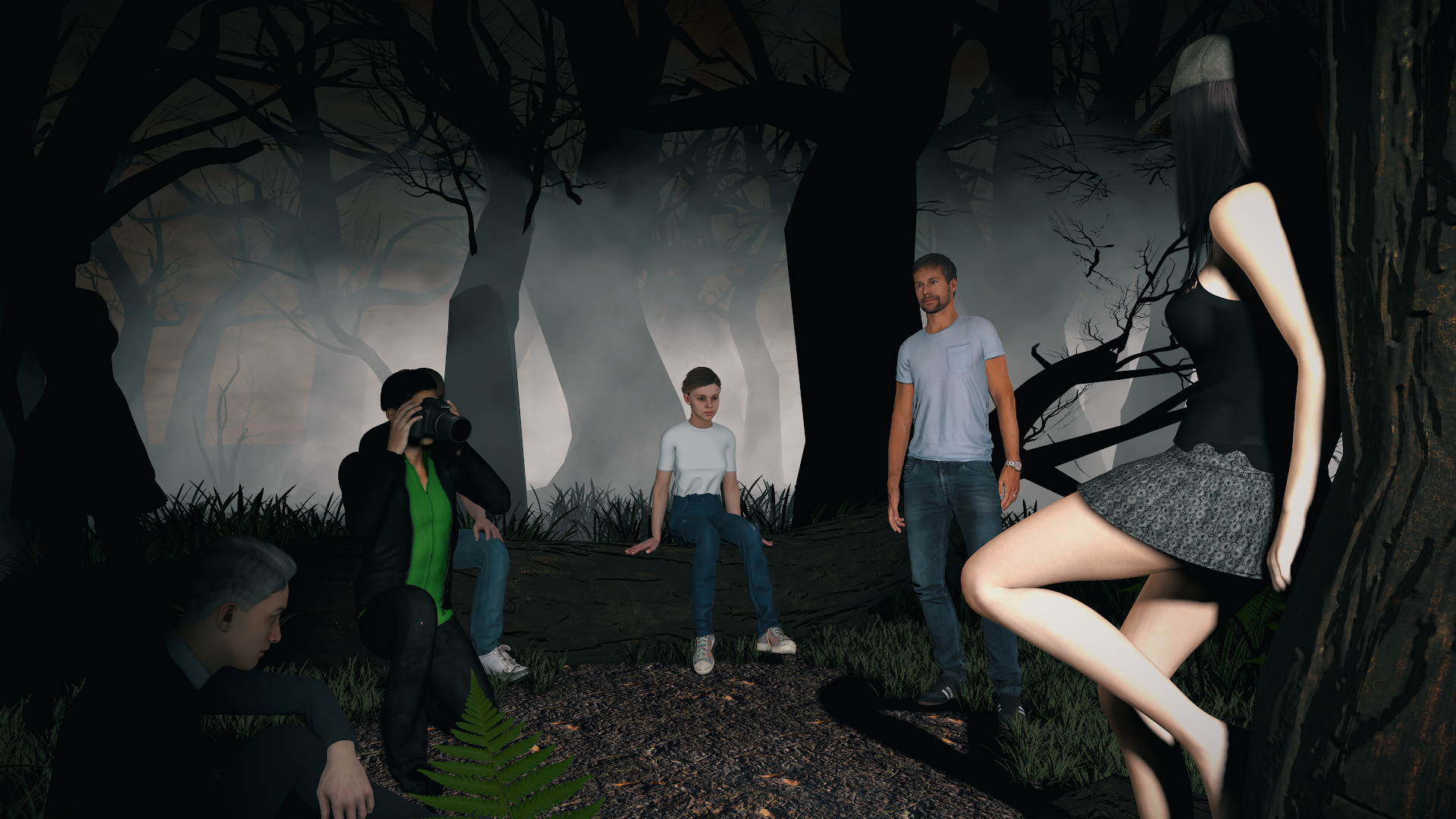
This is a small voyeur scene taking place in the woods.
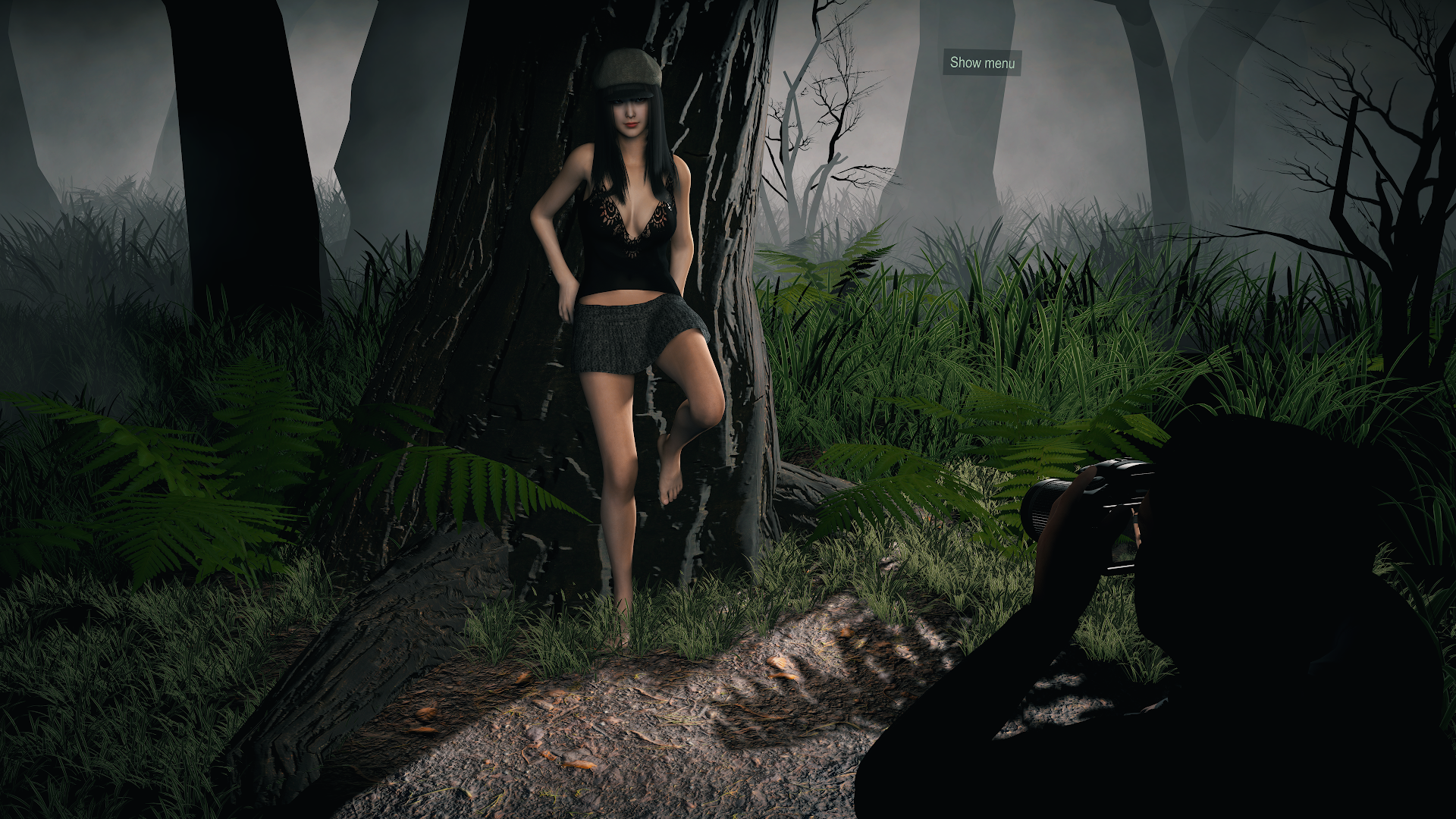
You can switch between various behaviors & you've got a bunch of options to play with, so you can make your favorite setup.
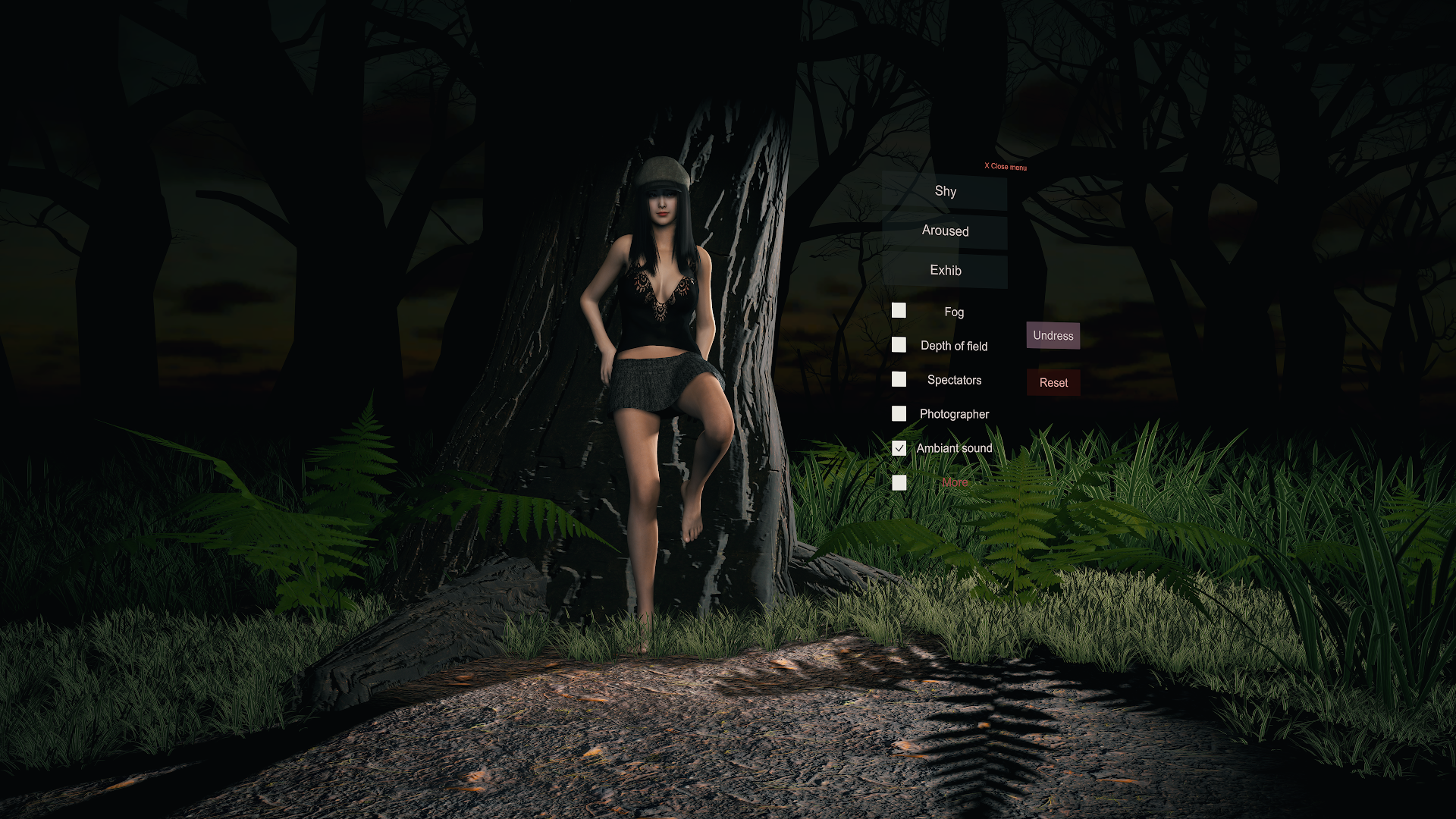
Shall we take a tour?
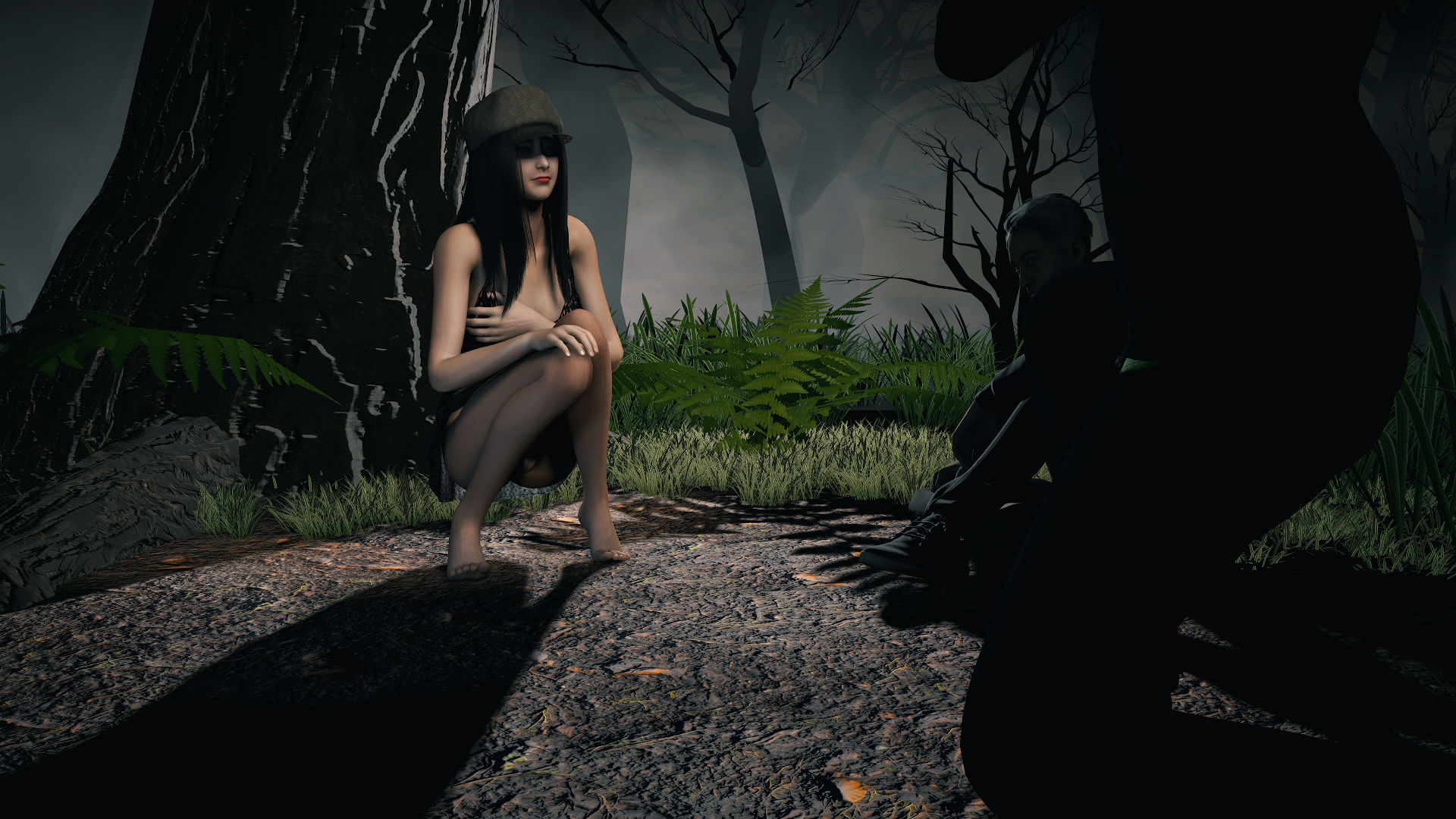
How to use
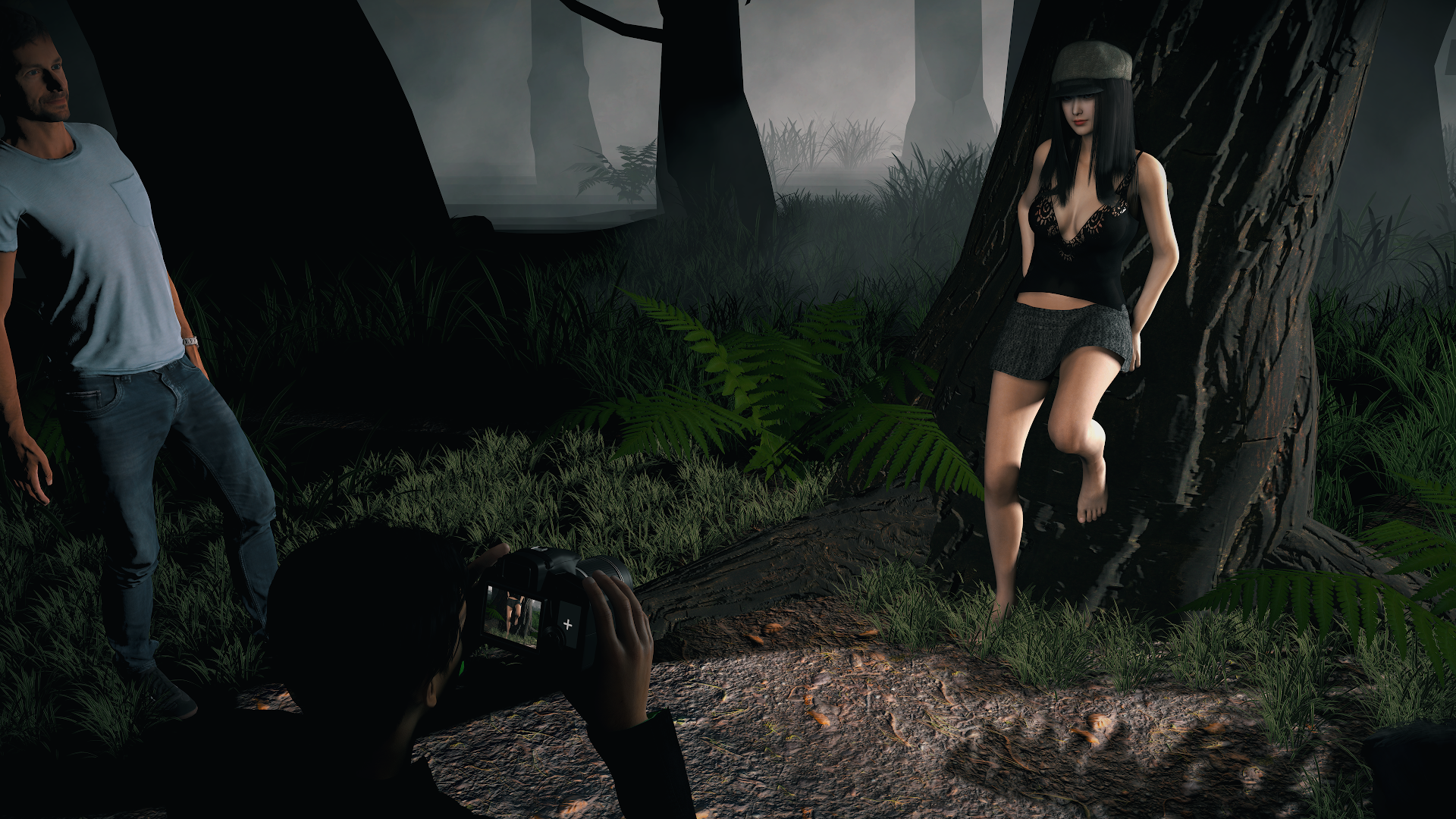
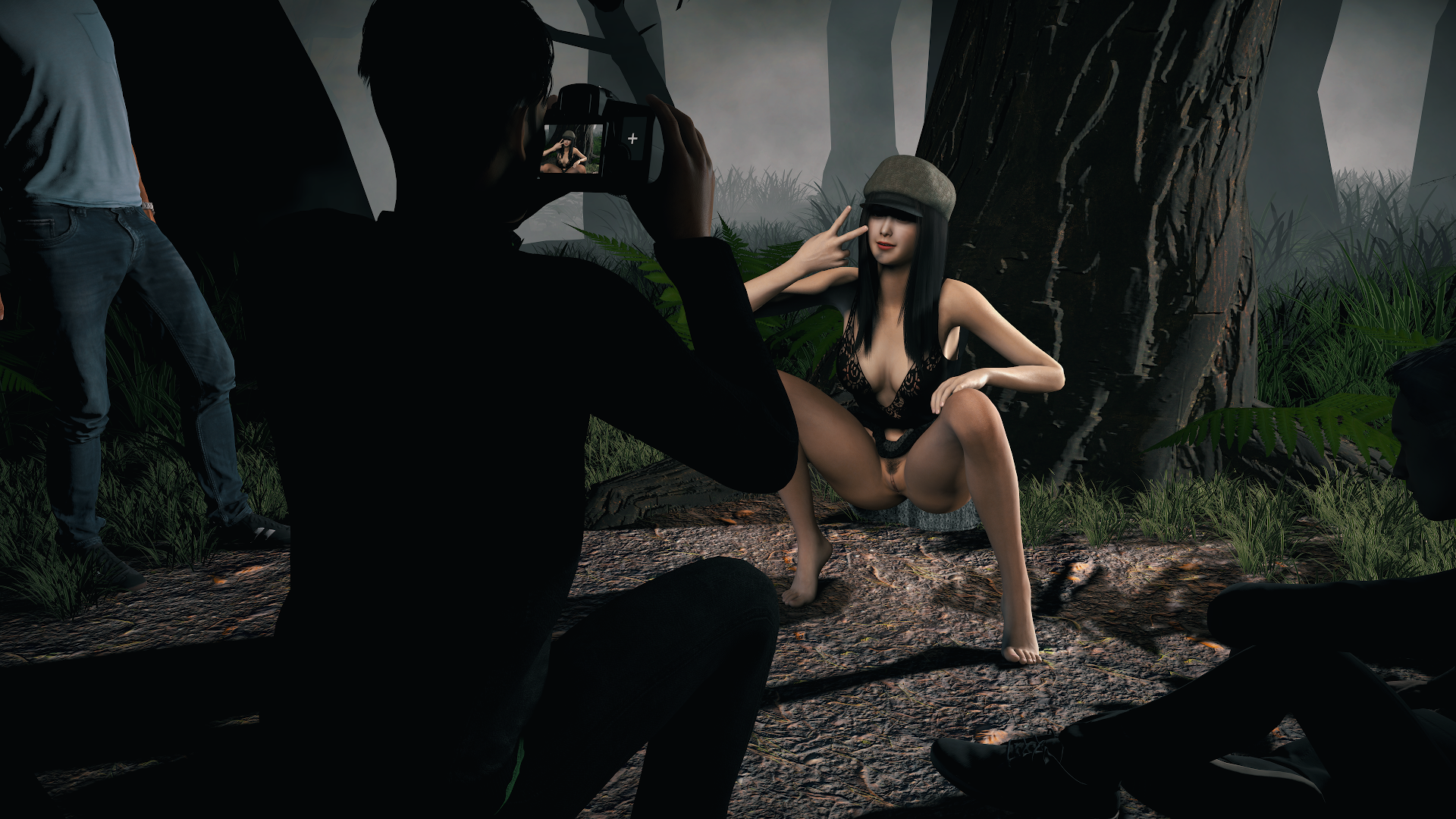
The photographer's camera is functional and has different zoom options. Click on the "+" button on the right side of the camera screen.
Note: Don't forget to close the camera zoom preview, which can be heavy on the performances.
In general, to improve FPS, go to the options and toggle off the Photographer.
Dependencies & thanks
All dependencies are Hub-hosted, so you can easily download them all automatically through VAM Package Manager.
Download all dependencies and put them into VAM "AddonPackages" folder.
This is a small voyeur scene taking place in the woods.
You can switch between various behaviors & you've got a bunch of options to play with, so you can make your favorite setup.
Shall we take a tour?
How to use
- Open the scene
- Click on the "Show menu" button to display the controls of the scene
- Click on the pose you want, with the options of your choice. Enjoy!
The photographer's camera is functional and has different zoom options. Click on the "+" button on the right side of the camera screen.
Note: Don't forget to close the camera zoom preview, which can be heavy on the performances.
In general, to improve FPS, go to the options and toggle off the Photographer.
Dependencies & thanks
All dependencies are Hub-hosted, so you can easily download them all automatically through VAM Package Manager.
- Forest environment by Damarmau
- Min-Ah look by MonsterShinkai
- Functional_DSLR_Camera asset by voidkampf1984
- Animated_people (part 1, 2 & 3) by AXnop.732
- Timeline plugin by AcidBubbles
- Pose_Tools by AshAuryn
- VAMMoan plugin by hazmhox
- Life by MacGruber
- From Forest environment:
- RocksAndPlants101 & vamafx by hazmhox
- Trees & Campfire assets by Matt Richard
- PostMagic plugin by MacGruber
- Particle_pack_#8_Fog by Xstatic
- Lut_Pack by BooMoon
- Morphs by kemenate
- UnityAssetVamifier plugin by NoStage3
- From Min-Ah look:
- Long hair by ddaamm
- Enhanced eyes by Hunting-Succubus
- Arty hair collection by Roac
Download all dependencies and put them into VAM "AddonPackages" folder.


