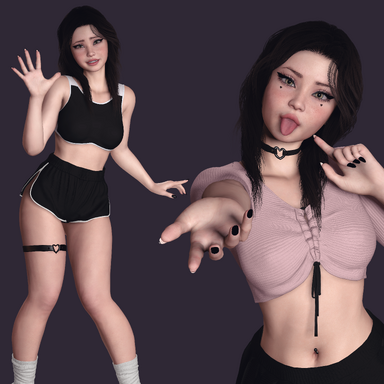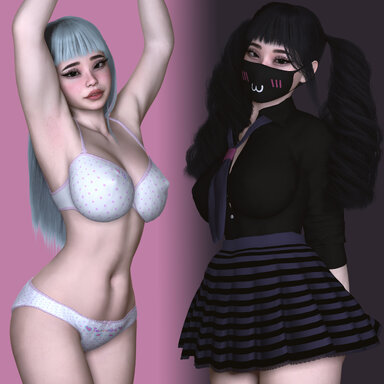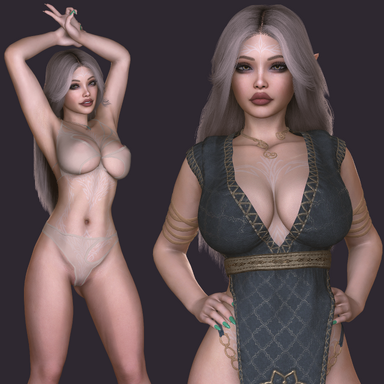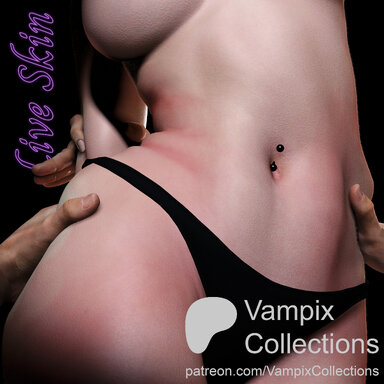



Live Skin
Caress, shake, pinch, squeeze and watch it respond.
Subtle or over the top, it's yours to play with ♡
Subtle or over the top, it's yours to play with ♡
Live Skin is built around the idea that skin should feel as real as it looks. The way it dents beneath a touch, folds with the body, shakes with movement and settles after all contribute to that feeling. The goal is to bring those details together so skin feels like a responsive part of the person, adding life to both close-up interactions and everyday movement.
You’re in control of how it responds. Fine-tune the individual effects, choose where the body feels soft or firm, and shape the response to suit your specific models and scenes. Keep things subtle and natural, or push them further for something more playful. It’s fully yours to experiment with ♡
Live Skin is still actively being developed, with further improvements, refinements and new features planned as it grows. This release is a starting point, and your feedback will help shape what comes next. Try it, explore the options, and let me know what feels good and what could feel even better ♡
Features Gallery ⛶
 Reveal the spoilers to check them out!
 Vellus Hair & Goosebumps
Look closer… fine peach fuzz catches the light and lifts as goosebumps rise across the skin.
Or compare side by side...
Soft Tissue
Soft should move like it's actually soft… tissue shifts, jiggles, and settles after the body stops. Full control over which areas are soft and how they behave.
Waist Folds & Fold Marks
And when she leans into you… soft folds form around the waist. Holding a folded pose leaves temporary crease marks that gradually fade over time.
Pinch & Pull
Reach out… pinch some skin and stretch it with one or both hands.
Don't stop there… grab a handful and give it a shake. Watch the movement follow your grip.
Then caress it… smooth away the folds and watch the skin settle back, soft as silk again.
Contact Dents & Pressure Marks
Press in… the skin dents beneath contact and briefly whitens where pressure is applied.
Then move across the skin… contact creates dents while friction brings a visible flush to the surface.
Make It Yours 
Live Skin is meant to be tuned to your preferred experience. Shape it to your model, your scene, and the look you're after.
- Per-Feature Control — Every effect has its own settings and intensity, so you can dial each one in independently.
- Paintable Maps — Paint directly onto the body to define where it's soft, where it's firm and where goosebumps and peach fuzz shows.
- Saveable Presets — Save your whole setup, painted maps included, and load it again any time. Or save a default preset to load automatically every time the plugin is added.
- Timeline Support — Drive any feature from your scene animations and triggers.
- Desktop and VR Ready — Reach out and explore the interactions in VR.
- Non-Destructive — Nothing bakes into your look; your original skin returns the moment Live Skin is off.
Getting Started 
1. Add Live Skin
Select your Person atom, open its Plugins tab, choose Add Plugin, and load LiveSkin.cslist from this package. The Overview page introduces every feature and hints briefly explain every setting.
2. Start from the default
A tuned default preset is bundled, so you get a sensible starting point the moment you add it. It's deliberately on the natural, subtle side and if you want an obvious effect right away, turn up the intensities on the features you care about. And treat the default as a starting point, not the destination. The best results come from customizing it to your specific model and the experience you want.
3. Give it something to touch
Dents, pinch and marks all need actual contact with the skin: a pressor, your VR hands, Person Atom's hands or a hand plugin (some demos above use Mxx's Floating Hand). Soft tissue and folds show up on their own as the body moves. Goosebumps and vellus are toggleable and fully customizable.
4. Adjust and save
Open each feature's panel to fine-tune it, then paint firmness directly onto the body. In desktop, Hold Shift to paint and Space to erase, Alt + Drag to size the brush and Ctrl + Alt + Drag for strength, with Ctrl + Z / Ctrl + Y to undo and redo. VR painting support coming soon. When it feels right, save the whole setup as a preset.
If you're coming from Mxx's DeepSkin painting workflow, it will feel like home ♡
Good to Know 
Body types
Live Skin is built and tuned exclusively for the standard female body. Other body types, like Male or AltFuta and anything non-standard, are completely untested and not supported right now, so please don't expect them to work. Broader body support may come as development continues, but as of right now, they are completely untested.
Default settings
The bundled maps and defaults are meant to work out of the box for Base Female UV (which most models use). Other meshes may need the maps repainted. If your model isn't using Base Female UV and you don't feel like repainting the maps, simply go under Skin Select tab on your Person Atom and choose a skin which is label with UV: Base Female.
Performance
Live Skin does real work every frame, so cost depends on what you enable and what's touching the skin. Soft tissue, contact dents, pinch and skin marks each add up, and lots of simultaneous contacts or higher settings cost more. A few tips:
- Only enable the features you're actually actively using in a scene. By far, the most demanding features are soft tissue, contact dent and skin markings (also dependent on maps, read more below). Most of the other features are almost negligible.
- Turn on Technical Info to see the live per-feature cost breakdown.
- Paint conservatively. Live Skin only tracks the vertices you've actually painted as movable, so fully rigid areas (solid red on the rigidity map) and/or unpainted areas (no paint on the soft-tissue/tissue-depth map) are skipped entirely. Keeping your painted regions tight to where you genuinely want movement means fewer vertices to process and a real performance gain.
- Some features are experimental or groundwork and may be rougher on performance, and if further opportunities for performance improvements are found, they will be added in upcoming update versions.
- Two Person atoms together is the heaviest case by far when loading the plugin on 2 person atoms and using features like denting and pressure marks. For now that's best kept for renders and posed shots rather than fast, casual real-time play; smoothing it out for everyday use is on my list for future updates.
Tips
- Goosebumps looking off? They ride on the skin's own normal map, so how they read depends on your skin material. If they look too strong or strange, check the Person's Skin Materials 2 tab as well. The normal/specular settings there have a big effect on how goosebumps show up.
- Want it more obvious or it's difficult to notice in VR? The default preset is subtle on purpose; raise the intensities on the features you care about. VR view makes it harder to notice straight away compared to Desktop, so make yourself a VR specific preset using more aggressive settings, make vellus longer and thicker etc.
- Experiment freely. Everything is non-destructive and turning Live Skin off restores your skin exactly as it was.
Credits 

Thank you for trying Live Skin. ⸜(。˃ ᵕ ˂ )⸝♡
⋆。‧˚ʚ I appreciate any feedback you may wish to leave, your thoughts help me improve. ɞ˚‧。⋆
⋆˚✿˖° If you really enjoyed this release, consider leaving a like or react to it or adding it to your favorites, and feel free to follow my profile for more to come. °✿˖˚⋆