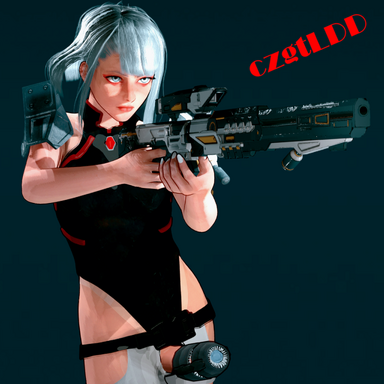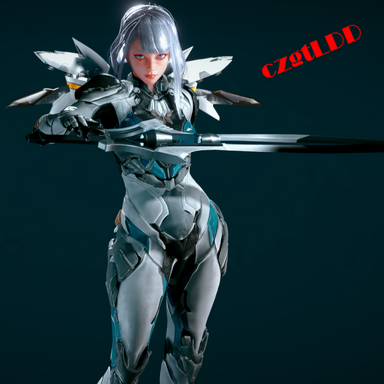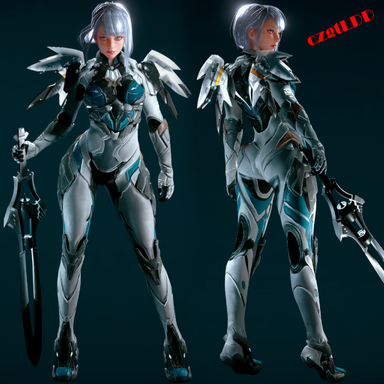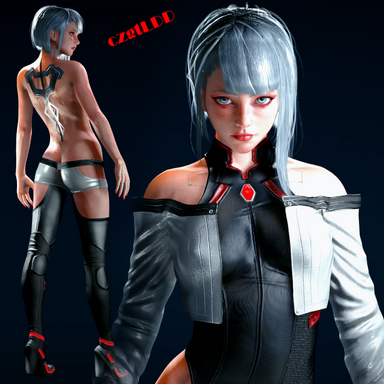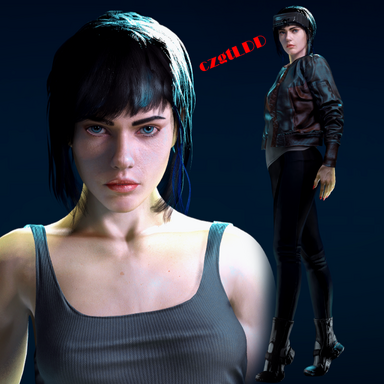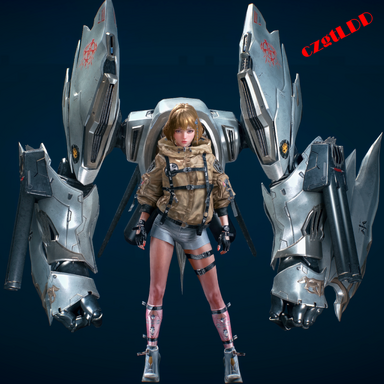
Nia SET - 1.0
Contains
Nia SET Appearance - (Morph , Textures)
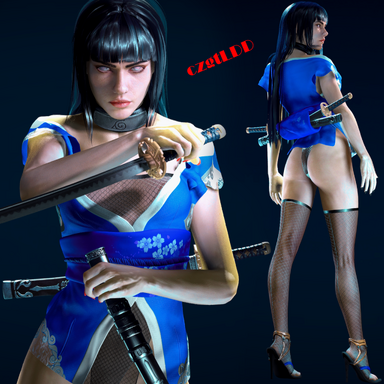
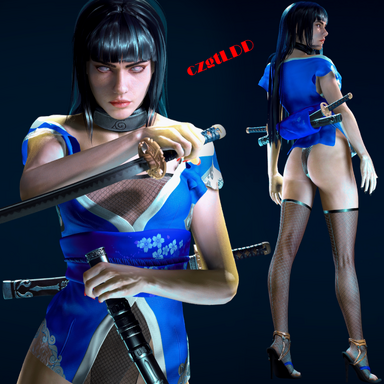
Clothing - (Coat , Coat Tie , Lower Leg ,Leg Tie , Glove , Shoes , Neck Tie , Shorts , Stocking , Wrist , Clothing Support SIM)
Assets - (Hair , Nia Back mecha X3 - Emissive)
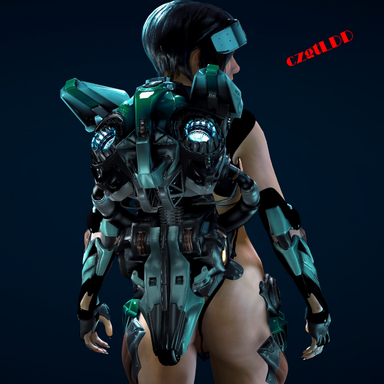
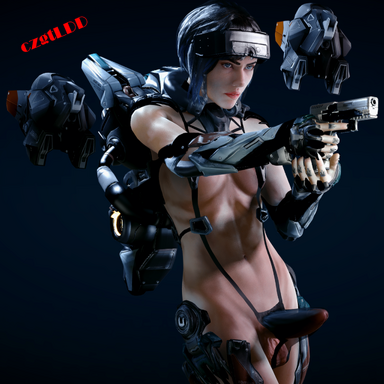
Nia Back mecha X3 (Assets)
Includes
emissive textures , All bone atoms (Shoulder, Upper arm , elbow , hand , fingers , weapon, wings , etc. )
This asset contains three presets, limited to fingers only.
Because I feel that adjusting finger joints is too much of a waste of time.
The presets include: both hands relaxed, left hand in a fist, and both hands in fists. Of course, you can also use a plugin to manually adjust the position of each individual finger.


You can use Puppeteer or similar plugins to adjust the position of each bone or bind it to atoms to follow its movement. Of course, you can also use this asset alone to create animations.
I will later update a plugin that allows the robotic arms (including fingers) in the asset to move in sync with the corresponding skeleton of the character. You only need to load the plugin; no settings are required for the skeleton in the asset.
--------------------------------------------------------------------------------------------------------------------------
Two concept videos have been added; they were generated using AI based on the images in the post, though all the features demonstrated in the videos have already been fully implemented.
Contains
Nia SET Appearance - (Morph , Textures)
Clothing - (Coat , Coat Tie , Lower Leg ,Leg Tie , Glove , Shoes , Neck Tie , Shorts , Stocking , Wrist , Clothing Support SIM)
Assets - (Hair , Nia Back mecha X3 - Emissive)
Nia Back mecha X3 (Assets)
Includes
emissive textures , All bone atoms (Shoulder, Upper arm , elbow , hand , fingers , weapon, wings , etc. )
This asset contains three presets, limited to fingers only.
Because I feel that adjusting finger joints is too much of a waste of time.
The presets include: both hands relaxed, left hand in a fist, and both hands in fists. Of course, you can also use a plugin to manually adjust the position of each individual finger.
You can use Puppeteer or similar plugins to adjust the position of each bone or bind it to atoms to follow its movement. Of course, you can also use this asset alone to create animations.
I will later update a plugin that allows the robotic arms (including fingers) in the asset to move in sync with the corresponding skeleton of the character. You only need to load the plugin; no settings are required for the skeleton in the asset.
--------------------------------------------------------------------------------------------------------------------------
Two concept videos have been added; they were generated using AI based on the images in the post, though all the features demonstrated in the videos have already been fully implemented.