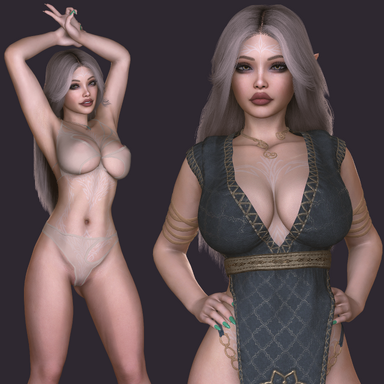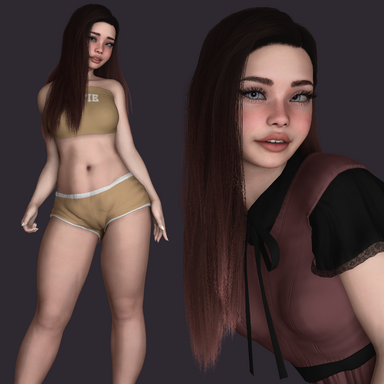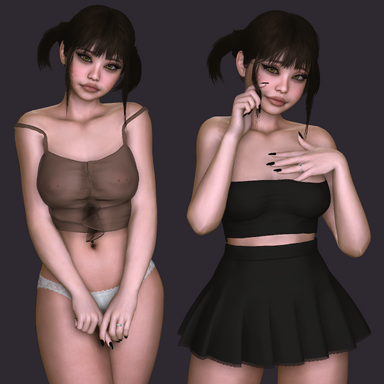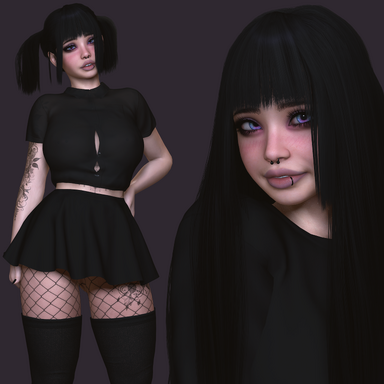


Artistic Showcase
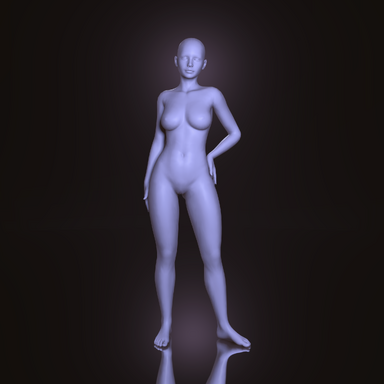
A fast-loading, lightweight scene for aesthetic presentation.
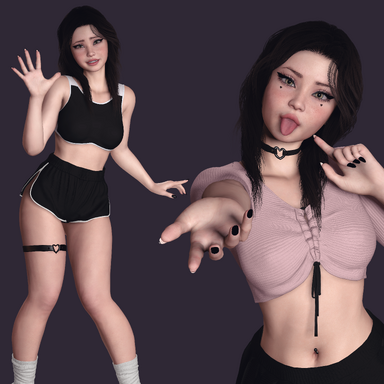
Bring your own models and poses and shape it into your style.
Bring your own models and poses and shape it into your style.
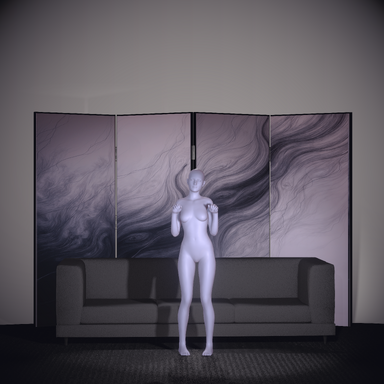
A simple, ready-to-use scene designed for clean, aesthetic presentation.
Built around soft, controlled lighting and a minimal setup, it’s meant to give your models space to stand out without distraction.
Bring your own looks, poses, and ideas — and shape the scene into something that fits your style.
This is a reusable template I use to showcase my own models, and I’ll continue building on it over time — adding new elements and refining things as I find what works best.
It’s kept lightweight for fast loading times.
The most demanding element is the glass floor, which can put some load on the GPU, and it can be easily disabled from the docked menu.
Enjoy it and make it your own ✧₊⁺
Feel free to use the community gallery feature to share your favourite screenshots. I’d love to see what you create ♡
Controls & Notes 
The settings menu can be fully hidden by pressing ESC when it’s collapsed (mutually exclusive display so must be collapsed).
The Glass Floor can be toggled off for better performance, and enabled again for final screenshots.
Adjustable settings include:
- LUT intensity
- Background brightness (Cyclorama room color)
- Rim light (outline lighting behind the model)
- Halo light (circular light behind the head)
- Gaze (head tracking toward the camera)
- Synergy (subtle idle body movement)
- Sparkles (Light Dust)
- PostMagic Bloom
 If the lighting doesn't look quite right, make sure you increase the value of Pixel Light Count under VaM's User Preferences.
Gallery ⛶
 A few examples of how you can mix and match settings to create different styles
 Credits 
Poses
Category | Author | Resource |
|---|---|---|
Scene | ||
Screenshots |
Scene Dependencies
Category | Author | Resource |
|---|---|---|
Environment / Assets | Norm | |
Plugins | ||
| ||
| ||
| ||
| ||
| ||
| ||
| ||
| via5 | |
| TGC | Extraltodeus' Explosion Limiter (CC BY) |
Thank you for trying out Artistic Showcase. ⸜(。˃ ᵕ ˂ )⸝♡
⋆。‧˚ʚ I appreciate any feedback you may wish to leave, your thoughts help me improve. ɞ˚‧。⋆
⋆˚✿˖° If you really enjoyed this release, consider leaving a like or react to it or adding it to your favorites, and feel free to follow my profile for more to come. °✿˖˚⋆