

Hi ! I'm having some issues with certain scene not showing any button (most of them are sevenseasonVAM's)


as for normally it should be like this showed from author's review

for other scenes that I load, they're all fine with all the buttons appear tho, but the example scene I show above, its button will be missing
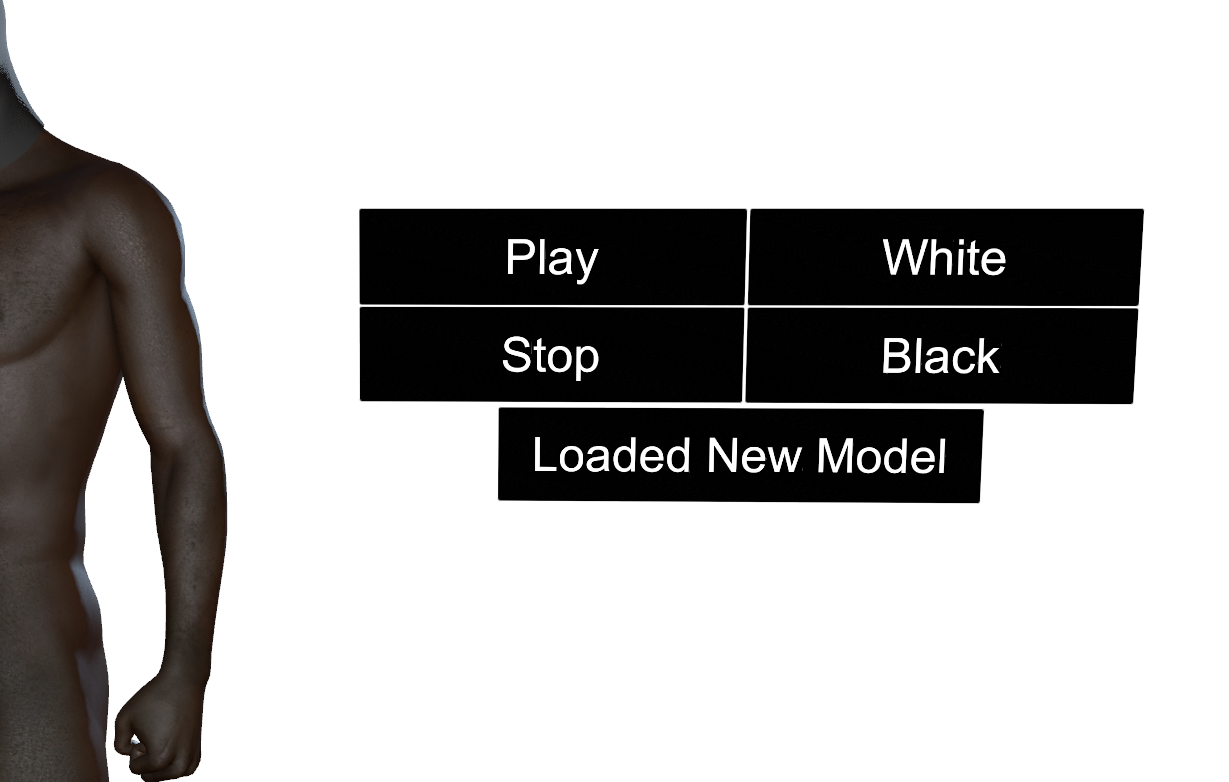


Do anyone know any solution or what's causing this ?
Are there like, 2 types of how to make scene works ? Am I missing any plugins/assets that causes this issue ?
p/s :
- I'm also experiencing UI menu locked from loading into some scenes, I searched for this issue, as they said that PostMagic something is causing it, so getting rid of it could help, BUT I'm clueless of how to turn off/kill it... can anyone help me with this?
- Is there anyway to auto-allow load plugins ? I tried to find this option in user preferences but I didn't see it...
thank you for your time.
as for normally it should be like this showed from author's review
for other scenes that I load, they're all fine with all the buttons appear tho, but the example scene I show above, its button will be missing
Do anyone know any solution or what's causing this ?
Are there like, 2 types of how to make scene works ? Am I missing any plugins/assets that causes this issue ?
p/s :
- I'm also experiencing UI menu locked from loading into some scenes, I searched for this issue, as they said that PostMagic something is causing it, so getting rid of it could help, BUT I'm clueless of how to turn off/kill it... can anyone help me with this?
- Is there anyway to auto-allow load plugins ? I tried to find this option in user preferences but I didn't see it...
thank you for your time.


