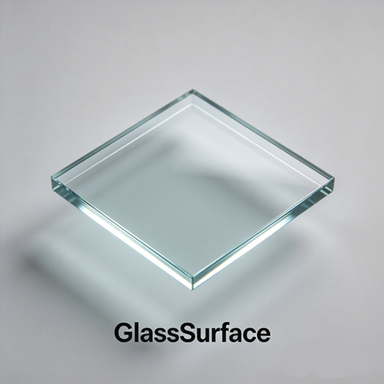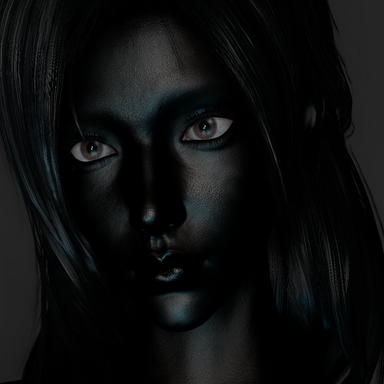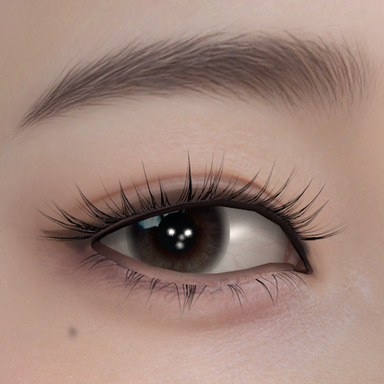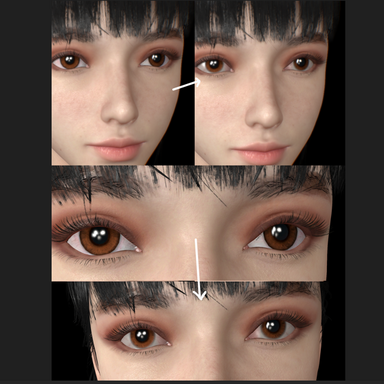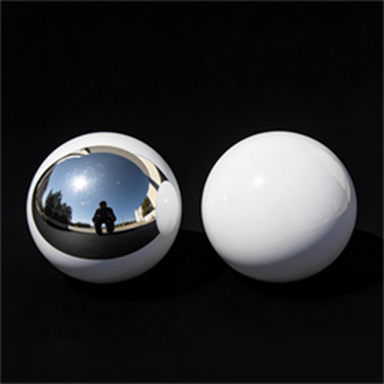


CUA Asset Probe Controller Plugin provides the ability to forcibly enable or disable probe support. It is an essential plugin for the GlassSurface Shader. This is because the GlassSurface Shader simulates smooth environmental reflections on glass surfaces through controlled false environmental reflections. If your scene contains other custom probes, double-stacking of environmental reflection effects will occur. Typically, when you use a high-density, high-brightness Cubemap, any material with the Reflection option enabled by default (such as Unity's Standard Roughness material) will also become bright and reflective. In this case, you can load this plugin on the asset to disable the Reflection property (i.e., the probe effect).
Simply put, when you use a high-brightness CUA Cubemap Reflection Probe in your scene, all assets with Reflection enabled will be forced to appear bright. This no longer aligns with normal human intuition — the logical expectation that "without light, the world should be completely dark." This plugin provides a remediation solution for VAM's CUA models, allowing individual or batch forcing of the Reflection Probe effect on or off.
This plugin has been released before. It was temporarily removed from the community for fixes due to a misunderstanding caused by code issues (later verified to be caused by another plugin). In fact, the plugin has always worked reliably and normally.