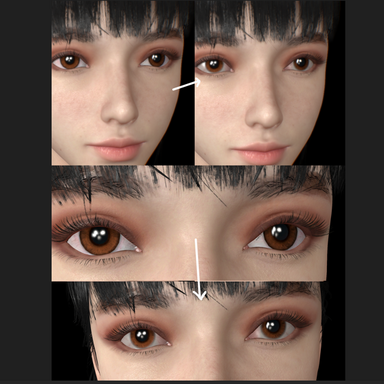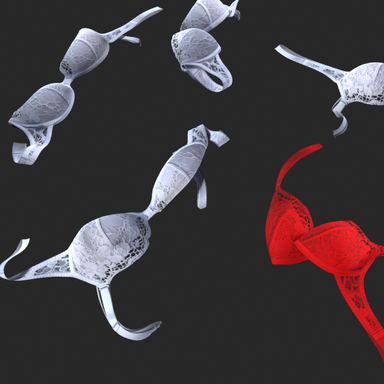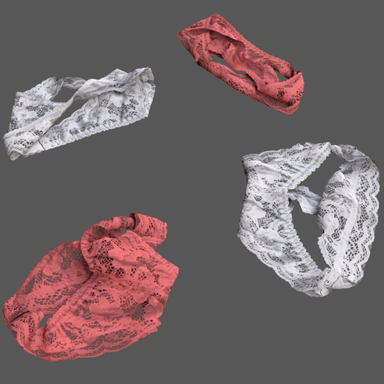


"CUA Memory Hammer" extracted from the Scale module in the ColorScale code architecture.
The plugin provides the following features:
1 Minimalist CUA Scale XYZ adjustment and an improved scene state preservation mechanism.
2 Atom Scale Clipboard for Scale value transfer and reset functionality.It was developed primarily to reduce unnecessary repetitive development efforts, supplement and refine existing features, and prevent the issue of ColorScale value stacking when used according to standardized operational guidelines. Its purpose is to serve as an essential tool for scene designers and to help other developers avoid repeatedly embedding these foundational functionalities into new plugins.
If you have valuable features that you would like to incorporate personally, feel free to modify and release updates under your own name based on the existing framework (by adding an iteration number to the plugin name, e.g., CUA Hammer2). However, please keep in mind that the purpose of this plugin is to reduce redundant development and avoid potential conflicts related to scene state inheritance. Therefore, it is strongly advised against augmenting functionality beyond modifications at the Transform level, especially in high-conflict areas such as instantiating Renderers or materials.


The plugin provides the following features:
1 Minimalist CUA Scale XYZ adjustment and an improved scene state preservation mechanism.
2 Atom Scale Clipboard for Scale value transfer and reset functionality.It was developed primarily to reduce unnecessary repetitive development efforts, supplement and refine existing features, and prevent the issue of ColorScale value stacking when used according to standardized operational guidelines. Its purpose is to serve as an essential tool for scene designers and to help other developers avoid repeatedly embedding these foundational functionalities into new plugins.
If you have valuable features that you would like to incorporate personally, feel free to modify and release updates under your own name based on the existing framework (by adding an iteration number to the plugin name, e.g., CUA Hammer2). However, please keep in mind that the purpose of this plugin is to reduce redundant development and avoid potential conflicts related to scene state inheritance. Therefore, it is strongly advised against augmenting functionality beyond modifications at the Transform level, especially in high-conflict areas such as instantiating Renderers or materials.