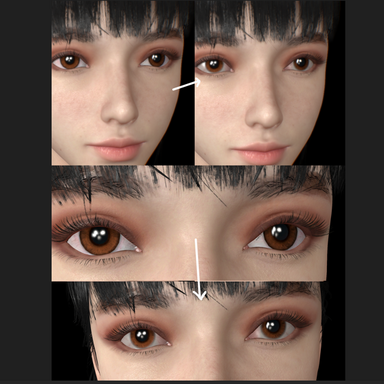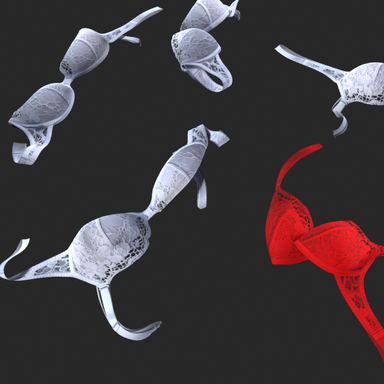



I am aware that several multifunctional plugins may include this commonly used feature, but I developed it to free myself from repetitive work for such a simple functional need in the future, and I have minimized the risk of plugin conflicts as much as possible.


Working Principle:
The plugin does not rely on a registered callback mechanism. When your asset loads ShadowCastDisabler, each time it detects that the asset loading is complete, it provides ample buffer time for the asset to complete initialization, callbacks, instance copying, and other operations for various plugins. Once the time is up, it immediately checks, makes a judgment, and applies or stops the effect. It is not a persistent guardian—it does not constantly monitor, nor does it care which plugin ultimately prevails after the initialization contest among the many plugins in your asset. It simply executes on time, completes its task, and steps back. Even if other plugins later modify the Renderer properties, it will have no effect. It will only act as the autonomous shadow disabler for the asset again when you manually "Reload" it or the next time you open the scene.
Please don’t find it verbose—at the very least, you’ll know immediately upon opening the scene whenever an asset is using it.
Working Principle:
The plugin does not rely on a registered callback mechanism. When your asset loads ShadowCastDisabler, each time it detects that the asset loading is complete, it provides ample buffer time for the asset to complete initialization, callbacks, instance copying, and other operations for various plugins. Once the time is up, it immediately checks, makes a judgment, and applies or stops the effect. It is not a persistent guardian—it does not constantly monitor, nor does it care which plugin ultimately prevails after the initialization contest among the many plugins in your asset. It simply executes on time, completes its task, and steps back. Even if other plugins later modify the Renderer properties, it will have no effect. It will only act as the autonomous shadow disabler for the asset again when you manually "Reload" it or the next time you open the scene.
Please don’t find it verbose—at the very least, you’ll know immediately upon opening the scene whenever an asset is using it.