

vr mod
Korean Studio
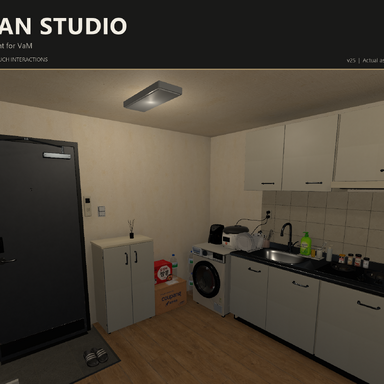
An Interactive Studio Apartment for VaM
Korean Studio brings a Korean-style studio apartment to life with adjustable lighting, functional doors and storage, interactive appliances, water effects, and touch controls.Configure the environment through the plugin UI, or operate switches, handles, and buttons using character colliders and supported VR hands.
Features
- Room controls: Move, rotate, and scale the environment; enable or disable environment colliders.
- Individual lighting controls: Adjust time of day, intensity, range, color, light type, and shadows.
- Doors and storage: Operate entrance and bathroom doors, windows, cabinets, appliances, and all three living-box tiers.
- Water effects: Sink and basin faucets, shower streams, impact splashes, adjustable water levels, and a visual toilet flush.
- Gas cooktop: Independent burner strength with matching knob movement.
- Touch interactions: Operate supported switches, handles, and buttons through contact.
- VR support: Assets and effects built with XR single-pass rendering in mind.
Installation
- Add an Empty Atom to your scene.
- Open the Atom’s Plugins tab and load:
Custom/Scripts/bqbq/KoreanStudio_v25/EnvironmentController.cslist - Wait for the environment asset to load automatically.
Room — Environment and General Settings
Use the host Atom’s gizmo to move and rotate the environment. Its origin is positioned near the center between the kitchen and living area.SettingDescriptionRoom scaleAdjusts the overall environment sizeEnvironment collidersEnables or disables environment collidersTouch interactionsEnables general touch interactions; OFF by defaultToilet lid touchIndependently enables toilet lid touch; OFF by defaultClose all doorsCloses supported doors, cabinets, and appliance openings
Close all doors includes the entrance and bathroom doors, cabinet and appliance doors, rice cooker lid, air fryer drawer, and all three living-box tiers.
It does not affect windows, blinds, the toilet lid or seat, water settings, or burner settings.
Lighting — Individual Light Controls
Each light can be configured independently:- ON/OFF
- Intensity, range, and color
- Point / Spot / Directional type
- Auto / ForcePixel / ForceVertex render mode
- Shadow generation ON/OFF
- Shadow bias and shadow strength
- Spot angle when using Spot lights
Use the time-of-day selector to change the atmosphere. A dedicated lighting reset restores the lighting settings.
Openings — Doors, Windows, Blinds, and Toilet
The entrance and bathroom doors have Open / Close buttons for smooth animated operation. Their handles turn during movement and return to their resting position when the animation finishes.Windows, blinds, the toilet lid, and the toilet seat have individual controls. The toilet lid and seat can open up to 93 degrees.
Storage — Cabinets and Appliances
Control the refrigerator, microwave, washing machine, and supported cabinet doors. The rice cooker lid and air fryer drawer are also available in this tab.Living Box
The living-box tiers are numbered from bottom to top: 1, 2, and 3.Each tier has a slider and Open / Close buttons. Its acrylic front panel folds outward and downward around the lower hinge, while the shelves and contents remain stationary.
With general touch interactions enabled, touch a tier’s handle to open or close it. All three tiers are included in Close all doors.
Cooking — Gas Cooktop
Adjust the left and right burners independently. Flame strength and knob rotation respond to the selected heat setting.This is a visual effect, not a temperature or food-cooking simulation.
Water / Shower — Faucets and Shower Effects
Control the kitchen sink and bathroom basin faucets, water levels, and the visual toilet flush. Faucet handles move with their corresponding water ON/OFF state.Move and rotate the shower head using its dedicated controller gizmo. Streams, droplets, and impact splashes provide the appearance of flowing water.
Water and flushing effects are visual effects rather than a real-time fluid simulation.
Using Touch Interactions
Enable both Environment colliders and Touch interactions in the Room tab.Touch targetActionLiving room, kitchen, and bathroom switchesToggle the corresponding lightEntrance and bathroom door handlesOpen or close the doorSupported cabinet and appliance handlesOpen or close the corresponding partLiving-box handlesOpen or close the corresponding tierSink and basin faucet leversToggle water ON/OFFGas cooktop knobsToggle between 65% heat and OFFWindow handlesOpen or close the corresponding windowHandle at the end of the blind cordRaise or lower the blindToilet flush buttonPlay the visual flushRice cooker’s front opening buttonOpen or close the lidAir fryer handlePull out or close the drawer
Holding contact does not repeatedly activate a control. To activate it again, move away for at least 0.3 seconds, then touch it again.
Contacts already present when the feature is enabled are ignored. Additional touches during opening or closing animations are also ignored.
Independent Toilet Lid Touch
Toilet lid touch operates separately from general Touch interactions.- It can remain enabled while general touch interactions are disabled.
- Environment colliders must be enabled.
- Touch the upper lid to open it; touch it again to close it.
- If the seat is raised when closing the lid, the seat lowers with it.
- The seat itself is not a separate touch target.
Scene Saving and External Control
Plugin settings and opening values support scene saving and restoration. Exposed control entries can be connected to VaM triggers and other external controls.For smooth door movement, use the provided Open / Close actions. Direct changes through sliders or external controls take priority over the corresponding animation in progress.
Performance Tips
- Turn off lights and water effects you are not using.
- Multiple shadow-casting lights increase rendering cost.
- Be especially mindful of the number of Point lights casting shadows.
- Disable touch features when they are not needed.
- Overlapping transparent materials and water effects can increase VR rendering load.
Frequently Asked Questions
Touch interactions are not responding.
Check Environment colliders and the relevant touch toggle. Move your hand completely away, then touch the target again.The plugin detects character colliders and supported VaM VR hands. It does not support every external prop or every third-party VR hand collider setup.
Close all doors does not close the windows or toilet lid.
This is intentional. The button closes supported doors, cabinets, appliances, and living-box tiers. Use the individual controls for windows, blinds, the toilet lid, and the seat.Shadows look rough, or lighting reduces performance.
Reduce the number of active shadow-casting lights and adjust each light’s shadow bias and shadow strength. Excessively high bias can make shadows appear detached from objects.Where should I touch the rice cooker?
Touch the front opening button, not the top of the lid.v25 Validation Notes
Compilation against VaM assemblies, opening-animation interpolation tests, and Unity render checks have been completed.The new v25 toilet lid touch feature still requires in-headset VR validation. Measured performance testing has not yet been completed.
*Below are the original authors of the dependencies used and links to their respective pages.
Dish Rack with Dishes
authorship : HippoStance
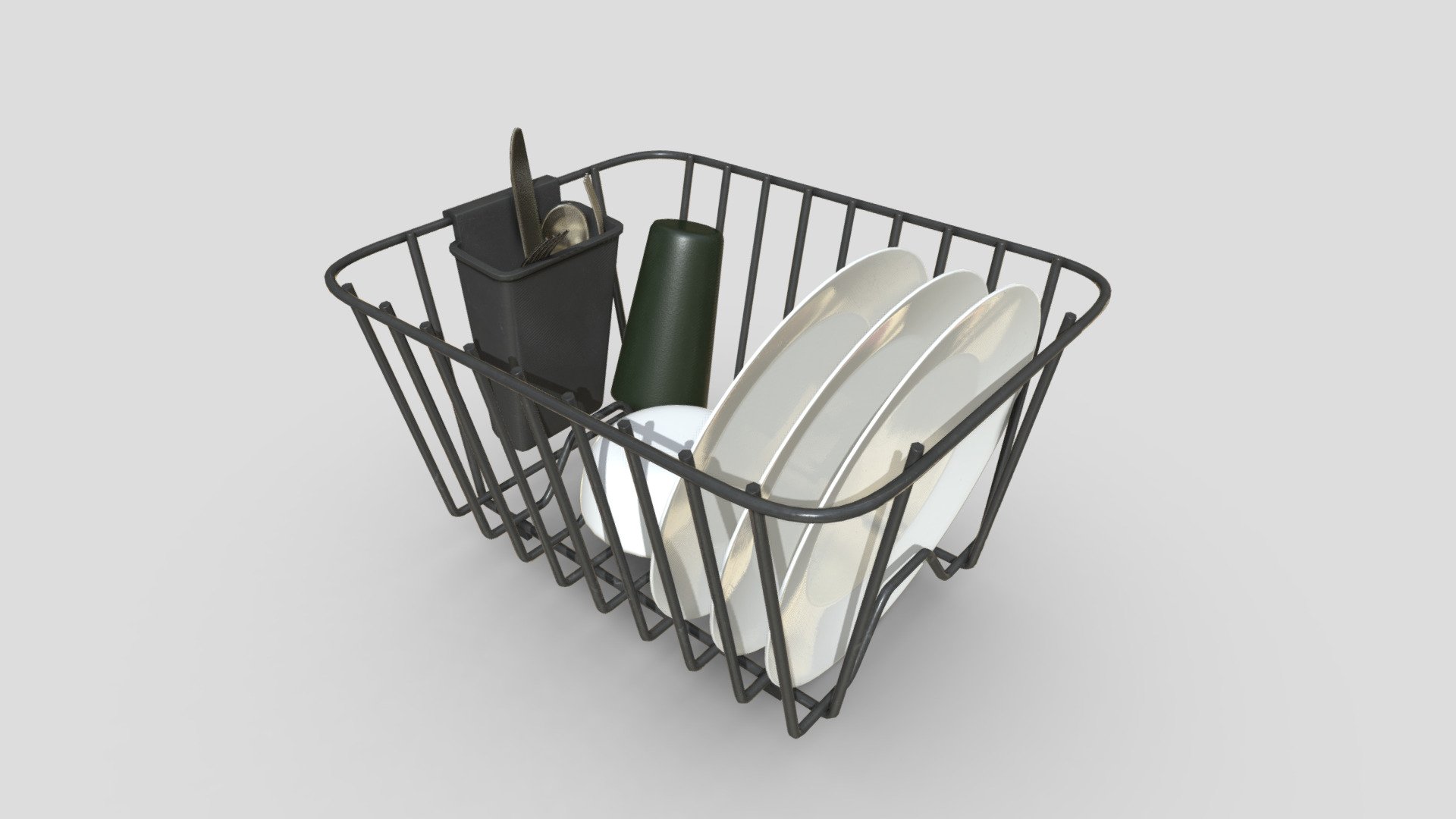
Dish Rack with Dishes - Download Free 3D model by HippoStance
Plastic dish rack and utensil holder with dinner plate, bowl, plastic cup, metal fork / knife / spoon. Designed to fit with Kitchen Sink model. Faces: 3,450 Quad-Only: No LOD Groups: None Overlapping UV: No Lightmap UV: No Material Count: 1 Texture Resolution: 2048x2048x8 PNG (16bit...
 skfb.ly
Wooden tv Unit/tv
authorship : XaaH
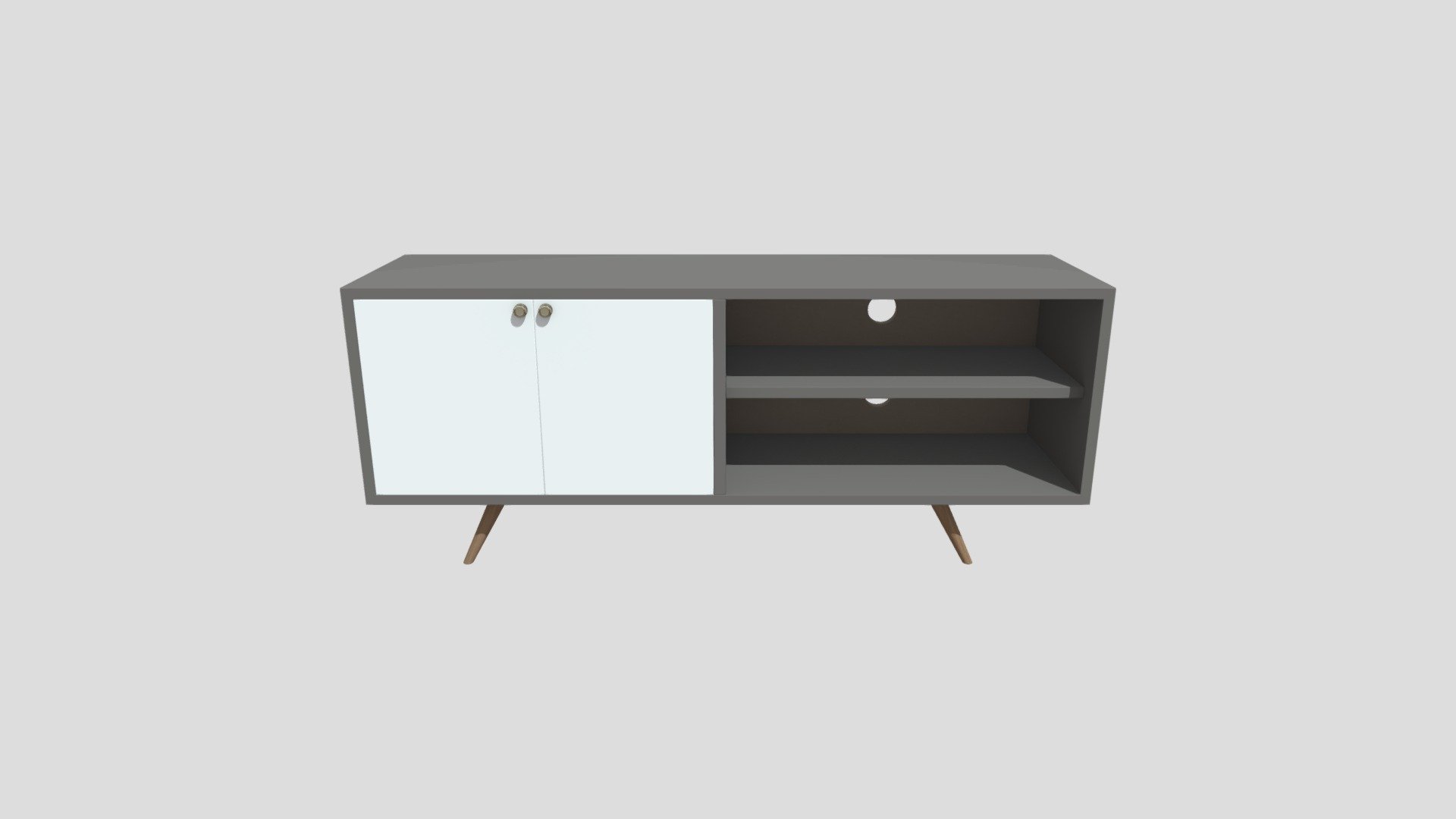
Wooden tv Unit/tv - Download Free 3D model by XaaH
Wooden tv Unit/tv Stand/tv Console Table Storage/tv Table for Home Living Room/tv Cabinet for Living Room - Wooden tv Unit/tv - Download Free 3D model by XaaH
skfb.ly
Toilet Paper Roll Holder With Cover
authorship : Helindu
Samsung LED TV
authorship : vnbuimanh
Air conditioning
authorship : Speed
Air Fryer
authorship : Tun.Htet.Paing



![[plugin asset] curtain controller](https://1424104733.rsc.cdn77.org/data/resource_icons/70/70440.jpg?1792808776)