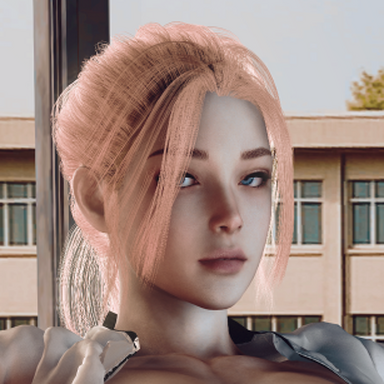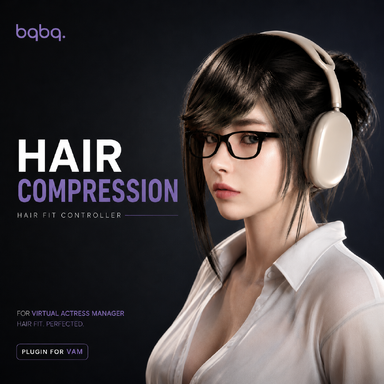



This plugin is designed to adjust the shape of hair when wearing hats, headsets, or similar accessories.
Using colliders, you can press the hair down or make it conform more closely to a surface. This makes it possible to reshape the hair so that it fits more naturally under a hat or around a headset. It can also be used for general hair styling, such as reducing or adding volume to specific areas.
The Bind feature is intended for tying or guiding selected sections of hair, although it is still somewhat experimental and has some limitations.
With Bind, you can take a Snapshot of the hair particles that are touching the collider. Once a Snapshot is created, those hair particles can be guided by the Bind Gizmo.
When Tension Mode is enabled, the hair follows the Gizmo while you are grabbing and moving it. After you release the Gizmo, the Gizmo will instead follow the movement of the hair particles stored in the Snapshot.
Hair that has been edited and added to the Affected Hair list can be unequipped without losing its saved settings. The information is also preserved after saving and reloading the scene.
When you equip that hair again, press Refresh Hair to reconnect it with the saved settings and restore the previously applied effects.
Quick Guide
- Press Refresh Hair to load the hair currently being worn.
- Add the hair you want to edit to the Affected Hair list.
- Position the colliders to press the hair down or make it conform to a surface.
- If needed, use Bind to take a Snapshot of part of the hair and adjust its position with the Gizmo.
- With Tension Mode enabled, the hair follows the Gizmo while you move it. After releasing it, the Gizmo follows the movement of the Snapshot hair.
- If the hair is unequipped or the scene is reloaded, equip the hair again and press Refresh Hair to reconnect it with the saved settings.
The code related to splitting features into group tabs was referenced from moyashi post-processing plugin.
https://hub.virtamate.com/threads/post-processing.42942/