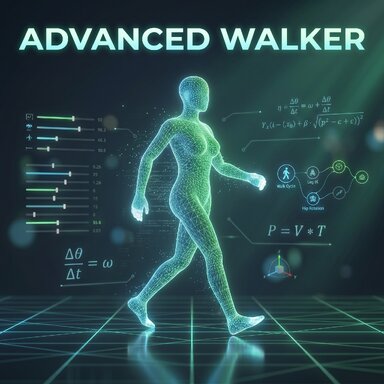


Advanced Walker (Free Demo) - Procedural Locomotion Engine
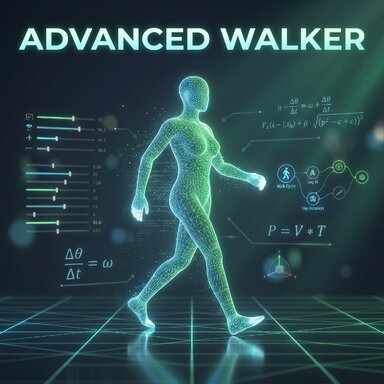
Description:Advanced Walker is a fully procedural locomotion engine for Virt-a-Mate. It takes your character's current pose and brings it to life with fluid, real-time calculated walking mechanics using precise controller manipulation.
This is the Free Demo Version, allowing you to test the core movement engine and drive your character live through the scene.
 Key Features (Free Version):
- Individual Customization: Tailor the walk style exactly to your liking. Every body part – arms, legs, hips, and chest – can be individually adjusted via dedicated sliders.
- Manual Drive: Take control! Steer your character live using your keyboard's Arrow Keys, or enable the "Walk in Circle" mode.
- Dynamic Camera: Integrated camera-follow options (Front, Back, Left, Right) to perfectly keep your walking character in view.
 How to use:
- Add the AdvancedWalker.cs plugin to your Person atom.
- Pose your character exactly how you want them to start (or load a pose preset).
- Click "Set Current Pose as Start Base" to anchor this starting posture.
- Check "Walking Active (Ready)".
- Use the Up/Down/Left/Right Arrow Keys to walk around the scene!
- Need to reset? Click "RESET to Start" to instantly snap the character back to their exact starting position and orientation.
 Upgrade to the FULL VERSION: This free version is a fully functional demo of the movement engine, but it does not save your configurations within your scene files (it reverts to default settings upon reloading). To unlock the ultimate system, get the Full Version [Insert Link Here]. It additionally features:
- Preset Management: Save and load your own custom walking styles (Gaits).
- A Pathfinding & Room Scanning:* Automatic obstacle detection and avoidance.
- Auto-Walk to Target: Let your character autonomously walk to any specific atom.
- AI Brain Integration: Send "Target Reached" events directly to AI modules.
- Asymmetrical Controls: Separate settings for left and right arm swings.
- Persistent Saving: All settings are permanently saved within your VaM scenes.
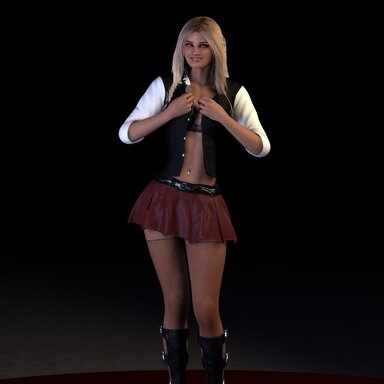
A ready-to-use demo scene is available for download on the VaM Hub.
If you like this plugin, please leave a review!