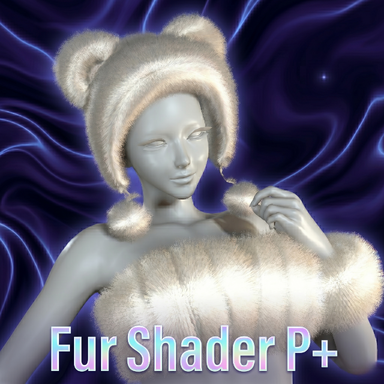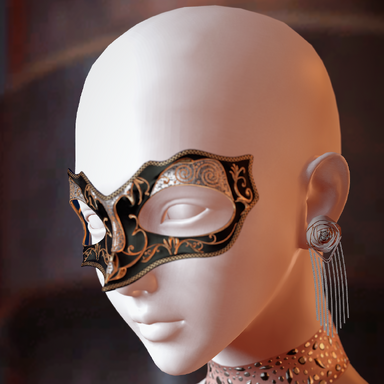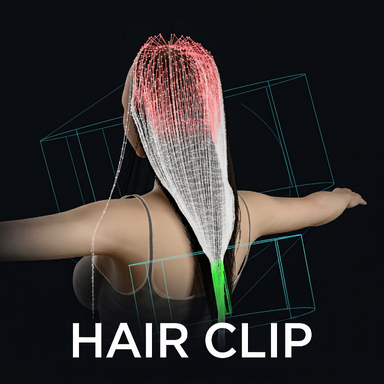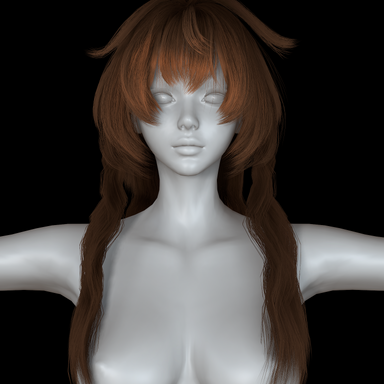


Ships with 150+ ready-to-use presets (Thin Film series, Glossy Colors, Horizontal Gradients).
How to use
- Add HairColorProvider.cslist to your Person.
- Open the plugin and select the hair you want to edit.
- Tune the effect, then save.
Recommended workflow
Use Plugin Injector to add a plugin slot to the hair, then mount the plugin on the hair. See the Hair Plugins thread for background.
This way the effect preset loads and ships together with the hair, so you do not have to load the plugin manually every time.
Tabs overview
The plugin UI has 8 tabs: pick hair and presets in Hair, build the color in Color, span it across the whole head in Gradient, layer glow / halo / animation in FX, react to music in Audio, tune the material in Shader, add a rainbow sheen in Iridescence, and blend back to the original in Mask.
Hair tab
- Color Presets: Load / Save / Quick Color Preset (click Load Lists first to populate).
- Mapping: load / save per-hair preset mappings (hair name to preset), Quick Mapping, Apply All.
- Hair List: Refresh, Select All, Deselect All, Invert; one row per hair with its own Edit Mode and Preset.
- Show Tooltips: inline help on every control.
Color tab
- Color Mode: RootTip / List / Texture.
- HSBC (on top of every mode): Hue Shift, Saturation, Brightness, Contrast.
- RootTip: Root Color, Tip Color, Color Rolloff.
- List: interactive multi-stop gradient editor, Samples (2-64), Load Image as Gradient.
- Texture: load a PNG/JPG as the color map.
- Color Tiling: repeat / offset the gradient along and across strands.
Gradient tab
- Enable Unified Gradient: one gradient spanning the whole head, plus Use Unified Mapping for Texture.
- Reference Space: Head Local / Hair Local.
- Mapping: Linear (axis) or Radial (concentric, for halo / energy-ball looks).
- Axis X/Y/Z, Rotation, Offset, Flip.
FX tab
- Glow: Static + Motion HDR glow, color mode (Keep / Solid / Rainbow), position space (World-Y / Per-Strand), width, motion threshold / sensitivity / fade / boost.
- Angel Halo Ring: intensity, height, thickness, color, spin, jag, flicker; computed in head-local space so it follows head tilt.
- Animation: Animation Speed and Hue Cycle Speed.
- Dynamic Glow Mask: two scrolling grayscale masks (Multiply / Max / Screen / Add / Difference) gating the glow.
- Performance: GPU compute by default with automatic CPU fallback; Force CPU and Benchmark; live ms / FPS / path readout.
Audio tab
- Source: Audio Band (Overall / Bass / Mid / Treble), Gain, Smoothing.
- Audio Drives: Audio Glow, Audio to Hue, Spectral Color, Beat Glow.
- Hair Equalizer: turn the hair into a spectrum (8/16/32 columns), color mode, freq range, lin/log curve.
- Rhythm: Beat Source (Onset / BPM Auto / BPM Manual), Manual BPM, Emotion Glow.
Shader tab
- Direct access to the hair material: Primary / Secondary Specular, Specular Shift, Diffuse, Fresnel Power / Attenuation, IBL Factor, Random Color Power / Offset, Specular Intensity (HDR), Specular Color.
- Specular Enhance: Sharpen and Brightness (HDR).
- Reset to Original restores the asset values.
Iridescence tab
- Thin-film rainbow sheen over the specular highlight (oil-on-water / mother-of-pearl); leaves the diffuse color untouched.
- Color Frequency, Color Phase, Color Strength, Color Tint, Peak View Angle, Fringe Width, Min Visibility, Intensity.
Mask tab
- Blend the plugin color against the original hair color.
- Mask Mode: None / Slider (root-tip ramp) / Texture (grayscale map).
- Root / Tip Blend, Sharpness, Tiling / Offset, Load Mask Texture.
Credits