Ok, so I've made some progress on this.
Go to the cloths you've modified through the Clothing Creator in the above post and then:
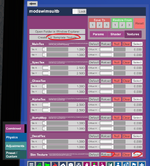
1/ Go to the color params page for your clothes (it is named something different with each type of clothes... in the screenshot below, it is "Combined").
2/ Go to the Textures tab
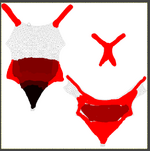
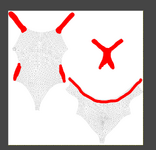
3/ Create a UV map
4/ Edit the png UV map with varying shades of red (from RGB 255,0,0 to black 0,0,0) to define where the sim of your clothing sim applies: red is sim, black is non-sim (clothes are painted on) and in between is weighted sim
5/ Paint the crotch area black so that this area is sim controlled
6/ Paint everything else that you want to remain tight with the body in full red or shades in between for a variation in control
7/ Save your modified PNG and select it / reload it in the Textures tab at the bottom
8/ Enjoy!
I should also mention you should play with the collider strength under the Physics page and set the stiffness to be low ... all physics/sim stuff for the clothes is now limited to the non-red areas so that only these areas can bulge. With super unstiff settings, the clothes will stretch a lot.
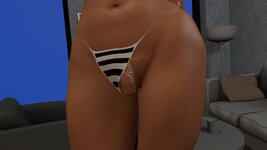
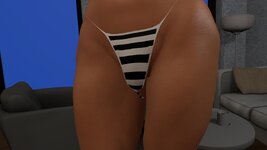
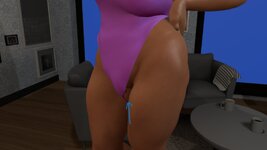
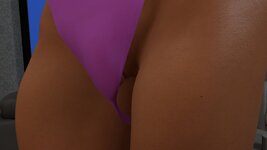
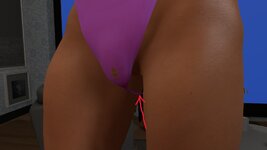
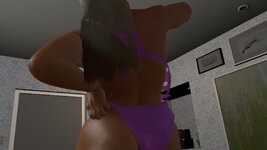
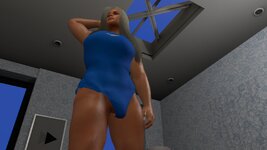
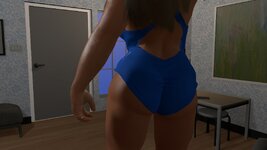
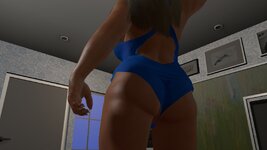
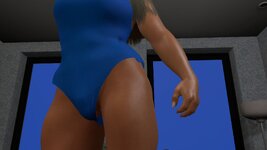
The screen shots show the initial go on a swimsuit with red applied primarily to the top of the swimsuit followed by applying more to the lower half of the suit. You can see that you can be rough with the painting of the UV map and you can still get a great result.
You can get your guy or girl to sport a pretty massive boner under your clothes now!