

and it can be for cheap
What is a macro keypad anyway?
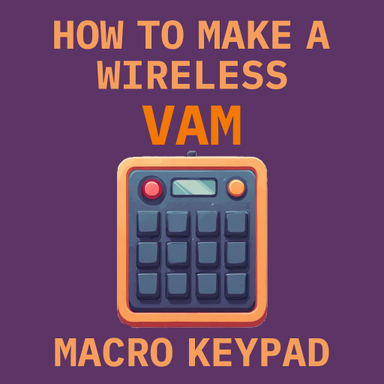
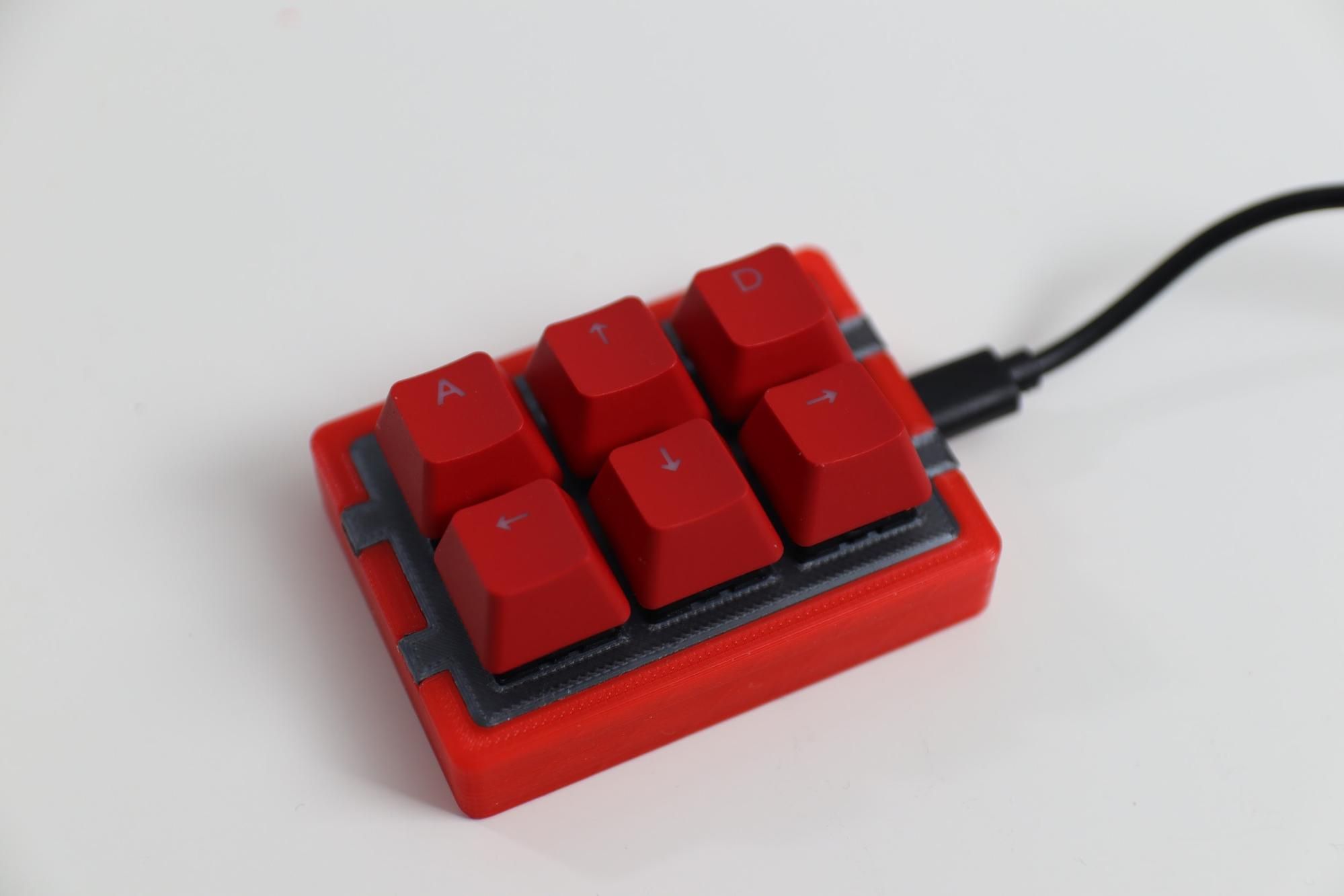
A macro keypad is something like this:
Often is a custom micro keyboard with only a few keys, some might have knobs, a screen, can be something you buy or you do it yourself.
I like the DIY kind, I have one similar to that in the picture. It's a nice medium difficulty project to do with microcontrollers like a ESP32 or a RPI Pico, you make it just like you want it to be.
What can a macro keypad do?
A macro keypad comes with a set of configurable buttons. You define what the buttons can do.
e.g.: a button can act as a copy/paste shortcut instead of doing Ctrl+C/V, open a web browser, run a terminal command, and more.
And for VAM?
In VAM, you can set keybindings for a global use with the session plugin Keybindings, and for a scene-specific use with the plugin Simple Keybind.
If you're on desktop mode, you have a keyboard in front of you already, but key combinations can be a pain to do or remember. A macro keypad can simplify that for shortcuts you often use.
In VR there's no keyboard around, and you probably don't want to try to use that massive slab with dozens of keys and try to guess where are the keys you need to press.
 However, a small keyboard with just a handful of keys is easy to touch-feel the correct key, making this an interesting alternative to a VR controller when you need to press a UI button for a certain action,
Using a macro keyboard when playing VAM in VR
I only play VAM in VR, currently using a lot of passthrough and the ocasional bigger accessory. I'm often looking for immersion experience improvements, and one thing that breaks it, especially at some crucial moments, is having to grab my controller, find the UI, aim well to trigger the right button, sometimes being at an awkward angle from my position, to finally trigger what I want. Uffff...
Speech recognition could be an option, but it's a chore to get it right, to configure to scenes, to work consistently, and I would feel a little silly doing this too
 .
.This is where a macro keypad comes into play. It's reliable, it's small enough to put somewhere out of the way but within reach, and pressing a button doesn't "take you out" of what's happening compared to finding the UI, aim and hit the button.
A commercial product, DIY, or a mix?
Commercial product:
Honestly, I think the commercial offers are often excessively priced, tied with online services or subscriptions, and other aspects I'm not a fan. Buying a wired keyboard with 6 keys for 50€ when regular keyboards can be bought for 15€, feels too much.
DIY:
I do like the DIY option because you are free to make it as good as you can, and it's a fun learning project. However, it does require time to learn about all the steps, buy the parts (which can also get quite expensive), fuck up a bit, and be very interested in doing all this in the first place. As I mentioned, I have a USB connected macro keypad similar to the one in the picture on top. You can find tons of guides to make these kinds of DIY keypads, here's one I followed if you're interested in going with one of these:
How to Build a Raspberry Pi Pico-Powered Stream Deck Keypad
Control OBS or run macros with your own custom USB keypad.
A mix:
What if you could combine the best aspects of a cheap commercial product with some DIY?
This is now my prefered method, as it's very flexible and possibly the cheapest option too.
How to make a wireless VAM macro keypad?
About f***** time the instructions, right?
You need:
- A cheap wireless radio/bluetooth keypad
You can also use any regular sized keyboard or smaller versions, wireless or corded. I liked this keypad for these reasons:
- slim and compact
- has more keys than I need but not too many, I can still find them easily by touch alone
- it is sturdy
- battery-powered with several meters range
- it was an amazing 10€ only for something wireless
- A microcontroller like a Adafruit Feather RP2040 or a RaspberryPi Pico
The Pico only has one USB port, so I had to solder a cut USB cable to its GPIO to add a second USB port. The Feather already has 2 USB ports, so no soldering needed, is ready to go.
- The magical open-source software HID Remapper
HID Remapper also stores what device is plugged in and gives the individual mapping for the device, or devices if you use a USB hub. You can do multiple profiles per device, for example, one is set for VAM and another for Photoshop stuff, all with the same device.
HID Remapper website
Result:
- 10€ for the wireless keypad
- I already had a Pico around, but new would be 5€
- Everyone has tons of USB cables at home, so 0€
Some examples of keybinds for scene triggers I often use while playing
- Trigger the "cum" animation
- Reset/play the scene (mocap scenes)
- Calibrate Naturalis
- Load a random appearance preset
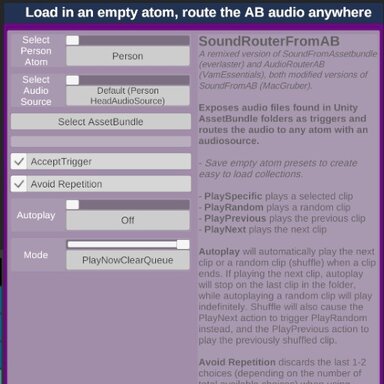
- Play the next music of an audiobundle

Need a way to set macro keybinds in a scene?
Macro Keybindings scene trigger connector - Toolkits + Templates -
What is this? This is a scene to merge-load into other scenes, so that when configured, it connects triggers in a scene UI to physical buttons in a macro keypad. Personal interest is for immersion when playing in VR My interest in macro...
 hub.virtamate.com
I hope this is useful to someone. Feel free to discuss about macro keypad uses in the Discussion area.
Enjoy.