

 **Global Light Color & Master Lighting Controller**
Tired of opening every single light atom one by one to change colors, brightness, or scene mood?
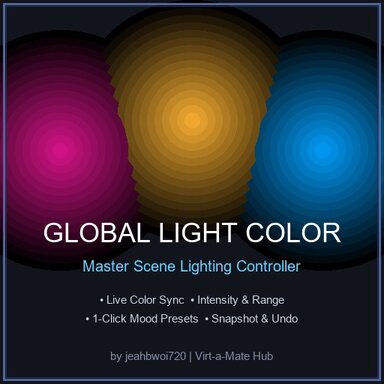
**Global Light Color** gives you total master control over all lights in your scene with instant real-time live synchronization!
---
###
 Key Features:
*
 **Master Color Picker**: Change all scene lights at once with real-time live color updates.
*
 **1-Click Lighting Presets**:
*
 **Warm Sunlight** (2700K Warm Tungsten)
*
 **Pure Studio White** (5500K Neutral White)
*
 **Cool Blue Daylight** (6500K)
*
 **Cyberpunk Neon Magenta**
*
 **Crimson Red**
*
 **Synthwave Deep Blue**
*
 **Sunset Amber**
*
 **Master Intensity & Range Controls**: Instantly balance brightness and reach across the entire environment.
*
 **Global Shadow Strength**: Fine-tune shadow sharpness and depth across all active lights.
*
 **Snapshot & 1-Click Undo**: Automatically saves original lighting on load; restore scene default lights anytime with 1 click.
*
 **Smart Filters**: Toggle control for Standard Lights, Invisible Lights, or custom rigs.
---
###
 How to Use:
1. **As a Session Plugin** *(Recommended)*:
* Go to **Main Menu** $\rightarrow$ **Session Plugins** $\rightarrow$ **Add Plugin**.
* Select **`GlobalLightColor.cslist`**.
2. **On Any Atom**:
* Add to any Atom via the **Plugins** tab $\rightarrow$ **Add Plugin**.
3. Open the plugin UI, pick your color, adjust brightness, or click any mood preset!