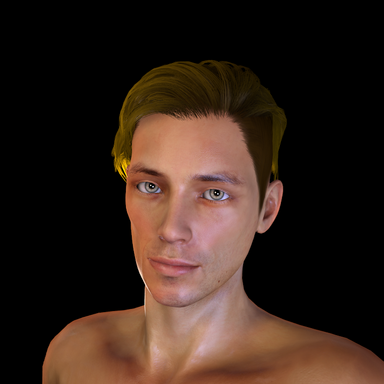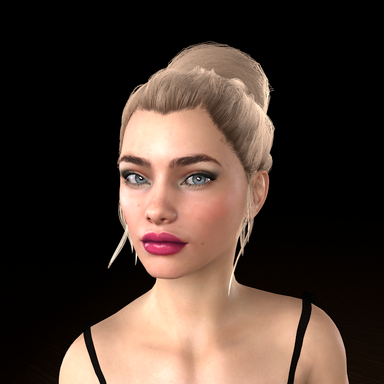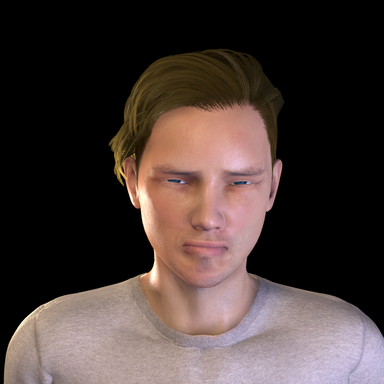

ExpressionStack puts expressions on a Person that you fire from a trigger. You build named states like Happy, Smug or Stressed, and then a UI button, a Timeline clip or any other VaM trigger can call them by name. Once a state starts it keeps varying on its own, so the face doesn't freeze between cues.
This is a beta. Free, CC BY, no dependencies.
Walkthrough video:
WHAT IT DOES
• Up to 6 named states per template. Each has 3 intensity levels, and each level has 3 variations.
• Level 1 is the resting expression. It cycles through its variations at random until something else fires.
• Levels 2 and 3 are pushes. They play for their hold time, then blend back to Level 1.
• Each state adds its own trigger actions: Set State: <name>, Push: <name> 2, Push: <name> 3, plus Set State: None.
• Blends go from pose to pose without snapping through neutral. Hold and blend times are set per level.
• The scene saves its own copy of the states. Templates are CSV files you can reuse on other scenes or edit in Excel.
BE AWARE
• It ships empty. You build the faces, and the steps below show how.
• It works on Person atoms only. It turns off Auto Expressions on that Person while it runs. Don't put it alongside another expression plugin on the same Person.
• Lip-sync kept working on a character running it. If your character talks, keep mouth and jaw morphs out of your states, because lip-sync drives those.
GETTING STARTED
1. Add the plugin. On a Person: Plugins > Add Plugin > Select File > ExpressionStack.cslist from the bdmulligan.ExpressionStack package. It starts with one empty state called Neutral.
2. Name your states. There's no rename button yet, so names come from a small text file. Paste this into Notepad, change the names (1 to 6, one per line), and save it as a .csv in Saves/PluginData/ExpressionStack/templates/
format,2
state
Happy
Stressed
state,level,slot,id,value
Keep the blank line and the last line. Then, in the plugin, click Refresh, pick your file under Template, and click Load. Do this before building, because Load replaces all the current states. (Just trying it out? Skip this step and build in Neutral.)
3. Build. In the right column, set Author State, Level 1 and Slot 1. Find a morph, set Value, and click Write to slot. Repeat for each morph. Fill Level 1 first, because a state with an empty Level 1 won't start.
4. Try it. In the left column, pick a State and Level and click Play.
5. Fire it. In any trigger, pick your Person, then the receiver plugin#N_BDMulligan.ExpressionStack, then Set State: Happy, Push: Happy 2, and so on.
6. Save the scene. It keeps its own copy of the states. Save template if you want to reuse them.
CREDIT
Inspired by VamTimbo's ExpressionRandomizer (CC BY). Timbo's credits, passed on: extraltodeus for the original plugin idea, Everlaster, AcidBubbles for UI inspiration, and Juno and Hazmhox for testing and ideas.
Found a bug, or a step that's hard to follow? Leave it in the discussion. Feedback is what this beta is for.