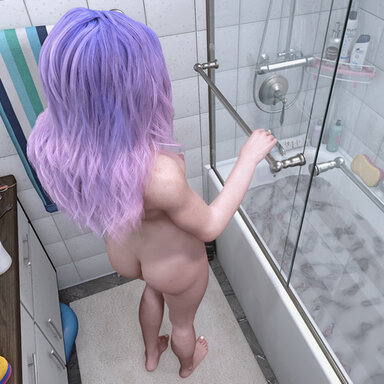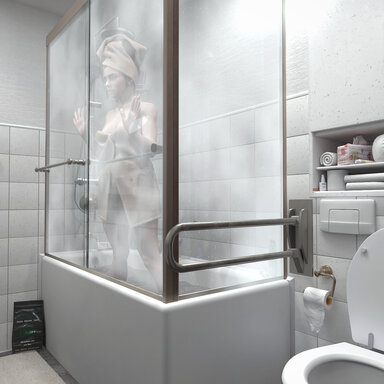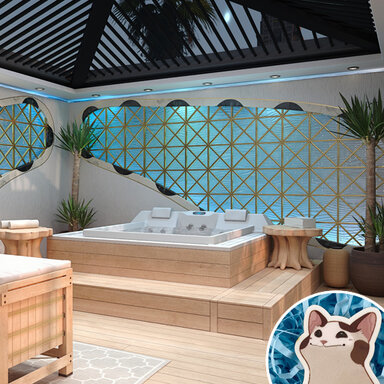


CUA Collision adds GPU-based collision between simulated VaM hair or clothing and the actual mesh of a Custom Unity Asset. Instead of approximating a complex object with capsules or spheres, the plugin uses the CUA’s readable MeshCollider geometry. This allows hair and clothing to interact with detailed surfaces such as furniture, beds, sofas, tables and other custom objects.
Features:
- Hair and clothing support
- Separate controls for Hair and Clothes
- GPU-accelerated collision processing
- Adjustable collision offset for hair and clothing
- Clothing Adhesion / Contact Hold control
- Automatic detection of active hair and clothing
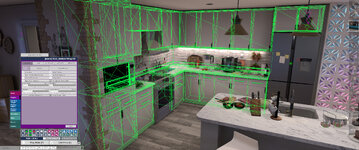
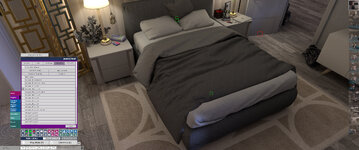
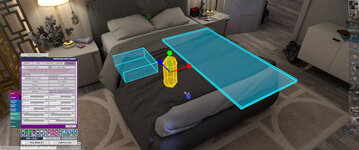
Installation and use:
- Place the VAR package in your AddonPackages folder.
- Select the CUA that should act as the collider.
- Add CUACollision.cs to the CUA’s Plugins tab.
- Enable collision for Hair, Clothes, or both.
- Adjust the offsets and quality settings if necessary.
- The CUA must contain a readable MeshCollider.
- Very large or extremely detailed collision meshes may be skipped by the safety limit.
- Performance depends on the number of mesh triangles and simulated hair or clothing particles.
- Clothing collision is generally more demanding than hair collision.
- Fast movement, very thin geometry or extreme simulation settings can still cause occasional penetration or jitter.
- This plugin works in addition to VaM’s normal simulation and does not replace the standard character colliders.
- UPDATE:
It is strongly recommended to use only one version of CUACollision in a scene. Before adding the latest version, disable or remove any older CUACollision plugin instances saved in the scene. Running multiple versions simultaneously may cause AssetBundle or shader conflicts and unpredictable collision behavior. Older VAR packages may remain installed if they are required by other scenes, but only one CUACollision version should be active in the current scene.
CustomLayoutUI v0.7 @14mhz - https://hub.virtamate.com/threads/customlayoutui.69010/
HAIR BY @s p l i n e VR - https://hub.virtamate.com/resources/hair-mega-pack-v2.43968/