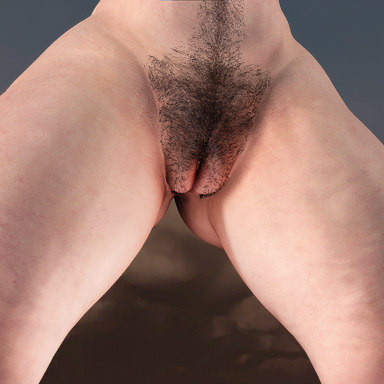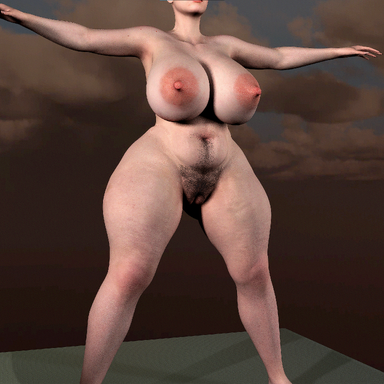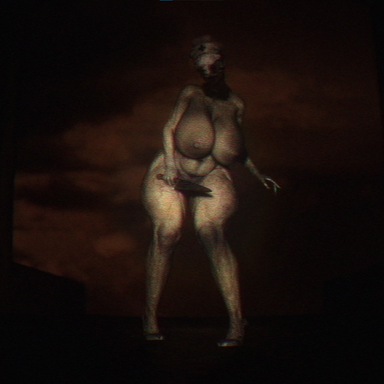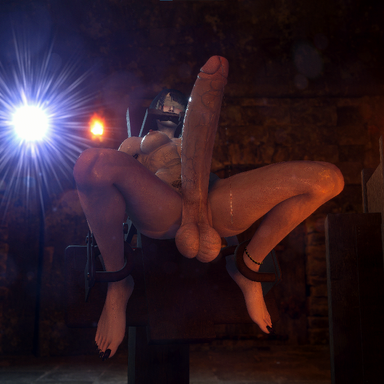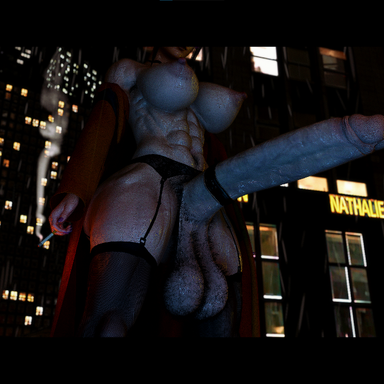



Made to be used on a female atom with Stoppers Alternative futa plugin and RunRudolphs foreskin and erection plugin
Requires alternative futa plugin -> https://hub.virtamate.com/resources/experimental-alternative-futa.34709/
Requires an older version of foreskin and erection plugin -> https://hub.virtamate.com/resources...ction-simulation.44337/version/64778/download
Requires an older version of hoodie morphs -> https://hub.virtamate.com/resources/hoodie-morphs-and-textures.38516/version/60685/download
Requires an older version of penis skin morphs -> https://hub.virtamate.com/resources/penis-skin-morph.37700/version/49602/download
how to use:
1. Select female person atom and add the alternative futa plugin
2. On the same person atom go to the plugin preset tab and check "Use Merge Load"
3. Click "Select Existing" then search for Futa_genital and choose a preset
4. Now go to the male morphs tab and search "Futa genital" and add the morph corresponding to whichever plugin preset you chose
5. Customize the skin settings in the AltFuta plugin to your liking
6. Done
!!! Morphs will not look correct without using the plugin presets !!!
If the morphs look too narrow at the base try adjusting various different pubic morphs like "Pubic Area Size"
Link to the ReShade preset used in the shots below -> https://hub.virtamate.com/resources/01adv-reshade-preset.65059/
Looks not included


Requires alternative futa plugin -> https://hub.virtamate.com/resources/experimental-alternative-futa.34709/
Requires an older version of foreskin and erection plugin -> https://hub.virtamate.com/resources...ction-simulation.44337/version/64778/download
Requires an older version of hoodie morphs -> https://hub.virtamate.com/resources/hoodie-morphs-and-textures.38516/version/60685/download
Requires an older version of penis skin morphs -> https://hub.virtamate.com/resources/penis-skin-morph.37700/version/49602/download
how to use:
1. Select female person atom and add the alternative futa plugin
2. On the same person atom go to the plugin preset tab and check "Use Merge Load"
3. Click "Select Existing" then search for Futa_genital and choose a preset
4. Now go to the male morphs tab and search "Futa genital" and add the morph corresponding to whichever plugin preset you chose
5. Customize the skin settings in the AltFuta plugin to your liking
6. Done
!!! Morphs will not look correct without using the plugin presets !!!
If the morphs look too narrow at the base try adjusting various different pubic morphs like "Pubic Area Size"
Link to the ReShade preset used in the shots below -> https://hub.virtamate.com/resources/01adv-reshade-preset.65059/
Looks not included