• Hi Guest!

    We have posted a new VaM2 dev log on Patreon, starting a monthly cadence of written progress updates between Beta releases. Highlights include the new Gizmos System, Selection Carousel, and Modes System with Context-Specific Editing. Beta1.2 is 15 of 21 items complete.

    Read the full post on Patreon, or follow progress on the public Trello roadmap.

Solved Lighting A Scene Properly

827

Active member
Joined
Sep 22, 2021
Messages
116
Reactions
39
imo, great lighting takes any scene to the next level. i typically customize existing scenes and many times that includes swapping out the environment to something different that relates to the scene i'm making. inevitably, doing this messes up the lighting from the original scene.

any tips or suggestions on how to create great lighting in scenes? any plugins out there that are plug and play/easy to use to set the lighting? thx.
 
Solution
3 point method is a classic:

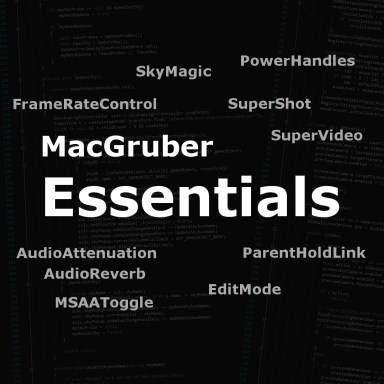
In addition, after you did setup lights and sky in your scene, I would (obviously) recommend using my SkyMagic plugin to create a custom GI setup instead of relying on reflections from the build-in skies that may have nothing to do with your scene. Somewhat convoluted process because you have take a cube-screenshot in VaM, import into Unity and re-export back into VaM. But worth the effort, in my opinion. SkyMagic is part of the Essentials suite:
3 point method is a classic:

In addition, after you did setup lights and sky in your scene, I would (obviously) recommend using my SkyMagic plugin to create a custom GI setup instead of relying on reflections from the build-in skies that may have nothing to do with your scene. Somewhat convoluted process because you have take a cube-screenshot in VaM, import into Unity and re-export back into VaM. But worth the effort, in my opinion. SkyMagic is part of the Essentials suite:
 
Upvote 1
Solution
Back
Top Bottom