• Hi Guest!

    We have posted a new VaM2 dev log on Patreon, starting a monthly cadence of written progress updates between Beta releases. Highlights include the new Gizmos System, Selection Carousel, and Modes System with Context-Specific Editing. Beta1.2 is 15 of 21 items complete.

    Read the full post on Patreon, or follow progress on the public Trello roadmap.

VaM 1.x Image quality and screenshots

Threads regarding the original VaM 1.x

HaiiiHarrr

Member
Joined
Dec 6, 2023
Messages
32
Reactions
6
Hey everyone,

quick question as I am struggling to get good screenshots and image quality ingame.

I have pretty much maxed out the ingame quality settings plus I am trying to use PostMagic + Supershot for taking ingame screenshots.
However it seems like it still looks like garbage, so I kinda fail to find the missing link.

A big factor seems to be the ingame light sources and trying out random light rigs sometimes help me find a good one, but I would love to figure out what the heck is the key factor to get screenshots to make someone go "Wow, that looks sick"

Alternatively I am too naive to just use max settings & postmagic & supershot, maybe one of them is causing issues/dialing down the quality...


Current default settings attached, maybe I am overlooking something.
vam settings.png

Any pointers would be appreciated. :)
 
Can you give an example shot? Where would you place your shot(s) against this for instance? Did you try tools like for instance Studio Maestro?
586422-0524a8d6d8955cb0e3e964e3a633dd47.data
 
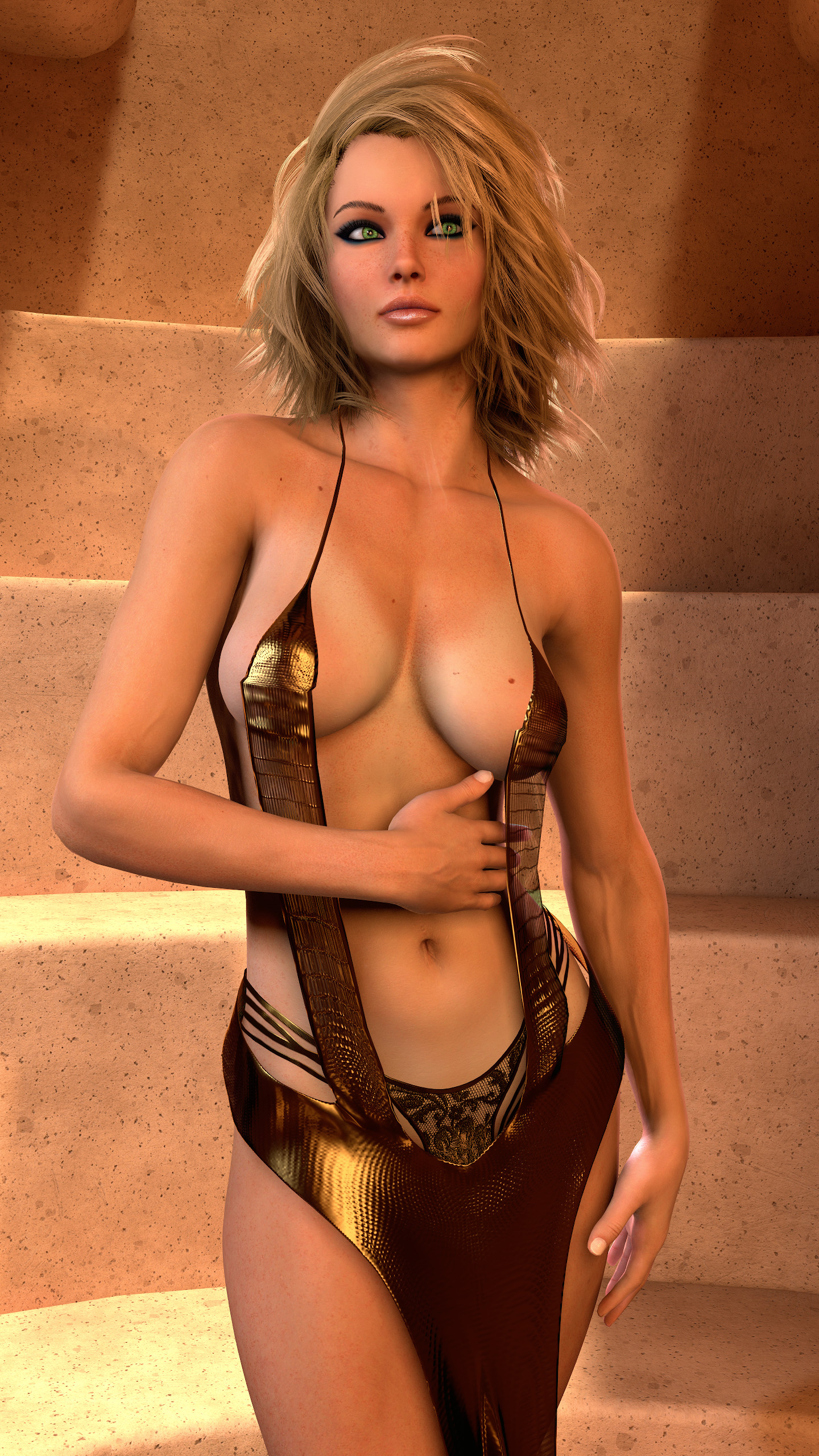
The quality you shared is on the upper end of what I can manage to pull off. I did a quick screenshot with the default model of VAM.

My biggest issue is that I get very mixed quality whenever I try to make a new scene from scratch.
The top image quality that I would be happy with is pretty much the screenshot I have added to this reply. And that is kinda the target I am trying to achieve any time I make a new scene. And any time I try a new scene, I can't figure out why it doesn't even look remotely similar, yet simply reloading the scene and just recycling the light setup is not really the way I want to continue, as it doesn't work 100% of the times and the color gets kinda repetitive. Plus it's only a mild 50% LUT plus the AA effect in Postmagic, so nothing special here that should greatly change when I start a new scene.

Biggest thing I noticed typing this comment just now is that I have the Postmagic plugin on the character in this scene and recently I started to put it ona separate "Empty", maybe that's the problem...

I had a quick dip in Studio Maestro and bailed out, maybe I have to give it another try.
 

Attachments

  • 1780165782.png
    1780165782.png
    4.5 MB · Views: 0
[...] My biggest issue is that I get very mixed quality whenever I try to make a new scene from scratch. [...]

This may be the very reason, because even if you are aware of all the things that can contribute to a good scene, it is difficult to get a decent quality from scratch, as it is a kind of art (and work) after all. Though there are surely objective factors of evaluating scene composition, like lighting etc., your subjective taste is still a factor. What is important to you, how would you describe the perfect quality? Do you have examples of your nr.1 screenshot quality? The quality regarding your screenshot seems to be coming from the good enviroment i would guess?

I am in your situation where i am still searching for the "perfect" quality for scenes and screenshots. As you are using PostMagic and Supershot, i guess you know most of the possibilities. A fitting LUT can improve the quality drastically, and you can create them easily with the raw image of your scene as a base. Depth of field can work wonders, and subtle use of chromatic abberation (very subjective matter of taste) can increase realism.

Lighting is of course very important, and you could analyze scenes you admire and build your own reusable rigs with subscenes. With time you will have lots of different light rigs and even if you don't want to recycle them as you wrote, they will offer a good entry point for further refinement. There are also already nice rigs as resources here.

One important factor could be the environment, assets or even the skin of your character. Some environements have very good baked in lighting and look awesome (there is only so much you can do with the internal lights).

There may be plugins that could help with more realism. IIRC there are plugins on the hub for volumetric lighting and there are 2 (paid iirc) plugins with SSS, may be worth a try.

At the end of the day you also could look into using Reshade to further enhance graphics capabilities.
 
Back
Top Bottom