• Hi Guest!

    We have posted a new VaM2 dev log on Patreon, starting a monthly cadence of written progress updates between Beta releases. Highlights include the new Gizmos System, Selection Carousel, and Modes System with Context-Specific Editing. Beta1.2 is 15 of 21 items complete.

    Read the full post on Patreon, or follow progress on the public Trello roadmap.

DAZ export/import help

keiseyku

Member
Joined
Mar 11, 2021
Messages
76
Reactions
19
I'm trying to import this braid from the GF8 Elsa so that it's on the opposite side but I'm stuck and can't find answers on how to isolate it. Also every time I remove the Elsa model it deforms the braid. I've managed to import the whole hair by unparenting the node but it appears deformed and returned to it's unwanted original orientation. I assume this is due the the Elsa body node no longer having an effect on the hair node.

Is there a way to import just the braid portion, while keeping its shape? Is there some way to make the invisible nodes stay invisible and intangible in VAM?
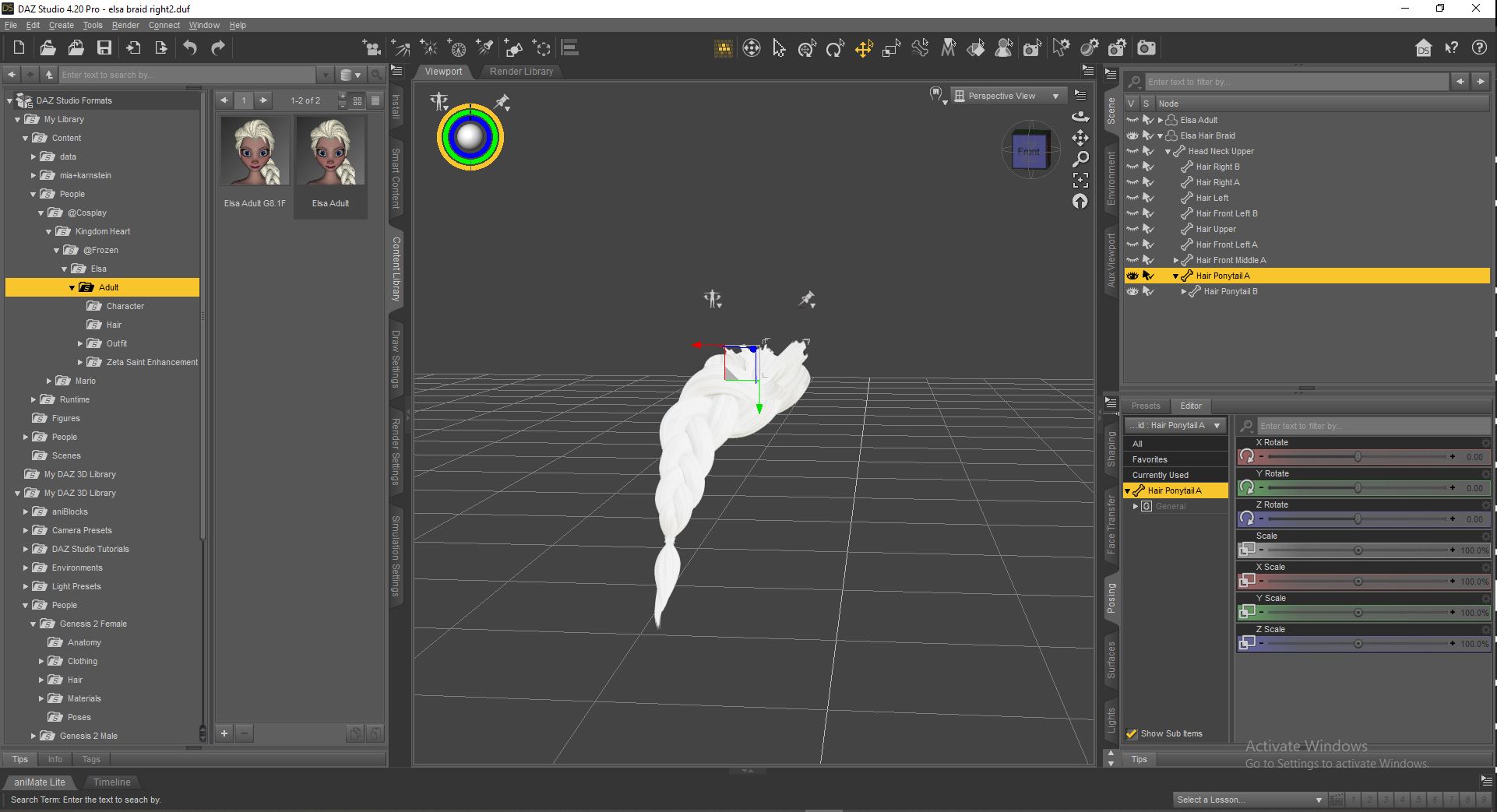
hair help.JPG
 
I don't know what about hair, but with cloth for apply any deformation we need to export that cloth to obj and import obj again. Set Poser preset when export and import. After that save DUF and try to import in VAM

but i guess there will be problems with morphs in vam. Morphs and animation will be deform that hair.

PS Very sad that DAZ havn't button for apply all transformations like Blender have
 
I've not messed with hair either, but for clothing this is what I do. Like Kirwish said export as obj to lock the shape in. . Then import that new .obj. Select it and go Edit>Object>Rigging>Convert Prop to figure... keeping the basic settings. Then fit it to a genesis 2 model. Un-parent it and delete the genesis model, and save as a scene subset.
 
Back
Top Bottom