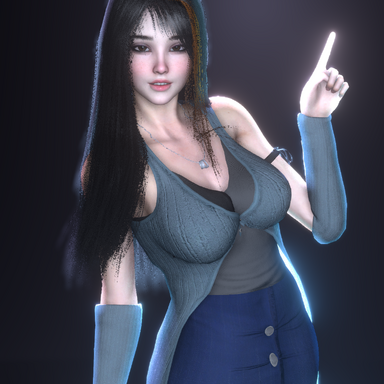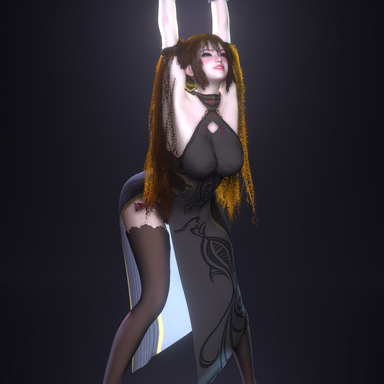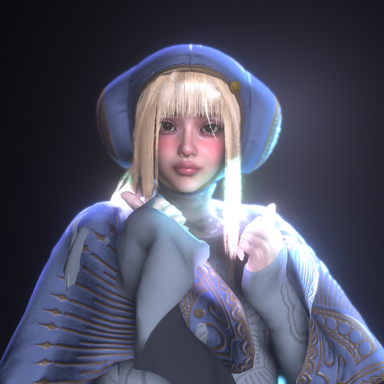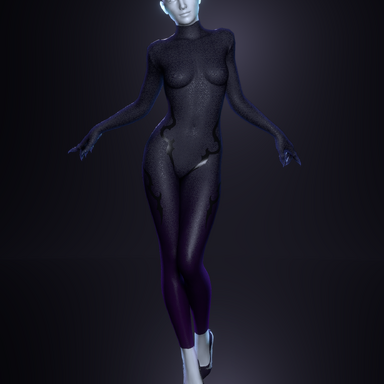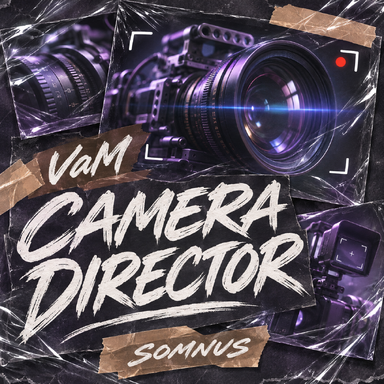


A vibe-coded plugin that was mainly made for personal use. I figured why not share it.

- Automatic Director: Automatically chooses camera angles and switches between shots to create a cinematic view of your scene.
- Multi-Actor Focus: Select one or more actors for the camera to follow and feature.
- Body Targets & Priorities: Choose which body parts receive shots. Higher priorities make those targets more likely to be selected.
- Controlled Shots: Use customizable hotkeys to request specific body shots while automatic shot changes are paused.
- Shot Timing: Set minimum and maximum durations for automatic shots.
- Shot Distance: Adjust the distance range to create varied framing, from tighter shots to wider views.
- Vertical Variation: Adds camera positions above and below the target for more varied angles.
- Orbit Shots: Moves the camera around the subject at an adjustable speed.
- Smooth Tracking: Controls how quickly the camera responds to a moving subject.
- Camera Shake: Adds subtle handheld movement or stronger shake for a less steady camera feel.
- Obstacle Avoidance: Checks potential camera positions to help avoid obstructions and clipping.
- Dutch Angles: Tilts selected shots left or right, with adjustable likelihood and maximum tilt.
- Field of View: Changes how much of the scene is visible, from narrow framing to a wide view.
- Lens Presets: Offers normal, wide, telephoto, fisheye, and barrel-distortion looks, with adjustable distortion strength.
- Auto Zoom: Automatically zooms in and out with uneven pauses and small corrections to imitate an amateur camera operator.
- Depth of Field: Blurs areas outside the focal distance, helping separate the subject from its surroundings.
- Ray-Based Autofocus: Finds a surface through the centre of the image and smoothly adjusts focus toward it.
- Aperture & Blur: Adjusts blur strength, maximum blur size, sampling quality, and foreground blur.
- Bokeh: Changes the shape, rotation, and brightness of out-of-focus highlights.
- Film Grain: Adds animated monochrome or coloured noise, with adjustable strength and grain size.
- Lens Flare: Creates blue horizontal streaks from visible bright highlights, with adjustable strength, length, and activation threshold.
- Lens Dirt: Reveals dirt textures around bright highlights, simulating dust and marks illuminated on the lens.
- Camera Light: Attaches a continuous spotlight to the camera, with adjustable colour, intensity, range, beam pattern, spot angle, offsets, and shadows.
- Viewfinder Overlay: Adds optional framing guides, focus brackets, a crosshair, battery display, blinking REC indicator, timer, and quality marks. These are decorative; no video is recorded.
- Menu Pause: Pauses camera movement while adjusting settings, while keeping live lens and field-of-view previews available.
- Camera Output: Directs the main desktop player view or an optional WindowCamera preview.
- Start/Stop & Restore: Numpad minus starts or stops the Director. Stopping restores the camera position and rotation captured before starting.
- Collapsible Menu: Keeps settings organized into sections that can be expanded when needed.