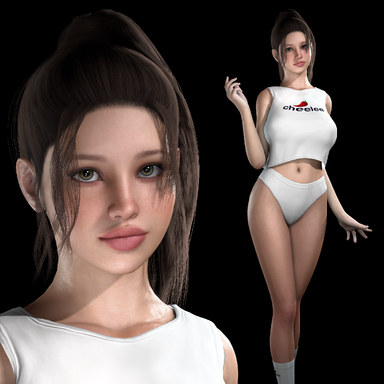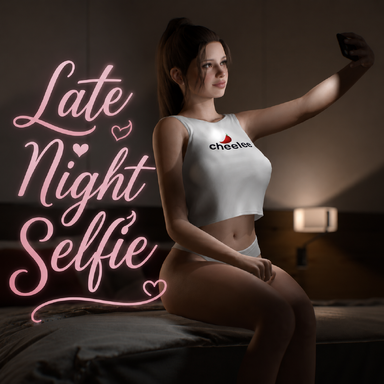


Ever since I started releasing scenes, I wanted to have subsurface scattering in them. So what began as a simple plugin for my own scenes eventually grew into DeepSkin, a custom skin shader and plugin with lots of control, quality and performance options, and a bunch of compatibility fixes.
Update Highlights:
Latest:
New Improved Eye Shader
- Lid Transitions
- Deep Pupil
- Lens Caustics
- New Procedural Sclera method (Natural)
New Lambert Diffuse Shading by @UncleBurrito
Performance Pass
DeepSkin's GPU cost per frame is about 40% lower in scenes with many lights. In a test scene (at 4K) with six shadow-casting spot lights, it went from 11.7ms to 6.8ms per frame. The CPU time went from 1.9 to 1.4 ms. Simple scenes with few lights and low tessellation stay about the same.
Performance Pass
DeepSkin's GPU cost per frame is about 40% lower in scenes with many lights. In a test scene (at 4K) with six shadow-casting spot lights, it went from 11.7ms to 6.8ms per frame. The CPU time went from 1.9 to 1.4 ms. Simple scenes with few lights and low tessellation stay about the same.
Add subsurface scattering to any CUA (with individual material selection)

 hub.virtamate.com
 hub.virtamate.com
 hub.virtamate.com
 hub.virtamate.com
UI Reworked
[Assetbundle] Sex Toys Bundle - Assets + Accessories -
Watch with sound ;D Credits and license links are in "credits.txt" file.
hub.virtamate.com
BigDumbIdiot's Dildo Pack-Part 1 - Assets + Accessories -
I wasn't finding many options for realistic dildos on the hub, so I made some myself. The first one I threw together quickly. It isn't very good. The second one I took more time on, but is a little more vertex heavy. The third one is a reworked...
hub.virtamate.com
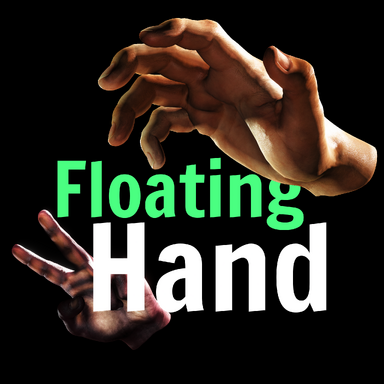
FloatingHand - Plugins + Scripts -
FloatingHand | A standalone, fully animatable physics hand for your scenes FloatingHand spawns VaM's own VR controller hand as a scene object on an Empty atom. It comes with the same per-finger joint physics and collision as the VR hands. Every...
hub.virtamate.com
HEM' 12 - Tentacle Ecology 1 - Free - Demo Assets + Accessories -
If you like this asset, please support my subscription version. Tentacle Ecology 1 - Subscription: https://hub.virtamate.com/resources/hem-12-tentacle-ecology-1.47043/ Asset package Including 54 animated tentacle assets, 4 animated scene assets...
hub.virtamate.com
UI Reworked
Built-in Micro Detail (Procedural or Custom) | Capture Scene Lighting (HDRI Style Lighting) |
Uniform Fade + Dissolve Style Fade | Hide skin under clothing | Auto-Reveals the hidden skin as it slides off |
Overhauled Mouth + Teeth
Overhauled Eyes

Lambert Diffuse Shading
Presets DeepSkin comes with the ability to save your own presets. A couple of presets are already included for you to load, or use as base for your own custom preset: |
Include clothing in the SSS Lip layers, makeup, tattoos and nipple layers can be manually included in the SSS, instead of having to mess with the renderqueue. |
Shadows that fade with alpha Transparent and fading clothing casts a shadow that fades smoothly, instead of popping out of existence when alpha reaches 0. |
Transmission Region Painting & Editing Paint your own regions for Ears, Lips, Nose, Face, Torso, Arms, Legs, Hands, Feet, Eyelids, and edit the transmission intensity and density for each of those regions. |
Tessellation Region Painting & Control Also paint your own tessellation masks, edit the how much tessellation is applied, and save your tessellation masks. |
Bones A 46-capsule skeleton casts real bone shadows through hands, with all the capsules being editable |
Match to Skin Color Match the transmission color automatically to your model's skin color |
How to use
Load DeepSkin.cslist on a Person atom or as a Session Plugin
Note on Tessellation and Performance
Tessellation is by far the biggest hit on performance. With only the screen-space SSS and transmission on, DeepSkin costs ~0.46ms per frame. Turning on tessellation, which looks noticeably better, raises that to around 2.4ms per frame (depending on the subdivision factor and painted mask). For VR, or whenever you want as much performance as possible, I recommend turning tessellation off or significantly lowering the tessellation amount. Half-Res Blur in the Performance tab helps as well, especially in VR. DeepSkin's default preset ships with tessellation ON for quality.
Credits
Plugin
- DeepSkin uses CustomTabUI by @14mhz . Many thanks for their awesome tools!
- Mouth textures provided by @BooMoon . Thank you!
Assets used in the preview images/videos
- Look is Sally by me
- Hairstyle is Tight Ponytail by @qdaro
- Bikini is micro bikini by @modkkola
- Glasses in photo are Elipse Glasses by @xxxa
- Glasses in trailer video are Office Red by @mopedlampe
- Pink lingerie top is Lingerie [A] by @Verytoxic
- Lips clothing is Lips Layer by @BooMoon
- Skirt is Plastic Skirt by @maru01
- Tattoo is Tattoo pack Flowers by @SpwCreation
- High quality shadows made possible with LightOptions by @Stopper
Special Thanks to @VamTimbo for making me the high-quality mocap!