

 Description
Thrust Response Driver is a lightweight physics plugin that adds natural, impulse-based body response to thrusting motion in Virt-A-Mate.
The receiver body moves with the thrust direction, driven directly by the source atom’s hip velocity. This results in more believable follow-through, delayed response, and subtle back-fall behavior that enhances realism without overpowering existing animations or physics.
The system is timing-aware, stable across different physics rates, and designed to integrate cleanly with auto thrusters, timeline animation, and manual motion.
 Features
- Thrust-driven body response based on source hip movement
- Directionally correct impulse response
- Configurable forward delay and back-fall delay
- Modular receiver body part selection
- Hip
- Chest
- Head
- Abdomen
- Thighs (L+R)
- Feet (L+R)
- External JSON-based preset system
- Stable across different physics rates
- Minimal performance overhead
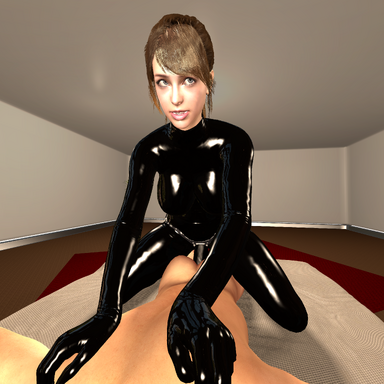
With Thrust Response Driver:
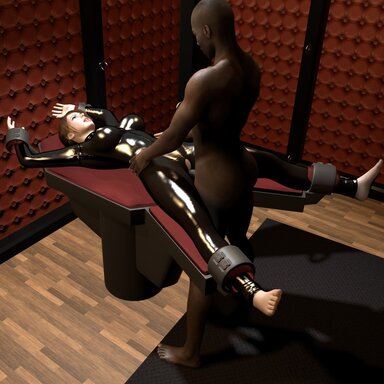
Without Thrust Response Driver:
 Usage
Usage
- Attach the plugin to the receiver atom (typically female).
- Select a source atom (typically male).
- Choose a preset and adjust values if desired.
- Enable or disable receiver body parts as needed.
The plugin automatically uses the source hip movement as the motion driver.
 Credits
Created by SwitchViewVR
 License
CC BY-SA