

![Mind Break [Re-Upload]](https://1424104733.rsc.cdn77.org/data/resource_icons/28/28352.jpg?1673362311)


Well guess who was an idiot about which audio files they used and included in their scenes (Hint its this guy). ----------->
This is a re-upload with the offending audio files stripped. I had hoped to also make some improvements at the same time but haven't been able to find the time unfortuantely. So as I had some people asking about getting the scene back I thought I'd just re-upload as is.
Instructions for adding your own audio are at the bottom of the page.
------------------------------------------------------------------------------------------------------------------------------------
Original:
My attempt at a hypno/mind break experience.
I was drawn to the idea from reading and listening to erotic audios and thought they would benefit from a visual component.
Please not this scene contains flashing lights and fixed head movement so if you suffer from epilepsy or motion sickness this isn't the right scene for you.
I really enjoyed making this so if you like it and want more let me know. Especially if you would like a particular theme.
Credits:
Thank you to the following creators for making this scene possible:
Macgruber - Logic Bricks, Life, Post Magic
AdamAnt5 - Lip Sync
Captain Varghoss - Load Trigger
ToumeiHitsuji - Divining Rod
AcidBuubbles - Timeline, Collider Editor, Embody
PetaZwega - Matthew
Hunting-Succubus - Eyeball Shadow, Enhanced Eyes
Jackaroo - Modular Expressions
Hazmhox - VamMoan, Vamatmosphere, Fluids, VamOverlays
Roac - Lush Hair
YM - Morphs
AshAuryn - Expressions
TToby - Morphs
Riddler - Skin
Instructions:
Place the VAR in your Addon Packages Folder. You can use the hub to scan for missing dependencies.
In the scene use the button prompts to control the action. You will need one hand free.
Images:
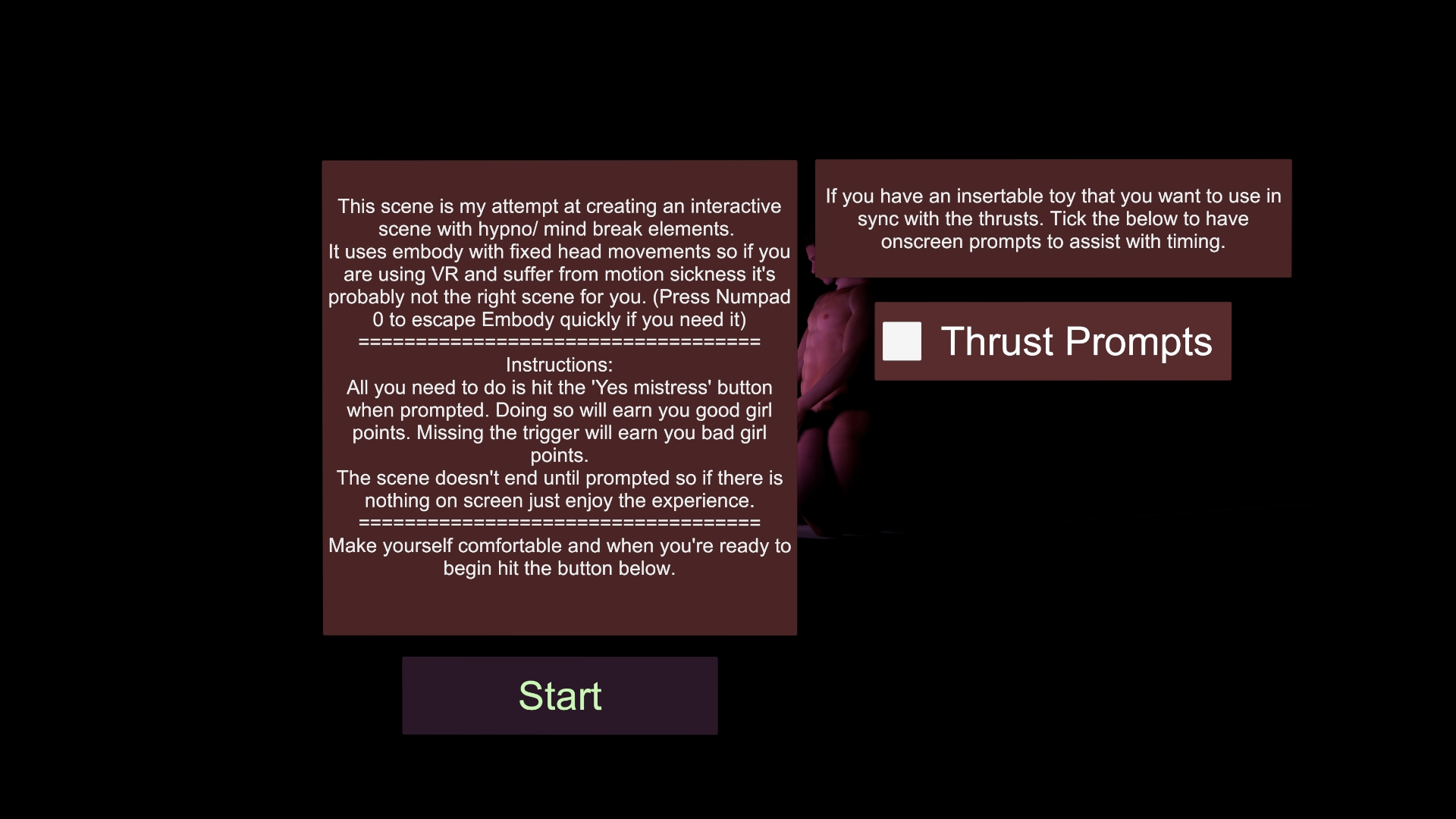
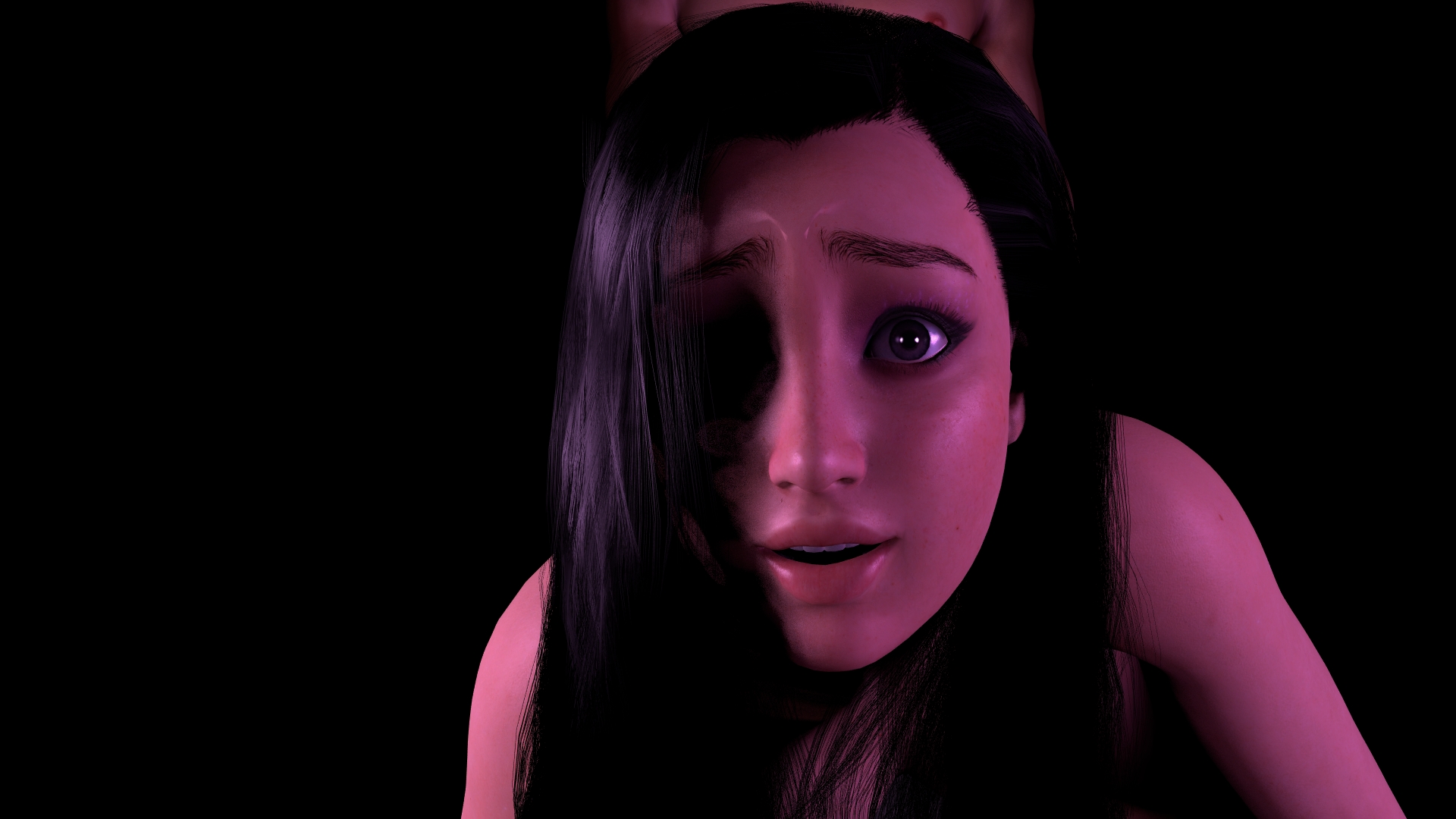
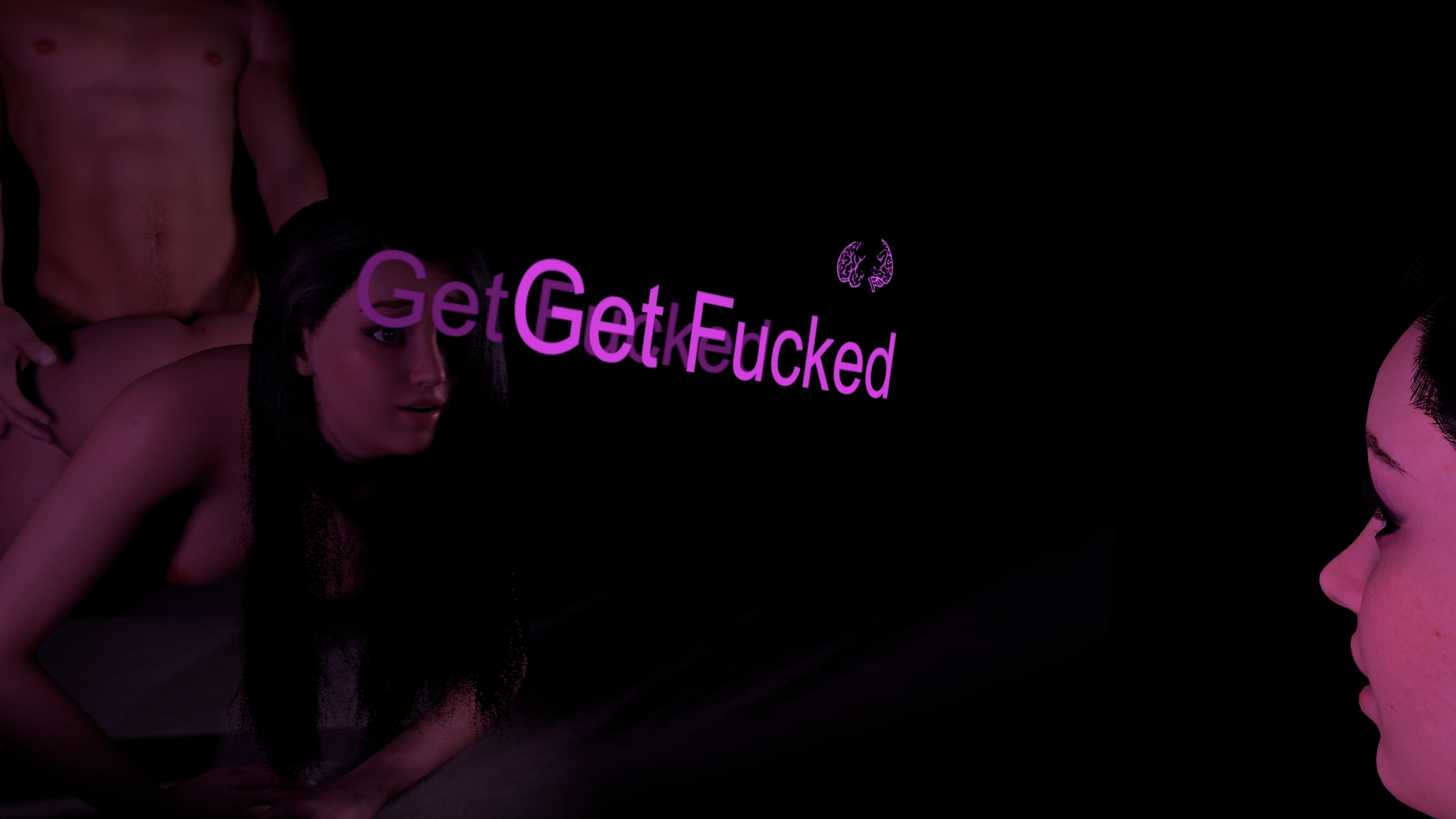
------------------------------------------------------------------------------------------------------------------------------------
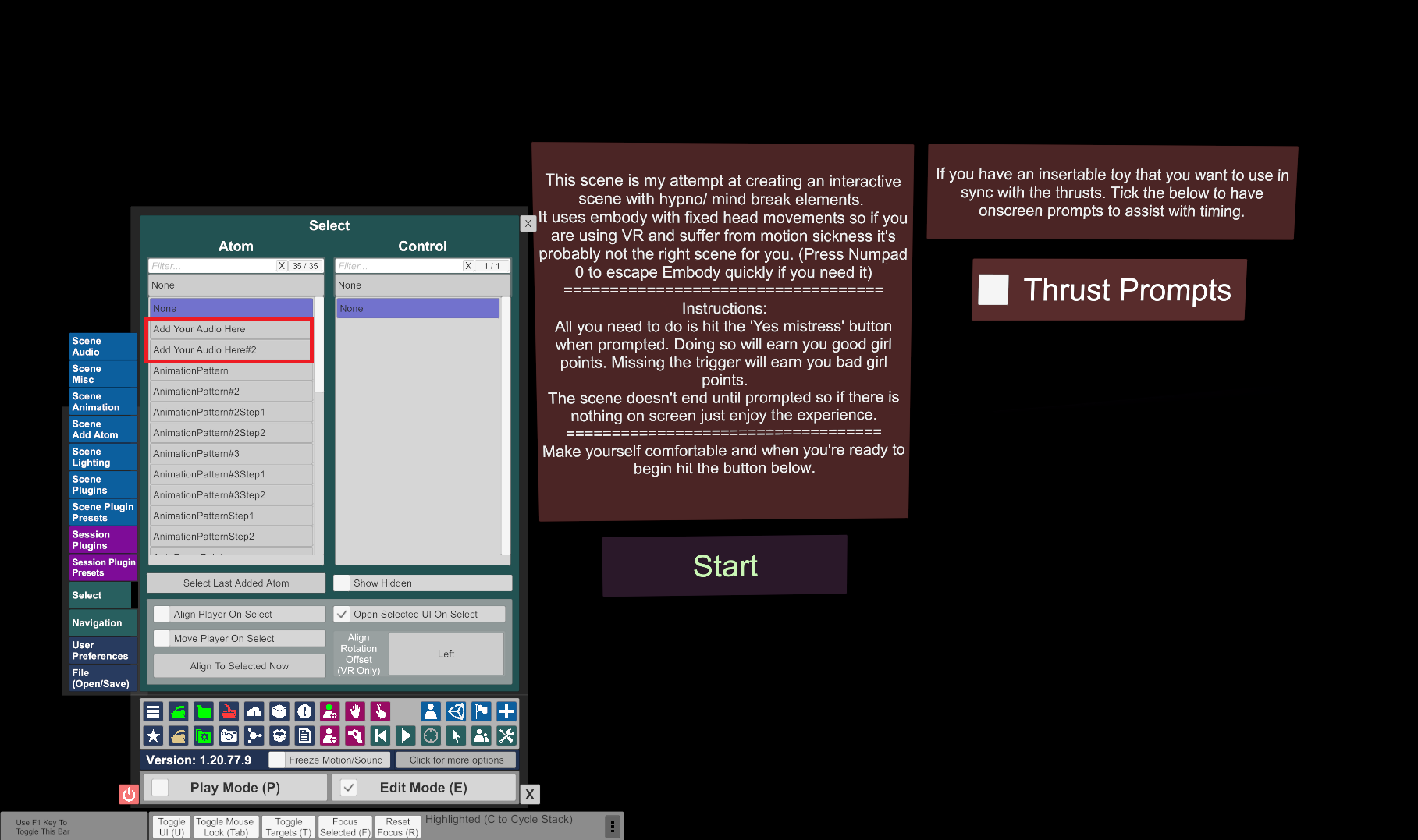
To add your own audio first you need access to edit mode and to add the files via the scene audio:
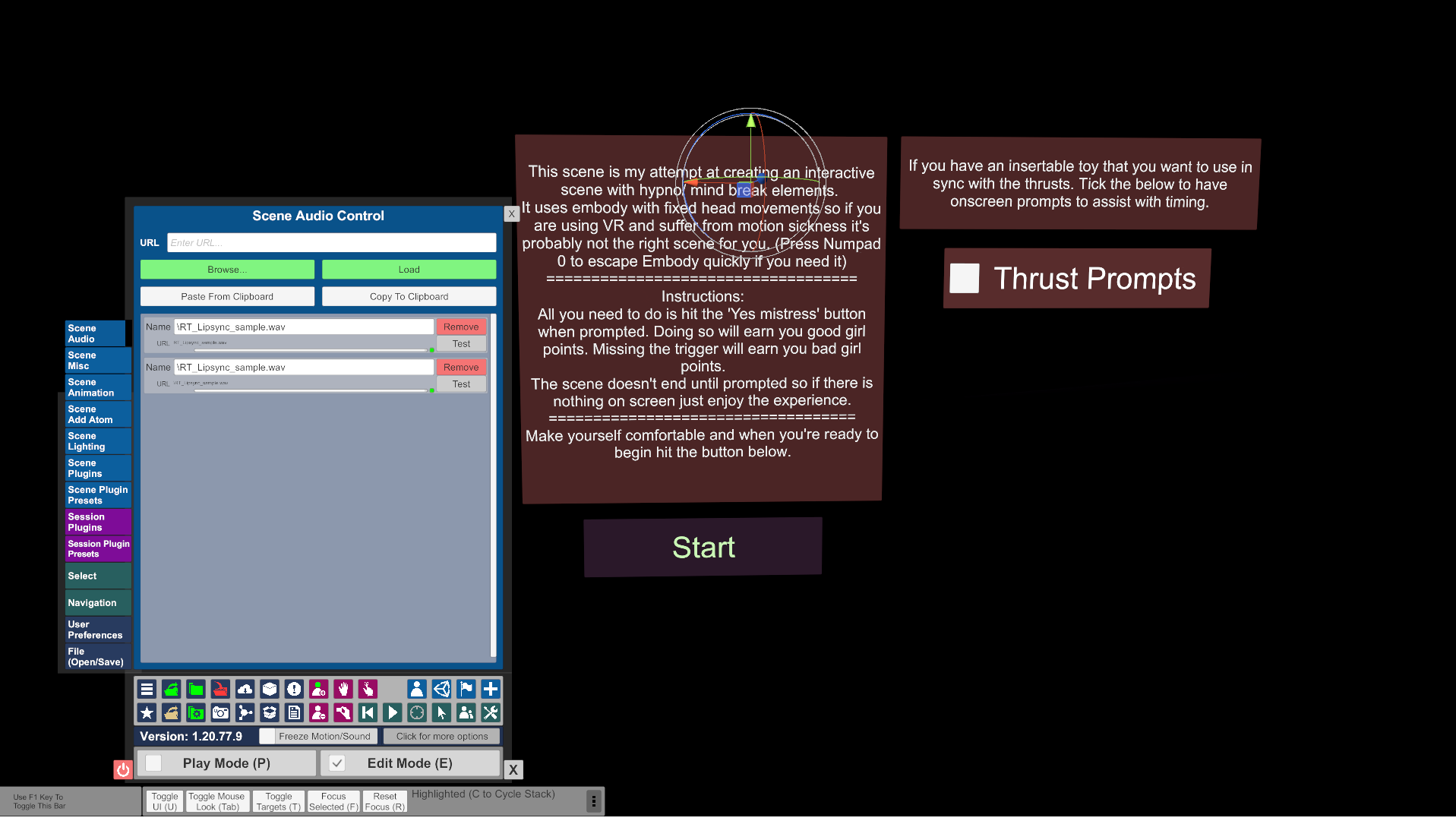
Once done locate the Audio source atoms. I've named them 'Add Your Audio Here'
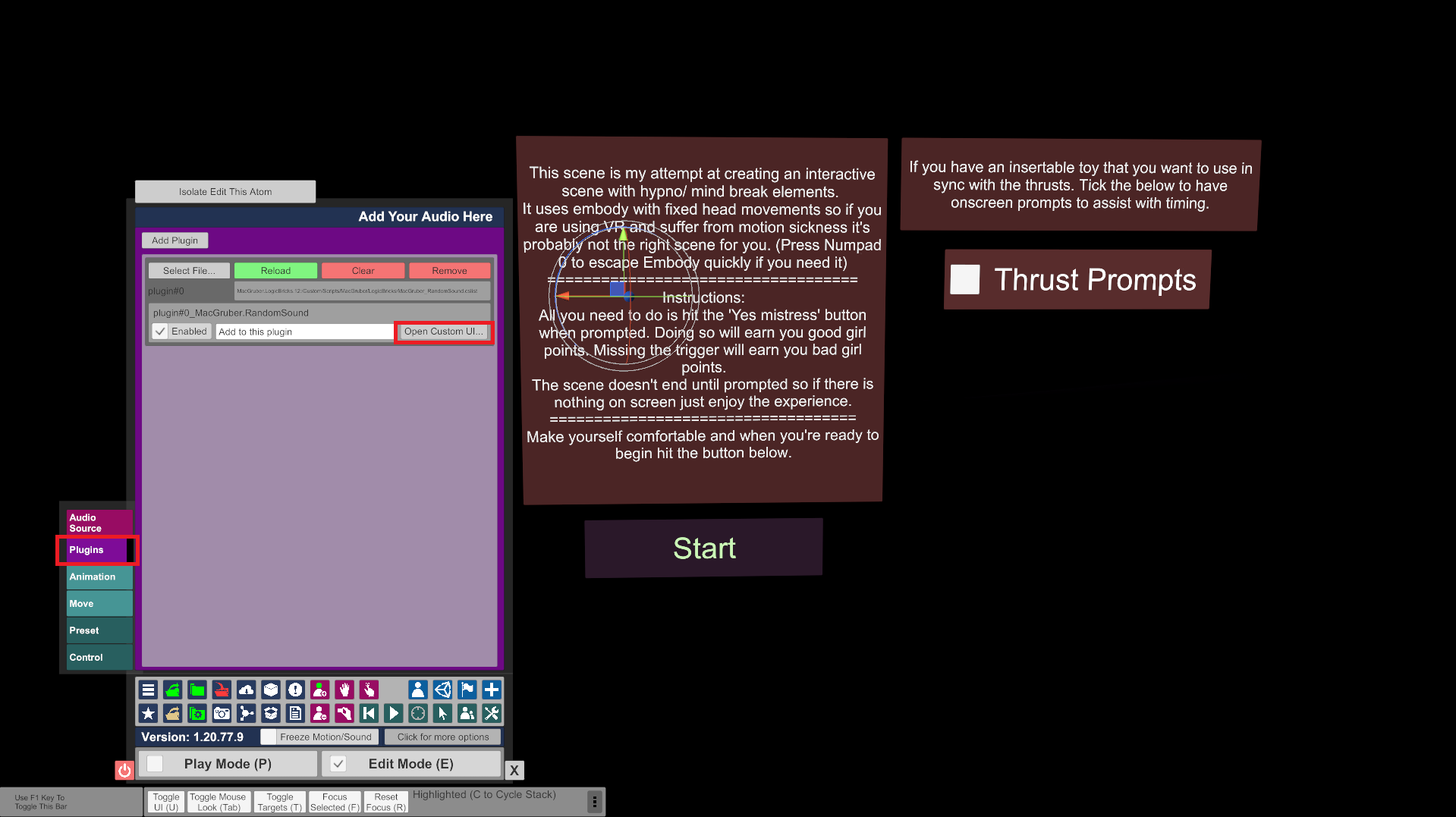
In each atom they have Macgrubers sound randomizer plugin, open the plugin:
Press the rescan audio button then find the files you want to play and add them with the add sound button.
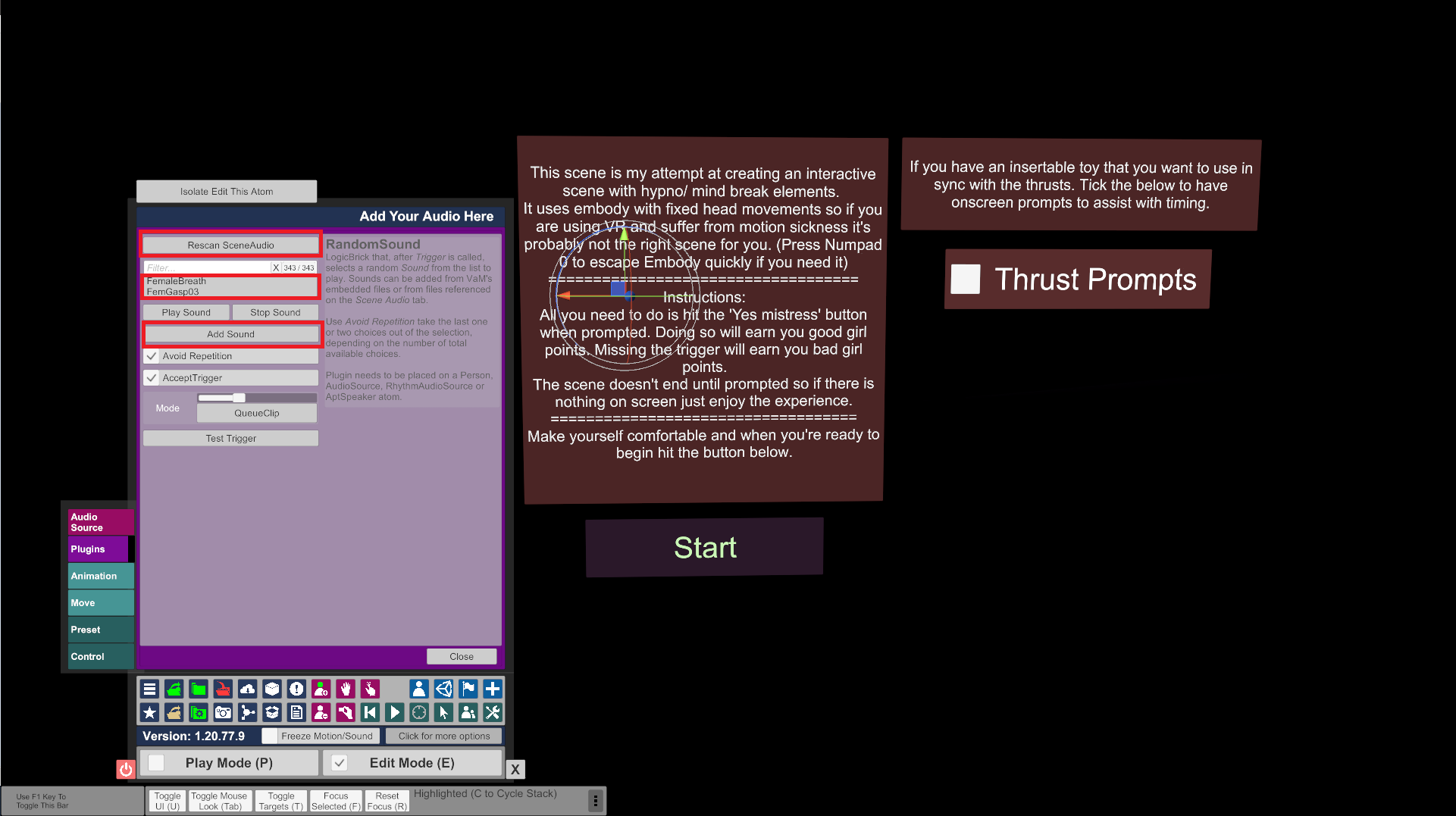
Do this for both Audio source atoms and enjoy!
This is a re-upload with the offending audio files stripped. I had hoped to also make some improvements at the same time but haven't been able to find the time unfortuantely. So as I had some people asking about getting the scene back I thought I'd just re-upload as is.
Instructions for adding your own audio are at the bottom of the page.
------------------------------------------------------------------------------------------------------------------------------------
Original:
My attempt at a hypno/mind break experience.
I was drawn to the idea from reading and listening to erotic audios and thought they would benefit from a visual component.
Please not this scene contains flashing lights and fixed head movement so if you suffer from epilepsy or motion sickness this isn't the right scene for you.
I really enjoyed making this so if you like it and want more let me know. Especially if you would like a particular theme.
Credits:
Thank you to the following creators for making this scene possible:
Macgruber - Logic Bricks, Life, Post Magic
AdamAnt5 - Lip Sync
Captain Varghoss - Load Trigger
ToumeiHitsuji - Divining Rod
AcidBuubbles - Timeline, Collider Editor, Embody
PetaZwega - Matthew
Hunting-Succubus - Eyeball Shadow, Enhanced Eyes
Jackaroo - Modular Expressions
Hazmhox - VamMoan, Vamatmosphere, Fluids, VamOverlays
Roac - Lush Hair
YM - Morphs
AshAuryn - Expressions
TToby - Morphs
Riddler - Skin
Instructions:
Place the VAR in your Addon Packages Folder. You can use the hub to scan for missing dependencies.
In the scene use the button prompts to control the action. You will need one hand free.
Images:
------------------------------------------------------------------------------------------------------------------------------------
To add your own audio first you need access to edit mode and to add the files via the scene audio:
Once done locate the Audio source atoms. I've named them 'Add Your Audio Here'
In each atom they have Macgrubers sound randomizer plugin, open the plugin:
Press the rescan audio button then find the files you want to play and add them with the add sound button.
Do this for both Audio source atoms and enjoy!


