
What's this
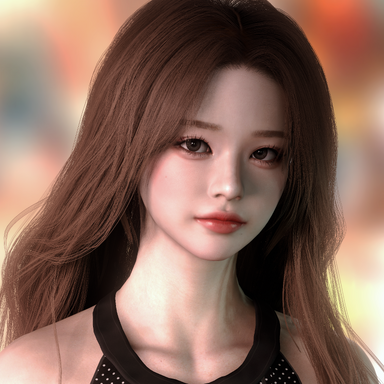
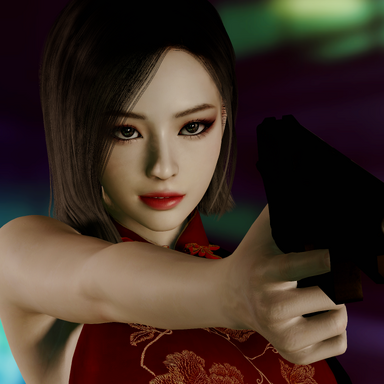
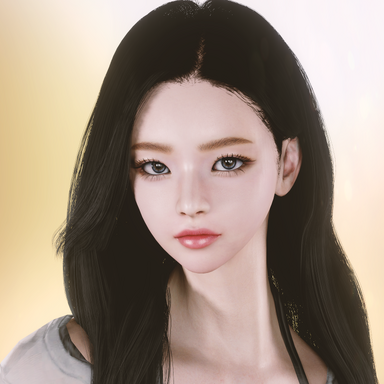
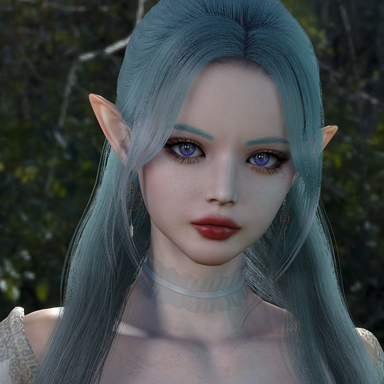
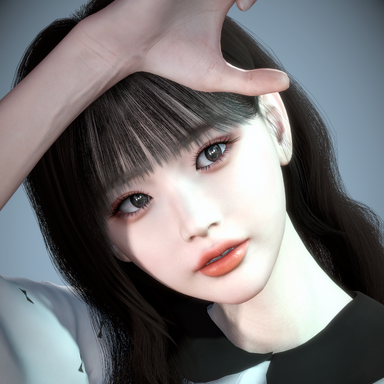
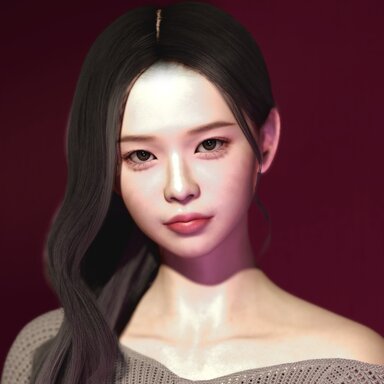
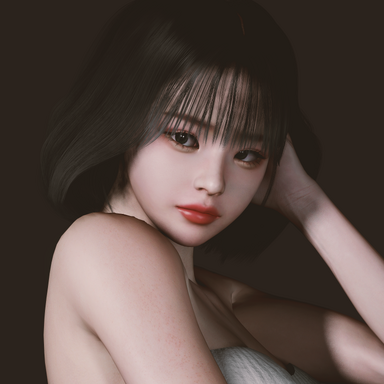
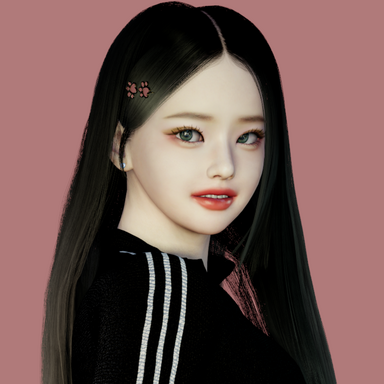
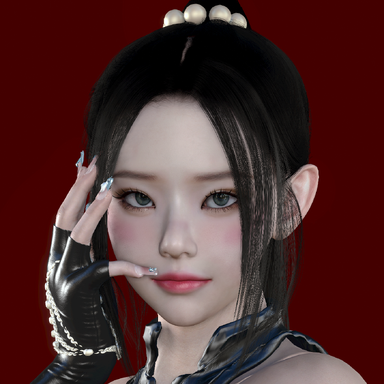
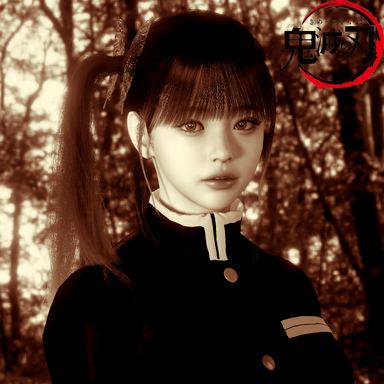
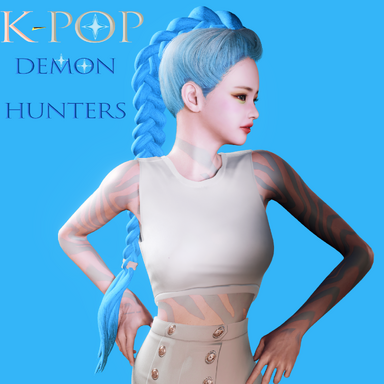
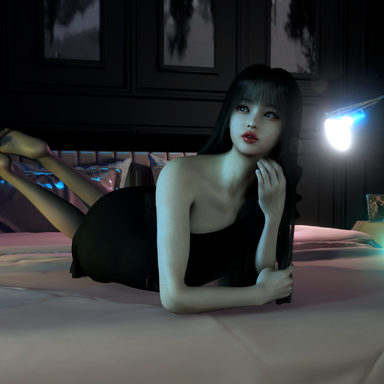
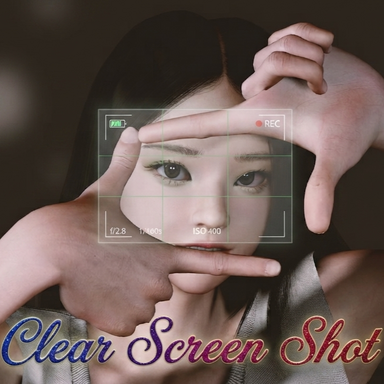
This plugin captures screenshots that are as close as possible to the original image.
However, you can obtain screenshots of even higher quality.
What is different?
It captures effects like Bloom—which are not supported by the default camera or other plugins—exactly as they appear in the original.

※caution
It takes some time to process the image after capturing it.Setting the scale to 4 or higher results in a significantly longer processing time.
This plugin captures screenshots that are as close as possible to the original image.
However, you can obtain screenshots of even higher quality.
What is different?
It captures effects like Bloom—which are not supported by the default camera or other plugins—exactly as they appear in the original.
※caution
It takes some time to process the image after capturing it.Setting the scale to 4 or higher results in a significantly longer processing time.
I used MacGruber's “Super Shot” script code as a primary reference. Thank you