
BodyDrive – PID Torque & Force Control for Virt-A-Mate
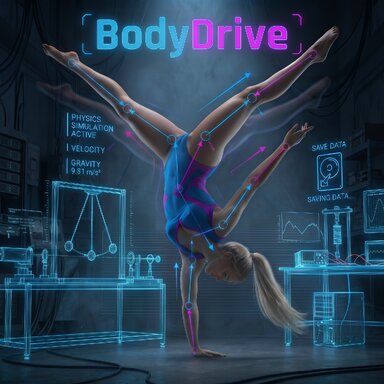
BodyDrive disables VaM's standard FreeControllerV3 springs and drives the character's bones using custom PID torque and force loops (AddTorque / AddForce) instead. Because no rigid controller locks are active, limbs yield to touch and collisions while the PID controllers work to hold or reach the target angles.
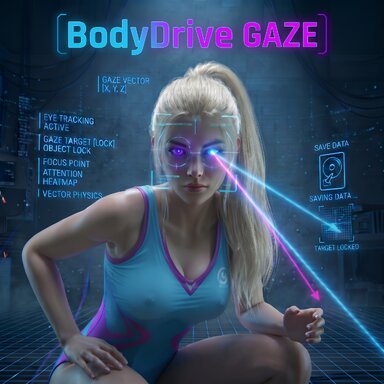
Since standard gaze plugins generally require active character controllers, there is a matching standalone plugin called BodyDrive Gaze that works even when all controllers are set to Off. Check out its separate post for all details.
Everything shown in the video and listed here is included and ready to use. BodyDrive is actively being developed to further optimize and simplify the posing workflow. If there are specific additional movement macros you'd like to see, feel free to drop them in the comments.
Development Note: The C# code for this plugin was created with the assistance of AI tools; concept, design, in-engine testing, and fine-tuning were done by me.
Have fun testing, tossing characters around, and pulling off flips!
BodyDrive disables VaM's standard FreeControllerV3 springs and drives the character's bones using custom PID torque and force loops (AddTorque / AddForce) instead. Because no rigid controller locks are active, limbs yield to touch and collisions while the PID controllers work to hold or reach the target angles.
 PID Control, Drag Mode & Rotation
- Clutch Engagement: Clicking Enable Physics Engine smoothly fades out VaM's controller springs and hands control over to the PID loops. Use FREEZE POSE (All Ctrl ON) and PHYSICS ACTIVE (All Ctrl OFF) to switch directly between a frozen pose and active PID control at any time.
- Grab-to-Pose (VR & Desktop): When you grab an arm, leg, or the torso, the PID loop on that joint yields, reads the new angles live, and holds the position once released.
- Head Drag & Release: Grabbing the head lets you freely drag, place, or toss the character anywhere in the room. The moment you let go of the head, BodyDrive captures and holds the resulting posture. A quick shake of the head resets the character to the Base Pose and clears all active anchors.
- Rotation & Auto-Root: Rotate the character around its vertical axis using the left mouse button, the arrow keys, or configurable keys in the UI. Auto-Root Follow & Rotate automatically keeps the VaM root node aligned.
 Action Macros
The macros are timed routines that interpolate target angles and pelvis offsets over a set sequence, which the PID loops then follow within VaM's physics:
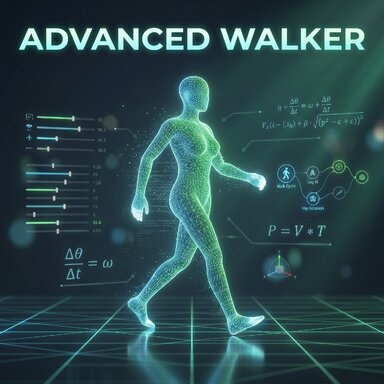
- Keyboard Walking: Live steering with the arrow keys, including turning, with adjustable step length, height, width, speed, and arm swing.
- Backflip & Frontflip: Timed sequences with anticipation squat, mid-air tuck, landing extension, and a final recovery step—with adjustable speed and squat depth.
- Handstand (On / Off): Kick-up into a handstand with active hand grounding, and back down to standing on a second click.
- Cartwheel (Left & Right): Cartwheel to the left or right with adjustable distance, speed, height arc, and leg spread.
- Ragdoll & Get Up: Ragdoll sets PID gains to zero so VaM's native physics let the character collapse. Get Up restores the gains, interpolates back to standing (including rolling over from face-down), and applies an upward assist force to the pelvis.
 Smart-Grip, Radar & Magnet Anchor
- Smart-Grip: Raycast-based grounding (downward and damping forces) individually toggleable and adjustable for left/right foot, left/right toes, knees, pelvis, and left/right hand—including a foot-lock to reduce sliding.
- Visual Grip Radar: Using the global distance setting and toggleable radar, green and red lines show directly which body parts currently have surface contact.
- Magnet Anchor (Middle Mouse Click): Middle-click to place an anchor point on furniture or surfaces that applies a pulling force to the pelvis—optionally with a visible pull-point indicator on the body.
 Living Idle
- Standing Animation: Procedural offset movements for subtle forward/backward sway, weight shifting (with knee and spine counter-movement), slight twisting, arm swing, and head tilts—all adjustable in strength, speed, and rest intervals.
- Advanced Idle: Optional hands-on-hips pose triggered at random intervals.
 Sliders, Offsets, PID Values & Presets
- Body & Head Sliders: Direct controls for head (bend, twist, tilt), torso, legs, arms, and wrists—including anatomical L/R mirroring for arms and legs, plus optional Auto-Squat.
- Extended Torso Offsets: Enabling Extended Torso Options unlocks separate offset sliders (Bend, Twist, Tilt) for each individual upper-body joint (Pelvis, Abdomen, Abdomen2, Chest).
- PID & Spring Settings: Full access to all P, I, and D values (Torso, Pelvis Position, Legs, Arms), Chest Lift, and individual Joint Drive Springs for each body part.
- 6 Quick-Save Slots & Disk Presets: Save up to 6 poses with automatic screenshot hover previews and adjustable transition time—or save complete setups as Disk Presets.
 Companion Plugin: BodyDrive Gaze
Since standard gaze plugins generally require active character controllers, there is a matching standalone plugin called BodyDrive Gaze that works even when all controllers are set to Off. Check out its separate post for all details. Ongoing Development & Feedback
Everything shown in the video and listed here is included and ready to use. BodyDrive is actively being developed to further optimize and simplify the posing workflow. If there are specific additional movement macros you'd like to see, feel free to drop them in the comments.Development Note: The C# code for this plugin was created with the assistance of AI tools; concept, design, in-engine testing, and fine-tuning were done by me.
Have fun testing, tossing characters around, and pulling off flips!