




History
2026. 10.18- V2.0.1(ClearScreenShot.5)
- Reduce aliasing/jaggies on the background screenshot
- Capture bloom effects more faithfully to the original
- Close the preview screen using the Esc key
- Process using the GPU
2026. 9. 12 - The existing FOV value is maintained for the next scan and saved filename changes to the mm-dd format.
2026. 7. 19 - Fixed the issue where the same weight was recalculated for every row during the horizontal pass. (Increased computational speed)
What's this
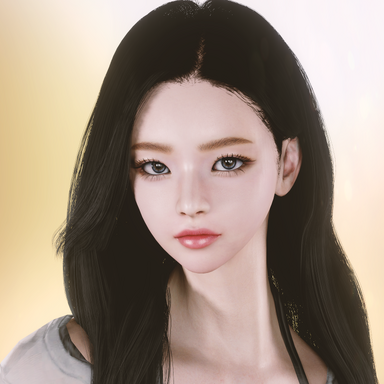
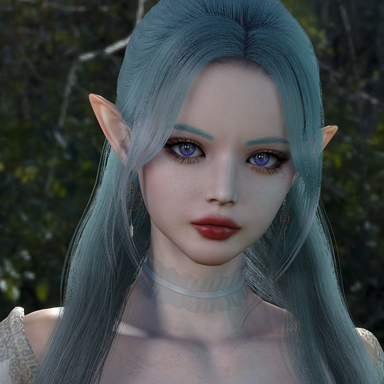
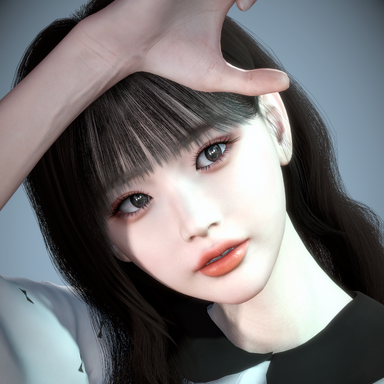
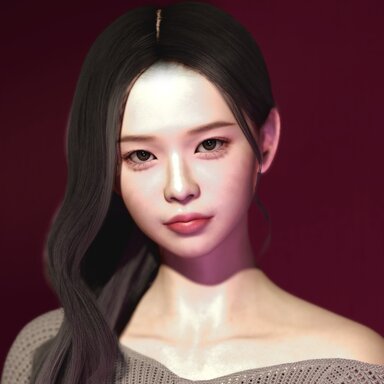
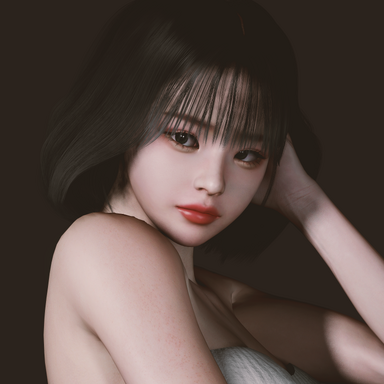
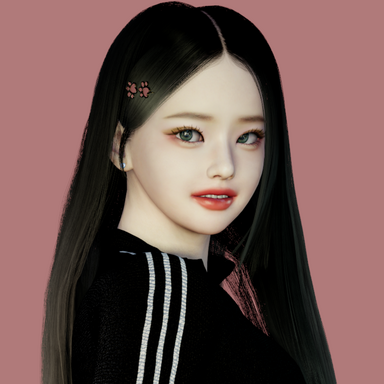
This plugin captures screenshots that are as close as possible to the original image.
However, you can obtain screenshots of even higher quality.
What is different?
screenshots of even higher quality.

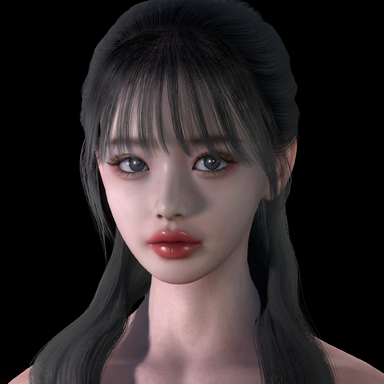
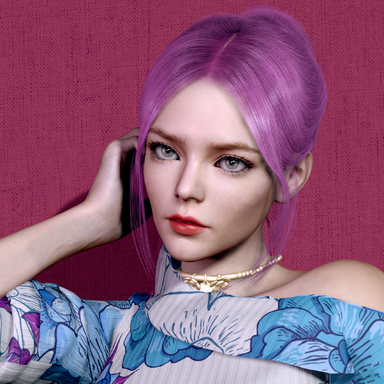
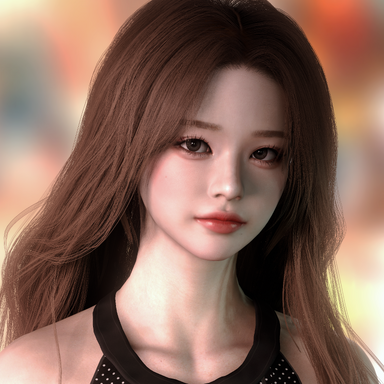
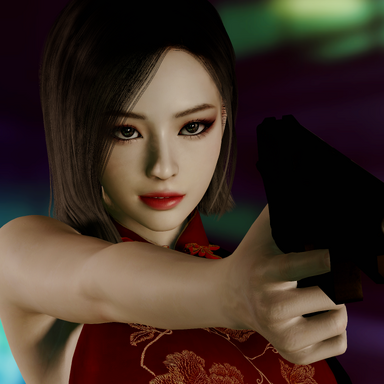
It captures effects like Bloom—which are not supported by the default camera or other plugins—exactly as they appear in the original.

※caution
It takes some time to process the image after capturing it.
2026. 10.18- V2.0.1(ClearScreenShot.5)
- Reduce aliasing/jaggies on the background screenshot
- Capture bloom effects more faithfully to the original
- Close the preview screen using the Esc key
- Process using the GPU
2026. 9. 12 - The existing FOV value is maintained for the next scan and saved filename changes to the mm-dd format.
2026. 7. 19 - Fixed the issue where the same weight was recalculated for every row during the horizontal pass. (Increased computational speed)
What's this
This plugin captures screenshots that are as close as possible to the original image.
However, you can obtain screenshots of even higher quality.
What is different?
screenshots of even higher quality.
It captures effects like Bloom—which are not supported by the default camera or other plugins—exactly as they appear in the original.
※caution
It takes some time to process the image after capturing it.
I used MacGruber's “Super Shot” script code as a primary reference. Thank you








Session plugin
Scene plugin
It doesn't matter where you place them.