

10.0 Shader Rework
6.0
5.0:
3.0:

Why do some clothing make characters transparent?

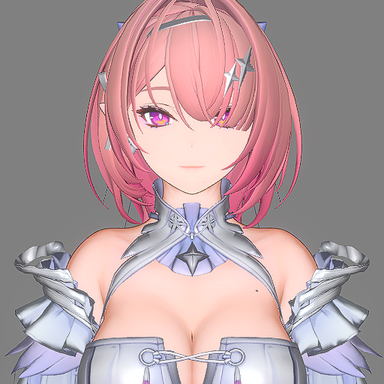
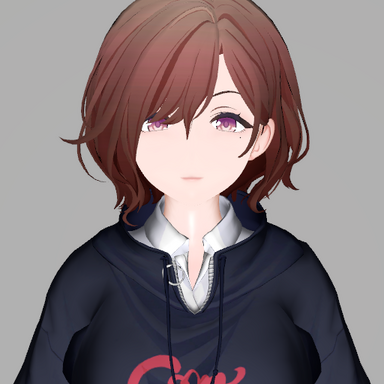
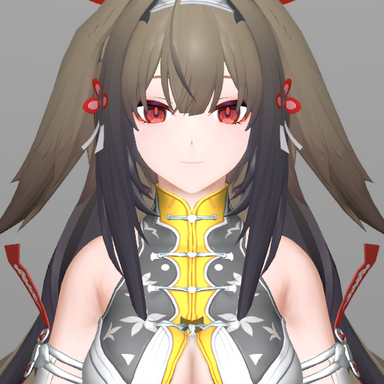
- person_shader: Switched to dual‑layer shadows; added face SDF functionality.
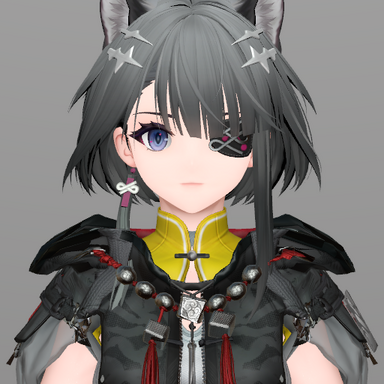
- cloth_shader: Adapted to VAM's Spec‑Gloss texture workflow; now uses dual‑layer shadows. The plugin automatically adjusts the transparency mode based on the material's render queue value.
- cua_shader: The plugin now automatically adjusts the transparency mode based on the material's render queue value.
- cuacloth_shader: Designed to work alongside CUAclothing and CUA Material Bridge; applies the shader to CUA objects created by CUAclothing.
6.0
- Fixed a bug where the clothing shader could not be used as a clothing plugin.
- Modified the outline to prevent black faces from being generated on unrendered backfaces.
- Merged several Person shader options and added support for shadow ramp textures.
- The clothing shader now uses _spectex to read RMO maps and the B channel of _bumpmap to read shadow bias maps.
5.0:
- Fixed Decal rendering issues with Point and Spot lights.
- Resolved Clothing Shader failure when applied as a Scene/Clothing plugin.
3.0:
- Added tessellation (surface subdivision).
- Fixed a bug where the clothing shader plugin prevented sub-scenes from loading.
- Introduced an ToonShader with support for multiple light sources.
- Package includes Person, Clothing, Stocking,and CUA plugins.
- The Person Shader provides a body alpha mask and a simple subsurface scattering (SSS) effect.
| Type | Person | Clothing | Stocking | CUA |
| loading method | Session Plugins/Person Plugins Both Session plugins and Person plugins can be loaded simultaneously, and Person plugins are not affected by Session plugins. | Session Plugins/Clothing Plugins Both Session plugins and Clothing plugins can be loaded simultaneously, and Clothing plugins are not affected by Session plugins. | Clothing Plugins Stocking plugins are not affected by Clothing Session plugins. | CUA Plugins |
| Texture support | Diffuse Normal Decal(Decal texture is not affected by SSS effect.) OutlineMask AlphaMask | Base color→_MainTex RMO→_SpecTex AlphaMask→_AlphaTex Normal→_BumpMap | Base color→_MainTex Stocking Mask→_GlossTex(Black is the non stocking part, and white is the stocking part.) AlphaMask→_AlphaTex Normal→_BumpMap |
The Person shader now automatically loads alpha masks that share the same name as the clothing.
For example, when the clothing Alice_Gloves is active, if Alice_Gloves_Facemask, Alice_Gloves_Limbsmask, Alice_Gloves_Gensmask,or Alice_Gloves_Bodymask exist in the same directory as the clothing’s VAJ file, the corresponding masks will be loaded automatically for each material.
If multiple masks are found, they will be automatically combined using multiply blending.
For example, when the clothing Alice_Gloves is active, if Alice_Gloves_Facemask, Alice_Gloves_Limbsmask, Alice_Gloves_Gensmask,or Alice_Gloves_Bodymask exist in the same directory as the clothing’s VAJ file, the corresponding masks will be loaded automatically for each material.
If multiple masks are found, they will be automatically combined using multiply blending.
Why do some clothing make characters transparent?
- This issue is usually caused by the clothing author not setting the Render Queue correctly.
In Unity, transparent objects should generally use a Render Queue greater than 2450. If the queue is misconfigured, you’ll see abnormal draw order—such as incorrect occlusion, transparency blending artifacts, or front/back layering issues.
Setting an appropriate Render Queue ensures transparent objects render after opaque ones and in the right order among other transparent layers, preserving the intended visibility and hierarchy.