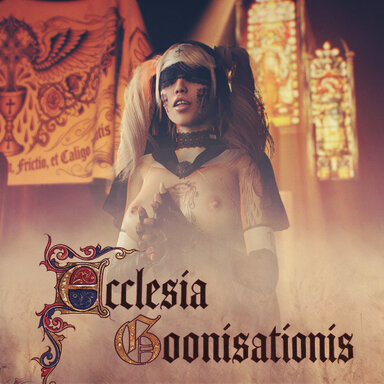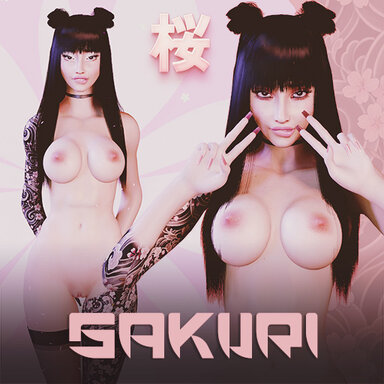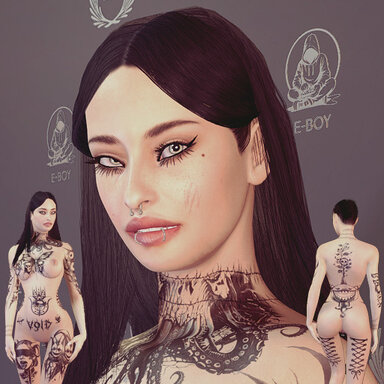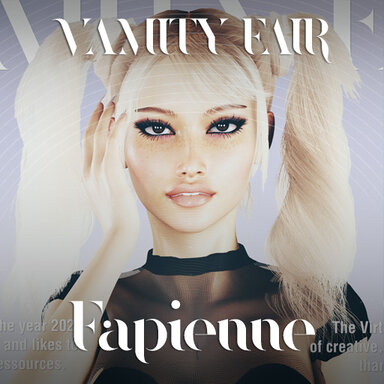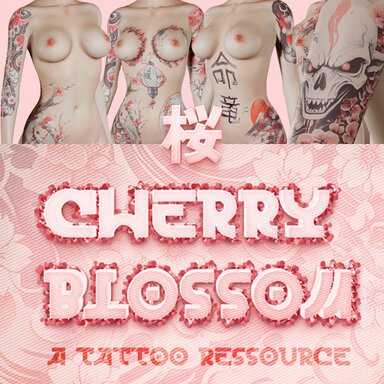


This is a tattoo resource that is especially designed for Decal Maker, the legendary plugin by Chokaphi, to mix, match and export decals on your characters. If you like tattoos, makeup or any other image overlay on your character, you need to get this, if you don't have it already.

This tattoo pack contains traditional japanese subjects like dragons or cranes and lots of cherry blossoms in two colors (images within the second color palette got "darksteel" added to their name).
How to use (more detailed information below):
- download the plugin Decal Maker from the Hub
- select your Atom/Character, click the plugin tab, add plugin and search & select Decal Maker
- click "load preset"
- now you can click in the left column on "All Flattened" and you should get all presets
- or you can search for "Eboy" or "cherry" and choose Eboy.TattooRessource_Cherryblossom
- instead of using presets you can use the plus sign to add single images
(if the var isn't already selected, see above to select the var)
- see the Decal Maker page for more information how to use this awesome plugin
- if you have a combination you like, you can use the button "Export Textures" to get the usual decal images for torso, limbs etc. to use your tattoos without Decal Maker
More information
To get best out of both worlds, this pack includes single images so you can combine them in Decal Maker however you see fit, but also fixed sets to manage the seams between the different texture regions - so in this first version there are some fixed back, leg and arm tattoo sets - for which there are also Decal Maker Presets, so you don't need to assign each texture to each slot, just load the preset.
There are also some example presets included to show how you can combine the single images.
If you don't want to use Decal Maker (even if i couldn't imagine why you wouldn't
) you can still use all fixed sets as usual with assigning them to the appropriate slot inside the skin textures tab of an atom (torso, limbs, gen).Some suggestions: you can fine tune the alpha setting of every decal to your own taste. You can also load in the same image in the second slot of each decal and then use the different blending modes to get even more color variations and neat effects (or even blend them with your own custom images of course):
Here are some more examples of possible tattoos you can create with this ressource:
I would love to hear and need your feedback to improve this resource. Please let me know what you think of it or if this is useful at all, thanks in advance. I want to update this theme pack even further and do lots of other themes if it is useful to someone. Is it easy to use, do you need more help, perhaps video guides? Would you prefer single complete ready to go sets instead?
And again thank you so much for creating your wonderful plugin, Chokaphi.