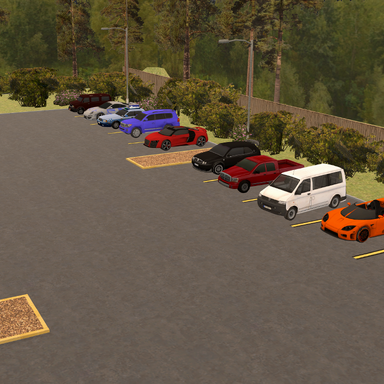
Fixed VR visuals. Always remember to configure your fresh Unity install for VR folks!

Quick how to for the sake of spreading the info, If you already messed up like I did just make a new assetbundle in the "configure" tab with the same prefabs you made already, build again, and you'll be gucci after changing these settings from their defaults:
- Set project Color Space to Linear to get proper lighting. This is found in Edit->Project Settings->Player. Then click Other Settings tab. Set Color Space->Linear (default is Gamma)
- Turn on VR support and set to single pass. This is found in Edit->Project Settings->Player. Then click XR Settings tab. Click Virtual Reality Support checkbox. The set Stereo Rendering Method->Single Pass.