

PixelPretzel - Surface Touch [v1.0]
Hi everyone! My first plugin is finally here and I’m excited to share it with you.
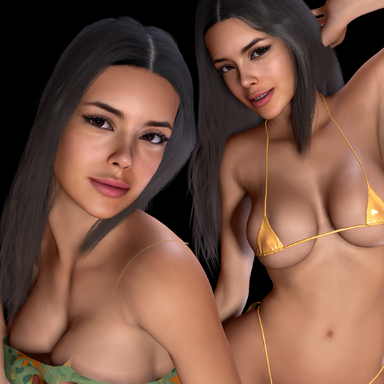
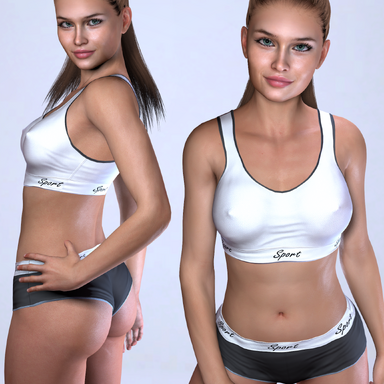
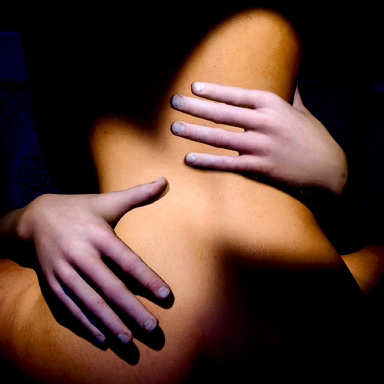
Surface Touch lets one person automatically touch, stroke and slap another person’s body while keeping the hand attached to the surface. One of the main inspirations for Surface Touch was AnielSzal’s VR Experience with Claire. I really liked how natural and connected the hand interaction felt there, and that’s the direction I’d like to keep developing Surface Touch toward with future updates.
Instructions:
Just add the plugin to a Person atom, select the hand and target person, then attach the hand.
If the hand is far away, or you want to position it closer to where and how you want it before attaching, use Place Hand on Body first.
From there you can:
For smaller or more complex areas like the face or breasts, I usually recommend positioning and attaching the hand and leaving it in manual mode instead of using Auto Stroke.
Surface Touch should also work alongside other plugins such as Dynamic Limbs. If you use Dynamic Limbs, make sure to turn off Finger Auto-Conform, as Surface Touch handles the finger contact itself.
That’s pretty much it — position the hand, attach it, choose Auto Stroke or Auto Slap, and enjoy
Feedback is welcome — let me know how Surface Touch works in your scenes and what you’d like to see in future updates.
If you enjoy my content, consider supporting my work
Hi everyone! My first plugin is finally here and I’m excited to share it with you.
Surface Touch lets one person automatically touch, stroke and slap another person’s body while keeping the hand attached to the surface. One of the main inspirations for Surface Touch was AnielSzal’s VR Experience with Claire. I really liked how natural and connected the hand interaction felt there, and that’s the direction I’d like to keep developing Surface Touch toward with future updates.
Instructions:
Just add the plugin to a Person atom, select the hand and target person, then attach the hand.
If the hand is far away, or you want to position it closer to where and how you want it before attaching, use Place Hand on Body first.
From there you can:
- Start Auto Stroke and let the hand move across the body automatically
- Use Auto Slap with adjustable intensity, timing and randomness
- Fine-tune the hand position manually after attaching it
For smaller or more complex areas like the face or breasts, I usually recommend positioning and attaching the hand and leaving it in manual mode instead of using Auto Stroke.
Surface Touch should also work alongside other plugins such as Dynamic Limbs. If you use Dynamic Limbs, make sure to turn off Finger Auto-Conform, as Surface Touch handles the finger contact itself.
That’s pretty much it — position the hand, attach it, choose Auto Stroke or Auto Slap, and enjoy
Feedback is welcome — let me know how Surface Touch works in your scenes and what you’d like to see in future updates.
If you enjoy my content, consider supporting my work