
- Early-Access End Date
- Oct 16, 2026

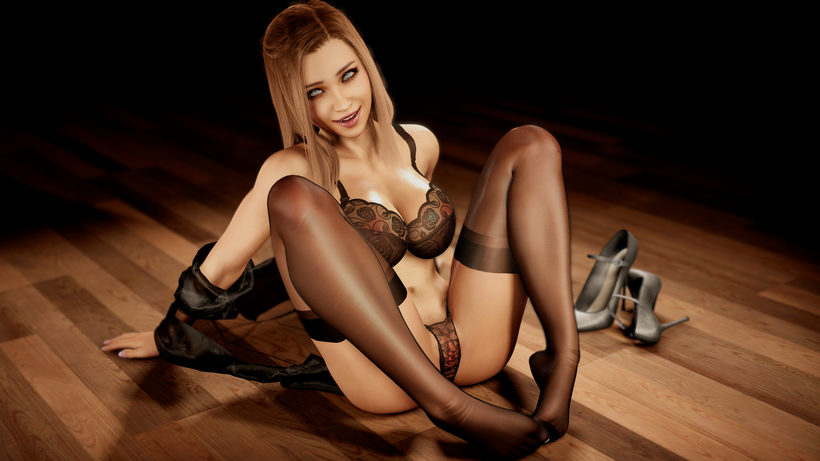
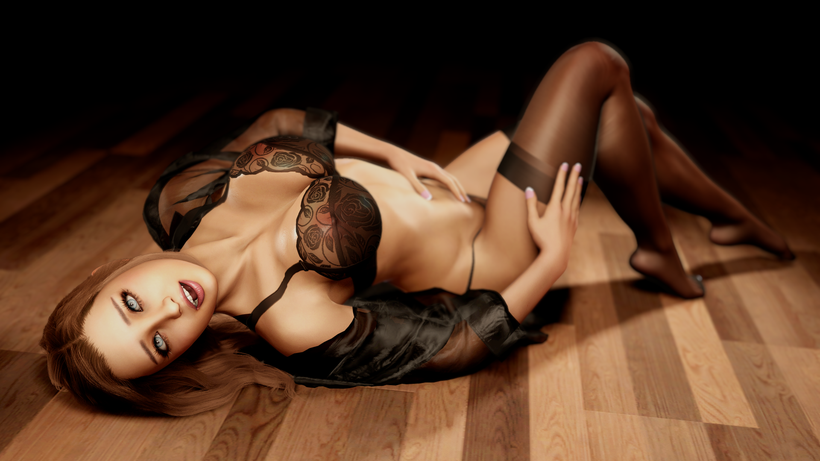
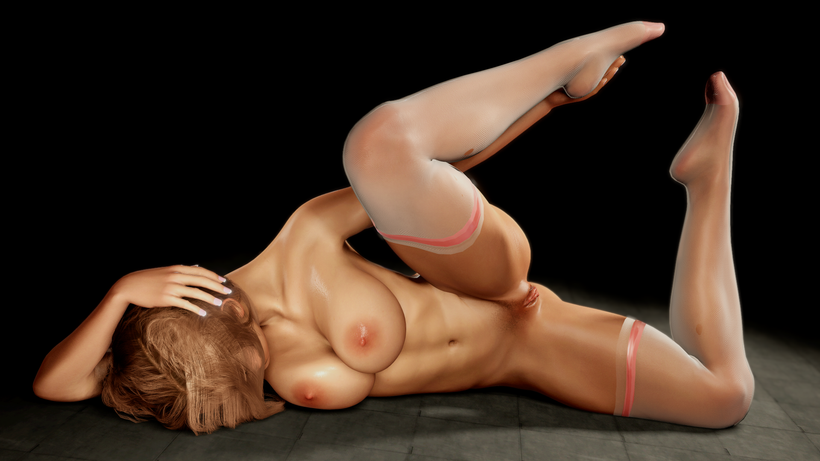
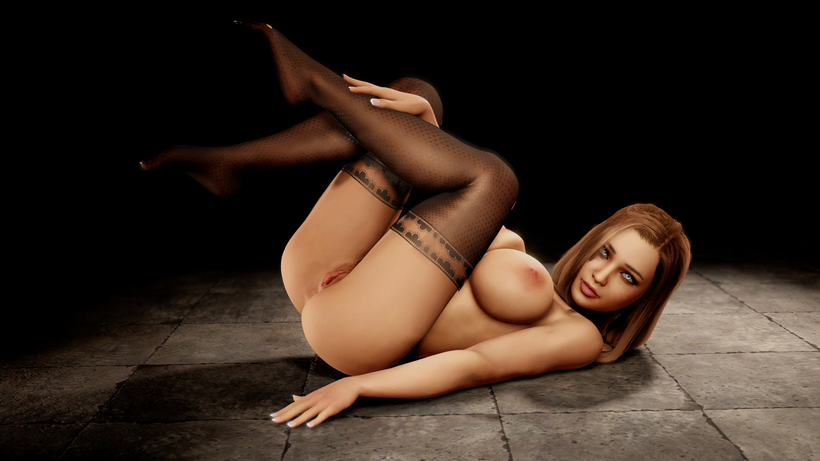
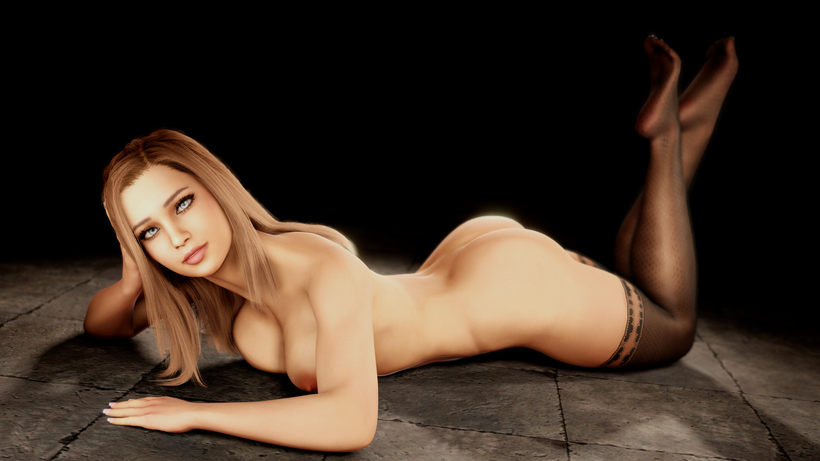
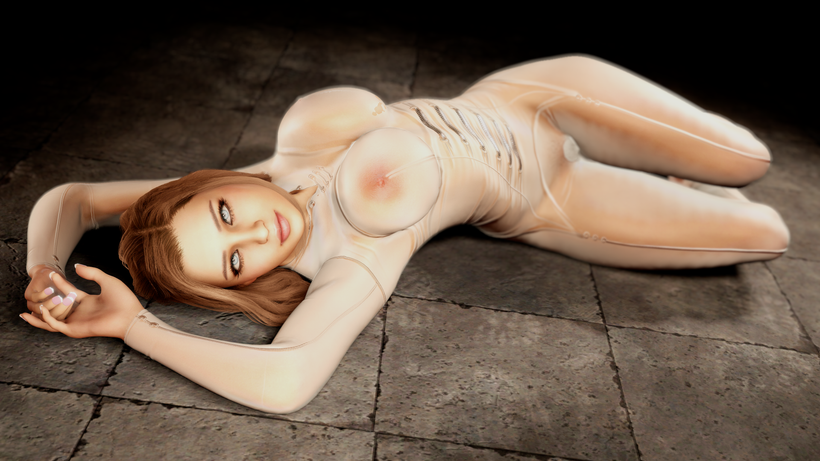
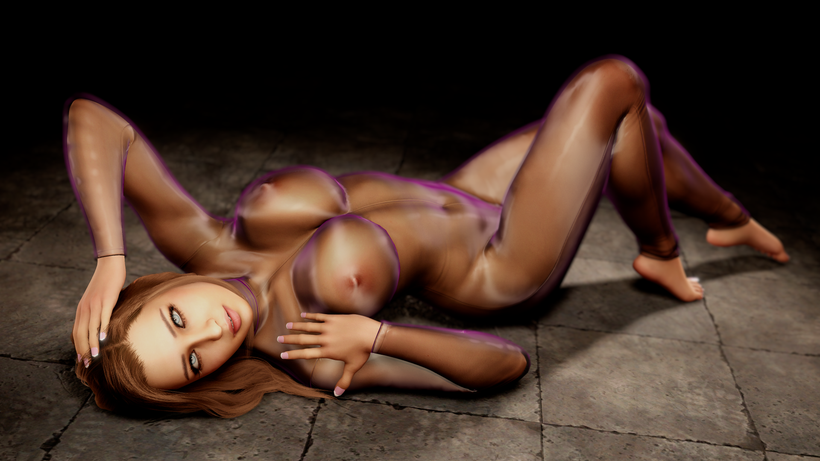
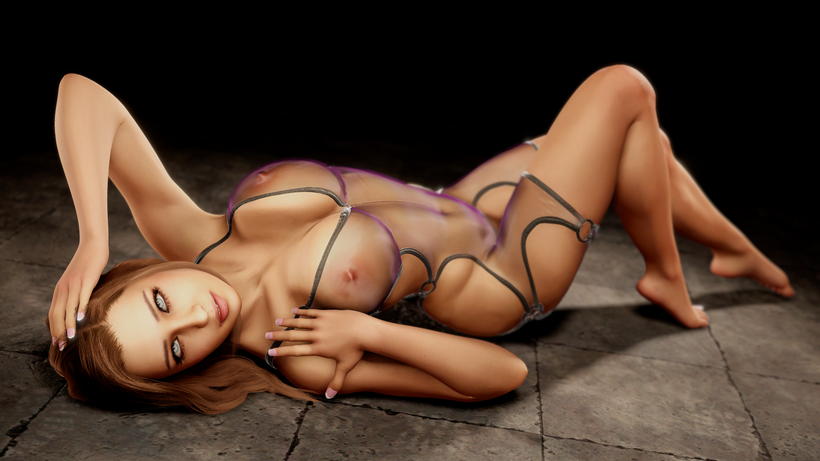
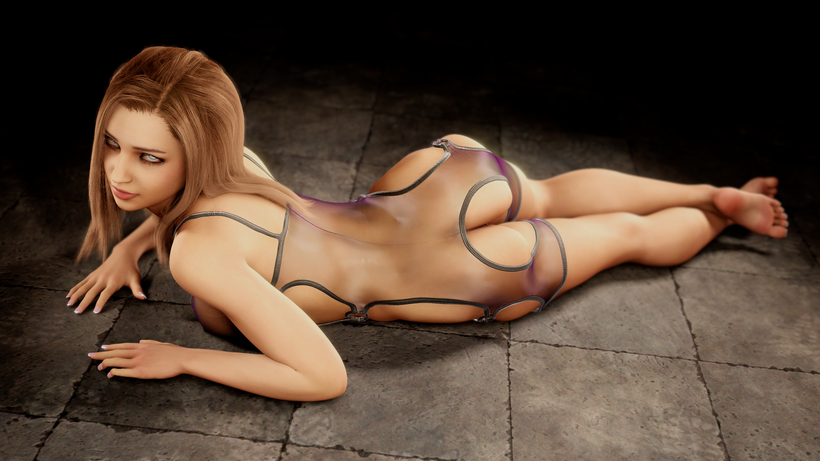
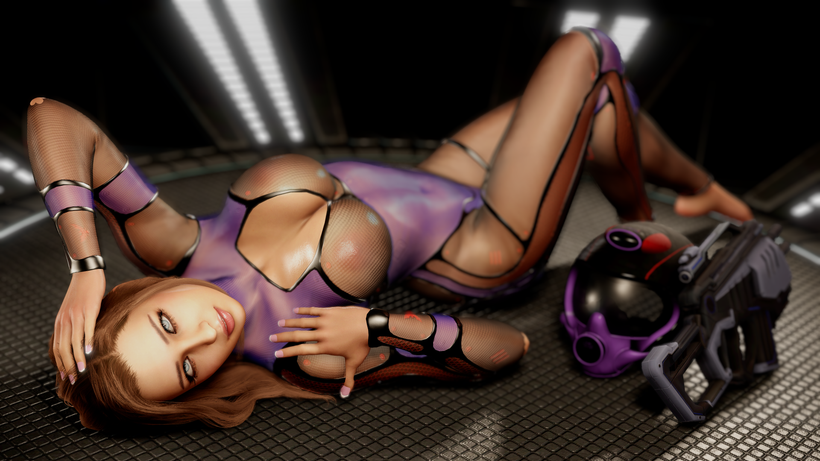
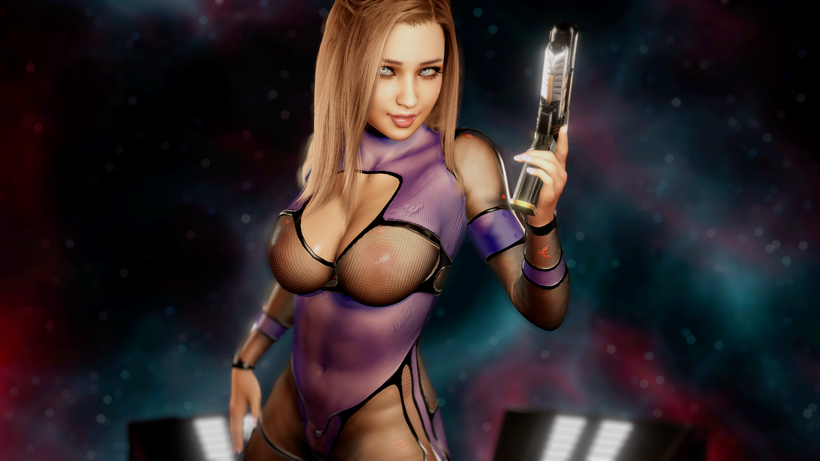
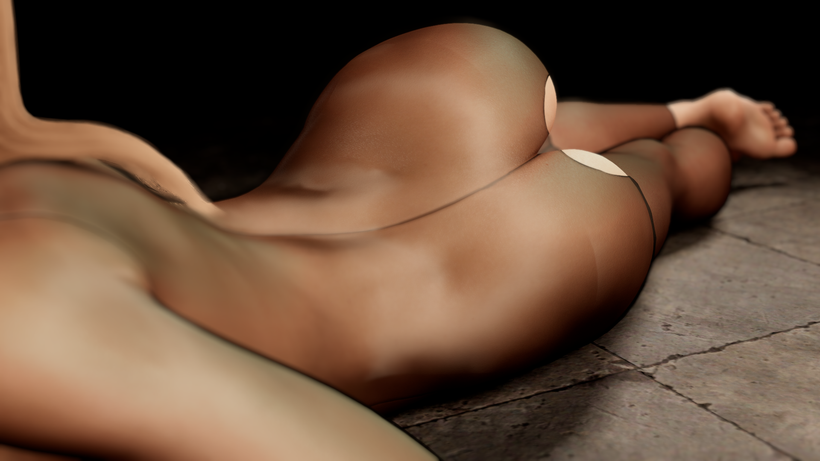
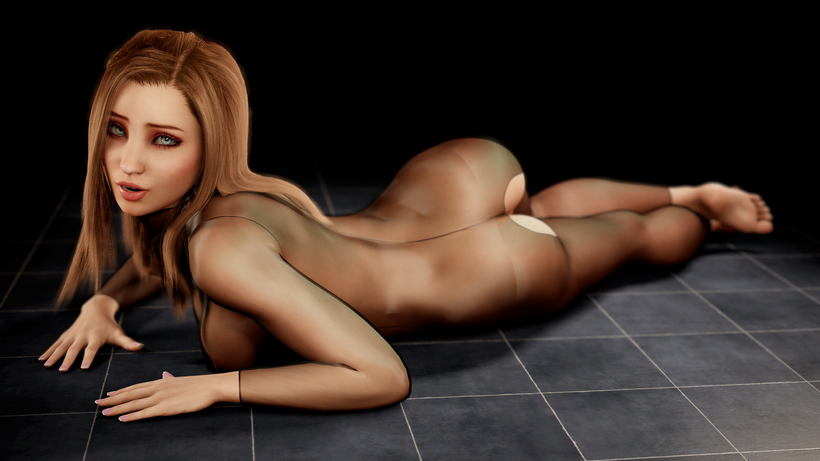
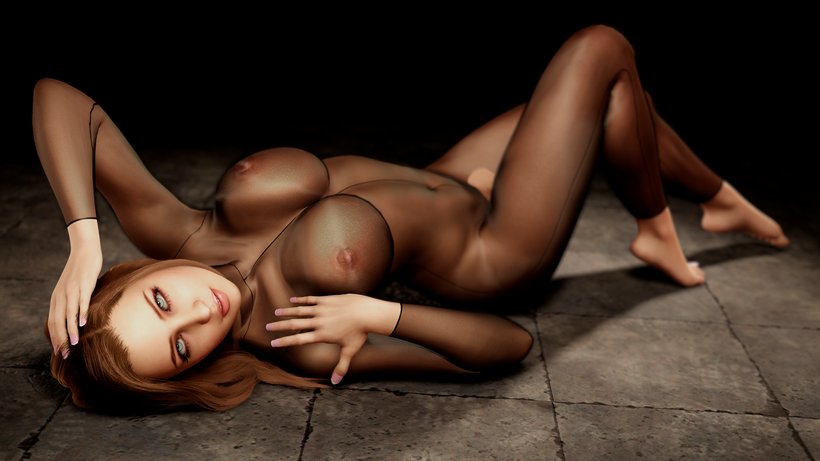
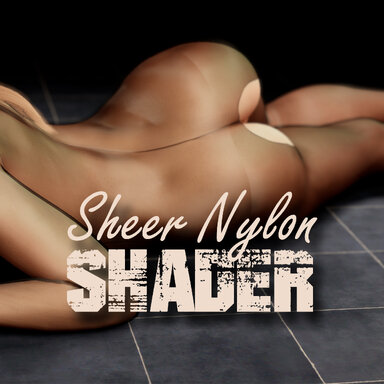
I love VAM. I've been an avid user of it since the early days. But the one thing that had always bothered me was how it renders sheer clothing items. As a stocking lover, it particularly frustrated me. This week, I decided to create a shader for use with The Shader Loader plugin by @regguise . I didn't plan to spend four days on it. But one thing led to another and well, here we are. I'm very happy with it though. It helps transform clothing into really awesome sheer garments, even some that weren't meant to be. This shader has been built from the ground up. It is early access for three months. I truly hope you like it.
What it is
- A custom nylon / sheer fabric shader set for VaM clothing — stockings, pantyhose, lingerie, sheer dresses.
- 6 shaders: three looks (Nylon, Iridescent, Two-Tone) each in Double-Sided and Single-Sided versions.
- Loads via Regguise's Custom Shader Loader plugin; every control appears as a live slider.
Realistic sheerness (the core)
- Base Opacity — how see-through the fabric is when you look straight at it.
- Grazing Opacity — how dense it gets at glancing angles, so the silhouette naturally tightens up like real nylon.
- Grazing Falloff — how quickly it transitions from face-on to edge.
- Grazing Layers — Adds more density to the grazing to enhance the effect.
- Edge Color Darken — darkens the fabric toward the edges, independent of opacity.
- Alpha Curve — thickens or thins the sheer midtones while keeping genuine holes fully transparent. Use this one for adjusting the Alpha map density.
- Alpha Adjust — simple overall opacity nudge.
- Alpha Map Influence — respect the clothing item's own alpha map (fishnet, welts, lace) or ignore it entirely and drive opacity purely from the sliders.
- Anisotropic Strength / Offset — the stretched, directional sheen that makes nylon read as nylon.
- Gloss, Specular Intensity, Fresnel — full control over tightness, brightness, and edge glow of the highlight.
- Highlight Bump Strength — dial the normal map out of the highlight to clean up UV seams.
- Highlight Shadow Falloff — sharpen how fast highlights die off in dim areas.
- Highlights are gated by real scene lights — unlit areas no longer glow, which is the main flaw in existing nylon shaders.
- Global Illumination Filter + GI Intensity — dial the ambient/GI contribution down (or off) so shadowed fabric stays properly dark.
- Gloss Map Influence — the gloss map drives per-pixel shininess.
- Spec Map Influence — the spec map drives highlight intensity.
- Both are fully decoupled and can be turned down to 0 to ignore the item's maps completely.
- Main texture, alpha, normal, and colors are all driven by the clothing item as normal.
- Casts clean shadows (no splotchy transparent-shadow artifacts).
- Shadow Cast Strength — adjust how dark the cast shadow is.
- Shadow Cast Cutoff — genuine holes and lace gaps cast nothing.
- Nylon — the straight, classic sheer nylon.
- Iridescent — full-spectrum color shift across viewing angle. Iridescence Strength / Edge Bias / Scale (dial to zero for none).
- Two-Tone — pick your own two highlight colors, one face-on and one at the edge, blended by viewing angle. Color Shift Strength / Bias.
- Double-Sided — renders both faces with correct inside lighting; adds Inside Face Darken to tame the over-bright look where two layers overlap.
- Single-Sided — cheaper, for garments where you never see the inside.
- These are true transparent shaders, so they cast shadows but don't receive them. This is an inherent UNITY issue and there's no way around it. Believe me....I tried.
- Tip: if you use depth-of-field and see a soft halo around the garment, set the item's Render Queue to something else and back to default — the loader parks it on a high queue and this resets it.