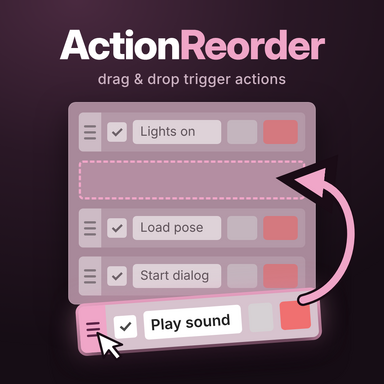



Serenity for you and your plugins now! Easily reorder your plugins, organize them in tabs or collapse them to a smaller size.
How to use
- Add: Load as a Session Plugin.
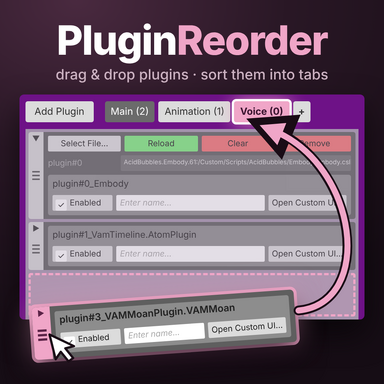
- Reorder: drag the grip at the left edge of a plugin.
- Move several: tap grips to select plugins, then drag one of them. All selected plugins move together, even if they weren’t next to each other.
- Cancel a drag: release the plugin outside the window.
- Collapse: the small button at the top of a grip folds the plugin down to a smaller size. A plugin also collapses by itself once you’ve loaded a file into it with Select File.
- Tabs:
- Click "+" to create a tab, or drop plugins on "+" to put them straight into a new tab.
- Drop plugins on a tab to move them to the end of that tab.
- Click a tab to open it. Click the open tab again to rename it.
- The x on the open tab removes the tab, and its plugins go back to Main. On desktop, hold Shift while clicking it. In VR, hold the left/right trigger while clicking it.
- New plugins are added to the tab that is open.
How it works
- Order: when you save the scene, the new plugin order is written into the scene file. VaM asks for permission the first time. The order persists on scene load, even when the plugin isn't enabled.
- Tabs and collapsed plugins: these are stored per scene in Saves/PluginData/PetaZwega/PluginReorder/, not in the scene. Your scene stays clean, but tabs aren’t shared along with it.
- Session Plugins: their order and tabs are kept right away, since they aren’t part of a scene.
- Switched off: all plugins show in one list again, tab after tab starting with Main.
Huge thanks to @DrRagon for your help and testing this plugin <3