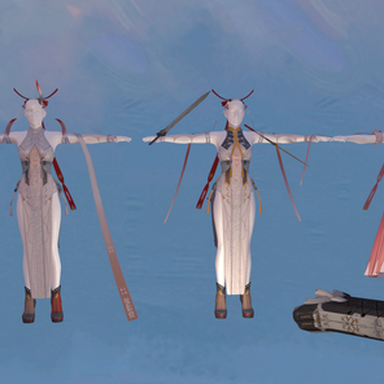


I don't know how to code; this plugin is completely done by AI.
WHAT IT DOES
------------
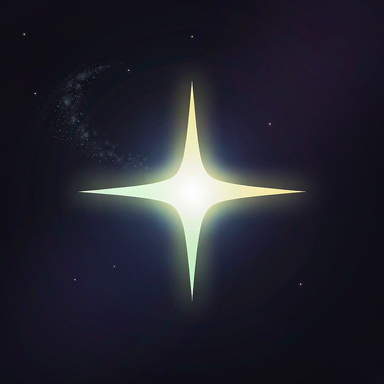
Draws a real-time deep-space starfield on clothing. The pattern is computed per
pixel in object space, so there are no UV seams and no projected-image stretching.
The garment's own alpha texture is used as a mask, so straps, lace and cut-outs
stay clean.
QUICK START
-----------
1. Copy WWDW.StarFlow.NNN.var into your AddonPackages folder.
2. Load a scene, select a Person.
3. Add Plugin -> WWDW/StarFlow.
4. The status line shows "ready" when the effect is live.
PROJECTION
----------
The stars are projected onto the cloth in one of four ways:
XY / XZ / YZ - flat planes (fine for capes, skirts and other flat cloth)
Cylinder - wraps around limbs
Triplanar - blends all three planes by surface normal (DEFAULT)
Triplanar is the mode to use on bodies and legs: flat projections compress at
grazing angles and turn round stars into long streaks on the sides of the body.
Existing scenes are migrated to Triplanar automatically 3 seconds after load
(a one-time flag is stored per scene). Use "Project Tri (Triplanar)" to switch
between Cylinder and Triplanar at any time.
STAR IMAGES
-----------
Image Mode = Replace : the selected 8K image replaces the procedural starfield.
Image Mode = Overlay : the image is added on top of the procedural layers.
Ten built-in images are included. "Star Sea" is a crisp dense star field;
"Violet + Stars" is the classic violet nebula with clean stars composited on it.
LAYERS
------
Three baked parallax layers (far nebula / nebula filaments / star sea) move at
different speeds, creating real depth. Layer Strength sets their weight; setting
Layer Strength to 0 removes them entirely.
PRESETS
-------
Ten built-in looks, plus save/load your own preset files.
PERFORMANCE
-----------
- Star Density and Star LOD (px/cell) are the two main cost controls.
- 8K images cost roughly 270 MB of VRAM each.
- In VR, lower Star Density first; the noise work is per pixel.
TROUBLESHOOTING
---------------
- Nothing appears : check the status line; if it says "img missing", the
texture path is wrong. Otherwise confirm the plugin is
enabled and the garment is inside the item list.
- Stars look like streaks: the scene is still on a flat projection. Press
"Project Tri (Triplanar)".
- Effect is too bright : lower Brightness, Backdrop or Nebula.
- Frames are low : lower Star Density, raise Star LOD, or use 4K images.