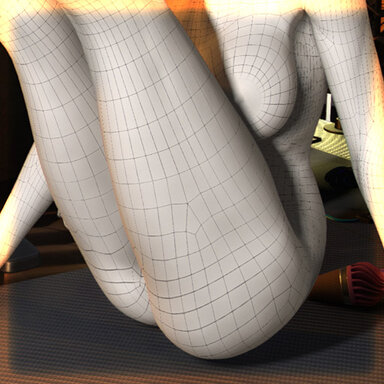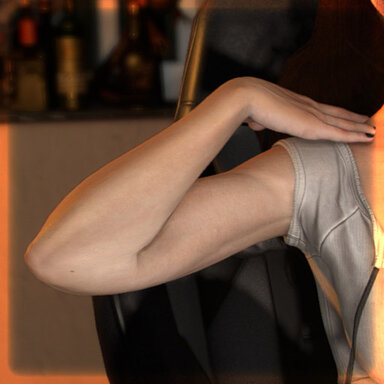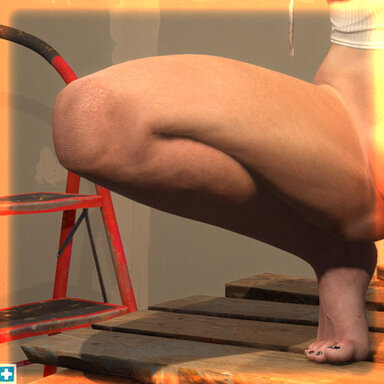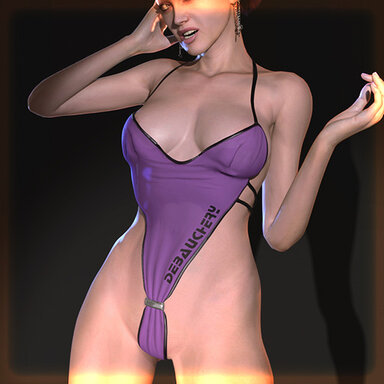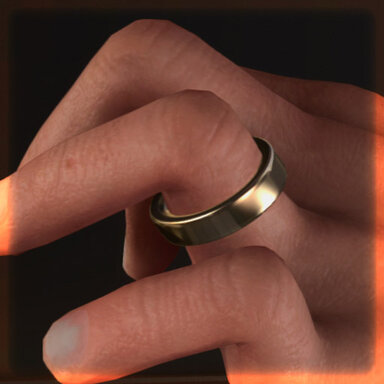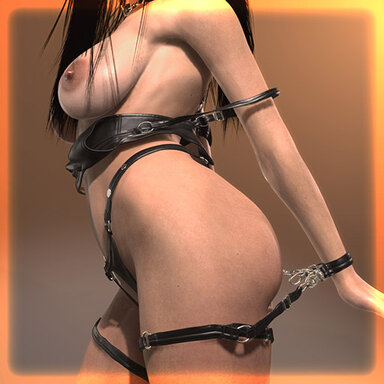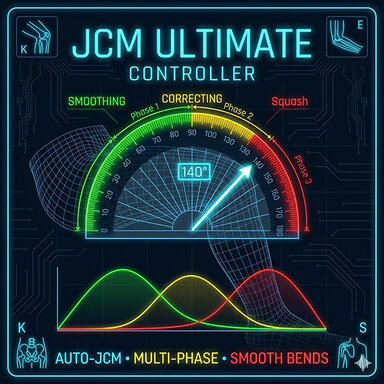


This plugin provides automated anatomical corrections for Elbows, Knees, Hips, using **Joint Corrective Morphs (JCM)** based on real-time joint angles.

### 1. Adjusting Sliders
The UI is organized into joint-specific tabs. Each tab contains:
* **Start/End Angle:** The degree values where a morph starts to trigger and where it reaches its peak.
* **Max Power:** The maximum weight (strength) of the morph.
* **Drop/Mid Power:** Used for multi-phase interpolation. This allows for complex transitions, such as reducing one morph's strength while another ramps up to ensure natural skin deformation.
### 2. Managing Presets
There are two ways to keep your settings:
* **Native Appearance Integration:** Settings are **automatically** injected into VaM’s native Appearance presets. When you save or load a character's Appearance, your slider configurations are included.
* **Independent Plugin Presets:** Use **Save/Load Preset** buttons to create standalone files in .\Saves\PluginData\VL_13\JCM_Ultimate_Controller.
### 3. Maintenance & Debugging
* **Reset All JMC Morphs:** Library poses often contain baked-in morph values that conflict with this plugin. Click this button to zero out all external "JMC" morphs and let the plugin take full control.
* **Show Debug Info:** Toggles a status panel in the left column showing live joint angles for precise calibration.
### 1. Adjusting Sliders
The UI is organized into joint-specific tabs. Each tab contains:
* **Start/End Angle:** The degree values where a morph starts to trigger and where it reaches its peak.
* **Max Power:** The maximum weight (strength) of the morph.
* **Drop/Mid Power:** Used for multi-phase interpolation. This allows for complex transitions, such as reducing one morph's strength while another ramps up to ensure natural skin deformation.
### 2. Managing Presets
There are two ways to keep your settings:
* **Native Appearance Integration:** Settings are **automatically** injected into VaM’s native Appearance presets. When you save or load a character's Appearance, your slider configurations are included.
* **Independent Plugin Presets:** Use **Save/Load Preset** buttons to create standalone files in .\Saves\PluginData\VL_13\JCM_Ultimate_Controller.
### 3. Maintenance & Debugging
* **Reset All JMC Morphs:** Library poses often contain baked-in morph values that conflict with this plugin. Click this button to zero out all external "JMC" morphs and let the plugin take full control.
* **Show Debug Info:** Toggles a status panel in the left column showing live joint angles for precise calibration.