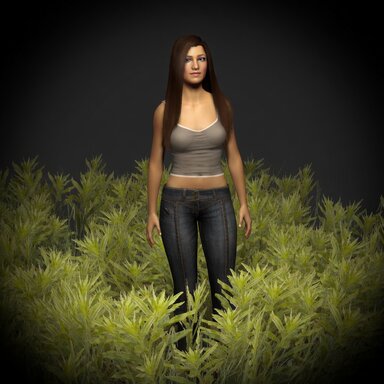
This greatly simplifies the configuration operation of the plug-in. All you need to do is add a plug-in to the CUA or the scene atom. Then add people. Grass on a CUA/mesh host now reacts to every Person in the scene and to VR hands, with a cleaner performance toolkit.
What’s new:
1. All-Person auto feet — Scans every Person’s left/right foot controls. . Toggle: Auto Feet (all Persons).
2. VR hand push — With Auto VR Hands on, both controllers flatten grass as you move.
3. Custom push plugin (separate cslist) — Drop Grass Interaction on any atom; the main grass plugin finds it automatically. No UID hacks, no global shader writes.
4. Performance panel — Distance fade, surface density, max triangles, shadows, and rebuild surface meshes for easier frame control.
5. Rescan when the scene changes — Periodic discovery of feet/custom sources, plus manual Refresh buttons.
Quick start:
Add InteractiveGrass to a CUA(Or other atoms with MeshRenderer.) → add Persons → enable Auto Feet → (optional) enable Auto VR Hands → add Grass Interaction on extra atoms if needed