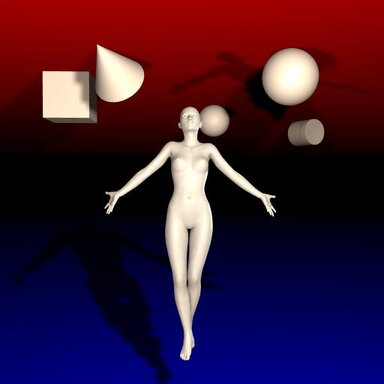


A plugin to control gravity in a scene. Add to any atom in the scene.
Select the X/Y/Z components of the gravity vector you want and then press the Interpolate button to smoothly transition from the current gravity to your chosen gravity. Duration of the interpolation can be controlled via the Interpolation Time slider [0.01s-60s].
Interpolation can be set to either Linear or Spherical.
There is also a Live Update toggle, which if selected will change the gravity vector as the sliders' values are adjusted.
Select the X/Y/Z components of the gravity vector you want and then press the Interpolate button to smoothly transition from the current gravity to your chosen gravity. Duration of the interpolation can be controlled via the Interpolation Time slider [0.01s-60s].
Interpolation can be set to either Linear or Spherical.
Linear interpolation (Lerp) treats the initial and final vectors as points in space, and as it transitions from one to the other it will do so along a line between the vectors' tips.
Spherical interpolation (Slerp) treats the initial and final vectors as angles, and will sweep along the arc between the two.
Quick visualization I threw together, red being the starting vector and green being the final vector, with transitional vectors in gray.

In many situations the difference won't matter, but if, for instance, you wanted to reenact the dream hallway fight from Inception, using Spherical will give you more of the effect you want.
Spherical interpolation (Slerp) treats the initial and final vectors as angles, and will sweep along the arc between the two.
Quick visualization I threw together, red being the starting vector and green being the final vector, with transitional vectors in gray.
In many situations the difference won't matter, but if, for instance, you wanted to reenact the dream hallway fight from Inception, using Spherical will give you more of the effect you want.
There is also a Live Update toggle, which if selected will change the gravity vector as the sliders' values are adjusted.