

Contains executable files or external scripts. Ensure you trust the creator and apply your own security measures.
Plugin Description
EZSoftBone_Injector is a utility designed to automate collision setups. Upon detecting a CUA (Custom Unity Asset) containing the EZSoftBone component in the scene, it automatically injects the EZSoftBone Collider component into the character's corresponding body part colliders based on your selection.Simply put: It enables physics interactions, allowing CUAs equipped with EZSoftBone to collide properly with the character's native body colliders.
Usage & Controls
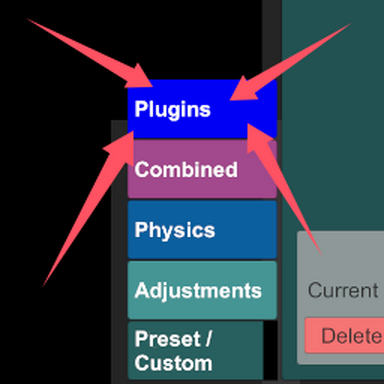
You can manage the plugin's behavior directly within the scene:Open Menu: Press Ctrl + M to open the plugin menu.
Configuration: Within the menu, you can individually set which body parts are active for different characters in the scene.
Installation & Configuration
1. InstallationCopy the .dll file to your Virt-A-Mate plugin directory:
.../Virt-A-Mate/BepInEx/plugins/
2. Configuration Files
After installing the plugin and launching the game for the first time, two configuration files will be automatically generated in the .../Virt-A-Mate/BepInEx/config folder.
com.Ashu.ezinjector.cfg :Allows you to modify the plugin's hotkeys (default is Ctrl+M).
EZInjector_BodyParts.json: Allows you to customize the collider targets for specific body parts.
Contains executable files or external scripts. Ensure you trust the creator and apply your own security measures.