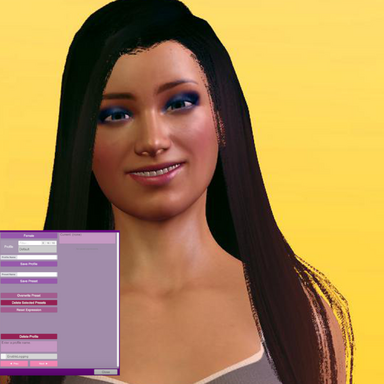
- Presets can have thumbnails
- Added a string chooser param: "Blend Preset" - Empty means off.
- Added a float param: "Blend Weight"
- Added an action: "LoadRandomPreset"
- Added an action with a profile picker: "LoadRandomPresetFromProfile"
- Added param: "AutoLoadPresetAfterPoseChange"
- Morphs can be marked as excluded, and excluded morphs are left out of presets you save
- The Morph Editor sliders now show live morph values
- Copy and Paste buttons for the morph list
- UI stuff and things
Things worth reading:
Blend crossfades a second preset over whatever preset is currently loaded. At weight 0 you only see the loaded preset, at weight 1 you only see the blend preset. The loaded preset can be changed while a blend is running and if done at Blend Weight=1, then you fade out to a different face than you faded in from seamlessly.
"Auto-load preset after pose change" This listens for Pose changes w/o polling, and resets and loads the selected preset after the Pose loads. Weight and Blend are respected. Animated morphs are not pose loads and are left alone. Essentially, this allows to set a base expression mood for the poses in a pose storyboard or all Timeline animations with one button, while leaving complementary morphs to the scrubber. Neato.
The Morph Editor screen: while it is open the params included in plugin itself stop driving morphs until you leave that screen. Other morph automations not from the plugin are not affected.
Blend and Weight params are not driven by the plugin itself. They are primitives to be driven by other automations.