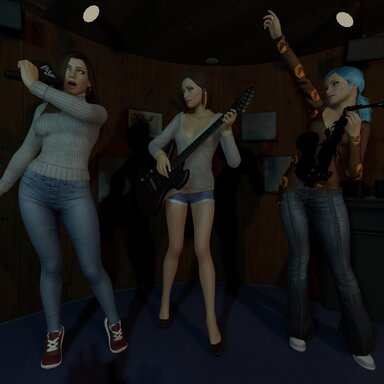
Instant screenshot camera. Saving a pose (or pressing “New picture…”) opens VaM’s screenshot camera right away, so you can pick the angle and FOV before the shot. The picture goes straight into the pose’s folder, cropped to 16:9. Nothing is left behind in the screenshots folder.
Play poses one by one. A Play/Stop button under the picture gallery steps through the group’s poses automatically. Choose 2, 5 or 10 seconds per pose. The timer starts when the pose has finished loading.