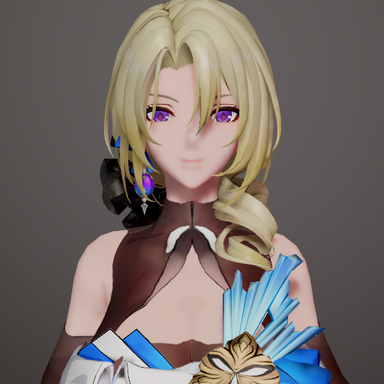
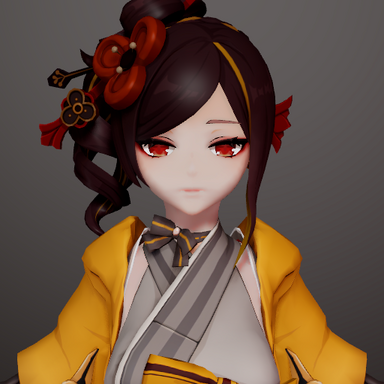
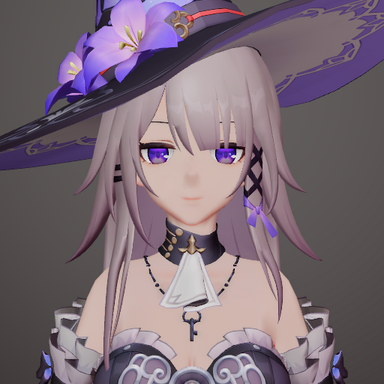
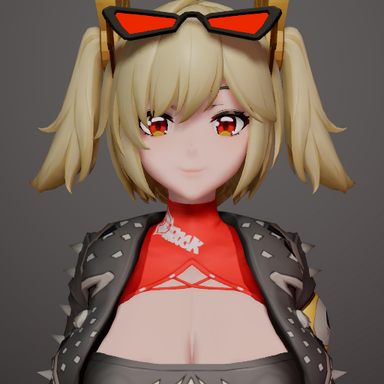
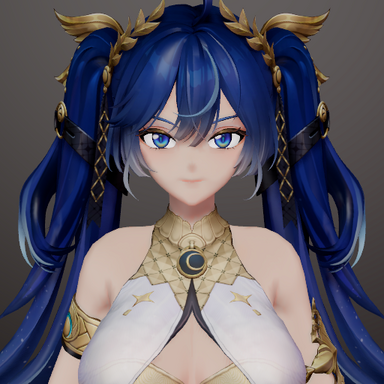
2.0:Almost all UI of VAM is bound to the main camera, so it can only accept UI scaling issues caused by POV changes.
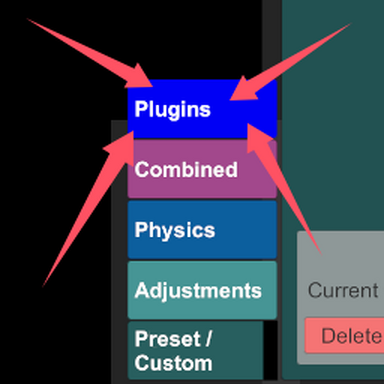
Cancelling the plugin will result in incorrect UI positioning. Please restart the game. If the Session plugin preset has been saved, please delete the plugin directly.
Overview
Camera FOV Controller allows you to adjust camera field of view, switch between perspective and orthographic modes, and automatically fixes UI scaling issues.
Camera Control
Custom FOV Adjustment: Set field of view from 10° to 120°
Orthographic Mode: Switch to orthographic projection with adjustable size
Quick Toggle Hotkeys: Instantly switch between default and custom settings
Mouse Wheel Zoom: Smooth zooming in orthographic mode
Automatic UI Scaling: Fixes main window and bottom bar scaling issues
Effect Comparison
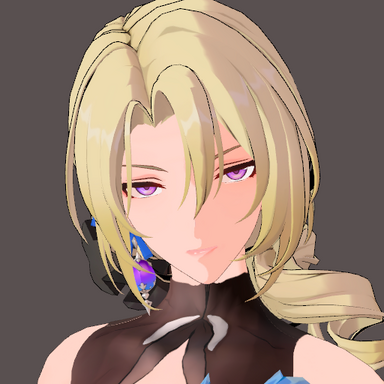
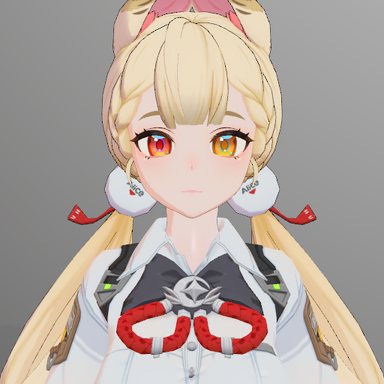
 Perspective Mode - Default Camera
Characteristics:
Objects appear smaller when far away
Has depth perception and natural 3D feel
FOV (Field of View) controls viewing angle
FOV Values:
Low FOV (20°-40°): Telephoto lens effect, zoomed in, narrow view
Default (40°): Natural human vision
High FOV (60°-120°): Wide-angle lens, see more area, fish-eye effect
Example: FOV 40° = normal view | FOV 80° = wide-angle camera
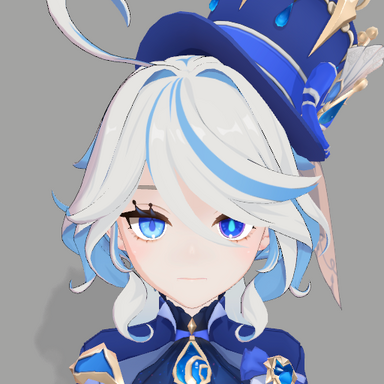
Orthographic Mode- Technical View
Characteristics:
Objects stay same size regardless of distance
No depth perception - looks flat/2D
Orthographic Size controls zoom level (not FOV)
Size Values:
Small (0.1-0.5): Zoomed in, see details
Medium (0.5-1.5): Balanced view
Large (2.0-5.0): Zoomed out, see whole scene
Q: Can I use multiple hotkeys?
A: Yes, you can configure separate hotkeys for FOV toggle and mode toggle.
Q: Does this work in VR mode?
A: No, the plugin will be automatically disabled in VR mode.
Overview
Camera FOV Controller allows you to adjust camera field of view, switch between perspective and orthographic modes
Camera Control
Custom FOV Adjustment: Set field of view from 10° to 120°
Orthographic Mode: Switch to orthographic projection with adjustable size
Quick Toggle Hotkeys: Instantly switch between default and custom settings
Mouse Wheel Zoom: Smooth zooming in orthographic mode
Effect Comparison
Characteristics:
Objects appear smaller when far away
Has depth perception and natural 3D feel
FOV (Field of View) controls viewing angle
FOV Values:
Low FOV (20°-40°): Telephoto lens effect, zoomed in, narrow view
Default (40°): Natural human vision
High FOV (60°-120°): Wide-angle lens, see more area, fish-eye effect
Example: FOV 40° = normal view | FOV 80° = wide-angle camera
Orthographic Mode- Technical View
Characteristics:
Objects stay same size regardless of distance
No depth perception - looks flat/2D
Orthographic Size controls zoom level (not FOV)
Size Values:
Small (0.1-0.5): Zoomed in, see details
Medium (0.5-1.5): Balanced view
Large (2.0-5.0): Zoomed out, see whole scene
Q: Can I use multiple hotkeys?
A: Yes, you can configure separate hotkeys for FOV toggle and mode toggle.
Q: Does this work in VR mode?
A: No, the plugin will be automatically disabled in VR mode.