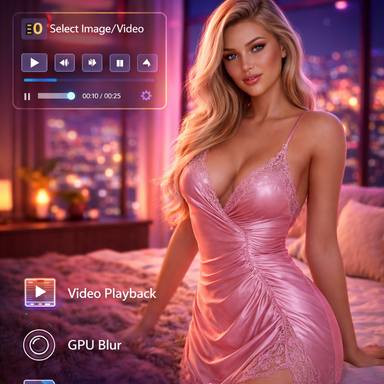
Background Image Helper v2.0 - Major UI Overhaul
BackgroundImageHelper is now split into two *.cs
this gives us easier way of working in the ui and also easier to implement future updates.
New Features
Tabbed UI System (VR-Friendly)
- Both plugins now feature a clean tabbed interface
- BackgroundFullScreen: Media | Video | Slots tabs
- BackgroundFloatingPanel: Position | Media | Video | Slots tabs
- Much shorter UI, easier to navigate in VR
- Tab content hidden on start - click a tab to reveal controls
BackgroundFullScreen - Follow Camera Toggle
- New "Follow Camera" option (always visible)
- ON: Background rotates with your view (default behavior)
- OFF: Background stays fixed in world space like a skybox
BackgroundFloatingPanel - Render Layer Control
- Choose how the panel renders relative to scene objects:
- Background: Behind everything
- Scene: Part of the 3D scene (for TV screens, wall pictures)
- Foreground: In front of everything
BackgroundFloatingPanel - Improved Position Controls
- Position X/Y/Z now all default to 0
- Position X/Z movement is relative to panel rotation (intuitive left/right, forward/back)
- "Move to Camera View" places panel very close to camera
UI Organization
Always Visible:
- Tab buttons
- Enabled toggle
- Follow Camera toggle (FullScreen only)
- Current Media display
Media Tab:
- Load Image / Load Video / Clear Media
- Opacity, Scaling Mode, Zoom
- Crop X/Y, Blur (images only), Rotation
Video Tab:
- Play / Pause / Stop
- Video Time, Loop, Speed
- Mute, Volume, Sync to Frame Rate
Slots Tab:
- Active Slot selector
- Save to Slot / Clear Selected Slot