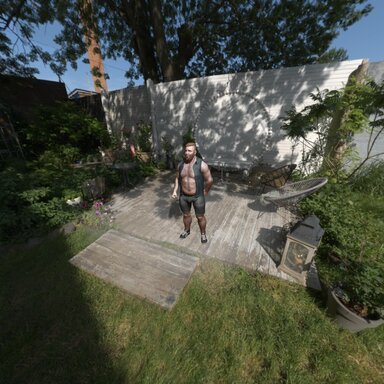
Adaptive Texture Details
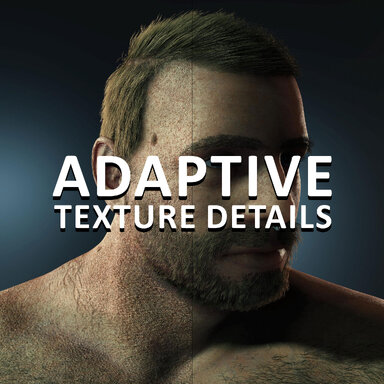
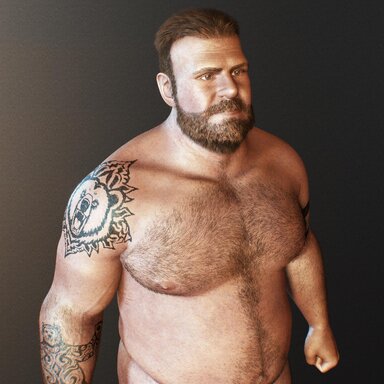
Maintain high-quality skin appearance at various distances by scaling texture properties. For example, you might want softer, less "bumpy" skin when the camera is right in the character's face, but sharper, more defined details when viewing them from across the room.
The Problem
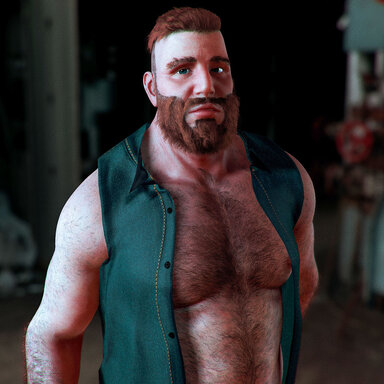
A character's skin looks amazing from a distance, but the second you zoom in for a close-up, the pores look like deep craters and the texture feels harsh or "crinkly"? This happens because normal maps (which create the bumps on skin) are often too strong for extreme close-ups, even if they look perfect for full-body shots.
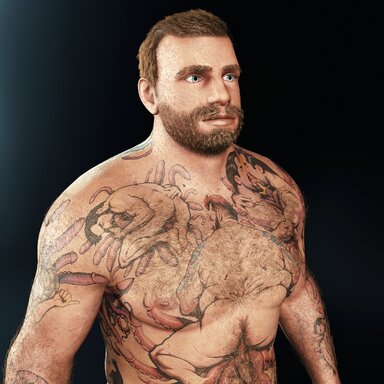
Adaptive Texture Details solves this by automatically "smoothing" the skin as your camera gets closer. As you move toward the face (HEAD size), the plugin intelligently reduces the intensity of the normal maps, gloss, and specular shine. This results in soft, realistic skin for macro photography. As you pull back to a full-body shot (Head-to-Toe), the plugin automatically restores—or even boosts—the skin detail so the character doesn't look "flat" from far away.
Setup
- Set your baseline: First, find the perfect balance of detail for a __Mid-Shot__ (waist-to-head distance). This is your starting point.
- Auto-Transition: Once your mid-shot looks good, the plugin handles the rest. It will automatically dial down the detail for those intimate headshots and dial it up for the distant hero shots.