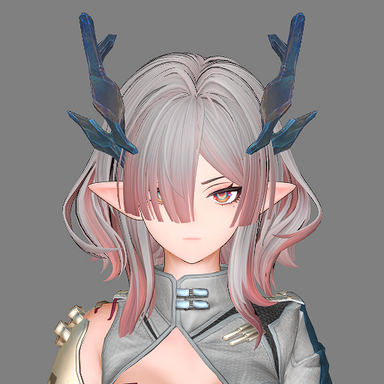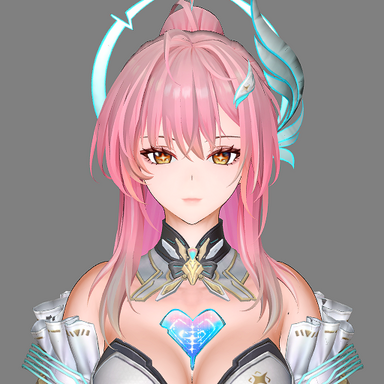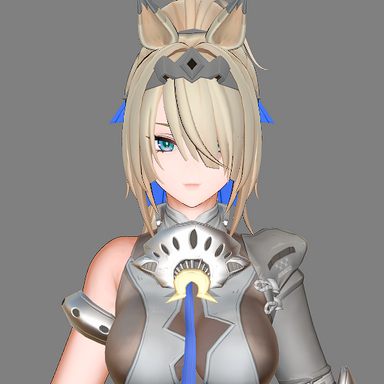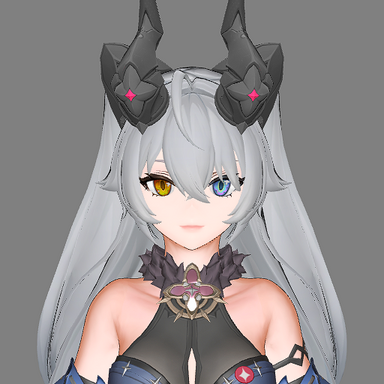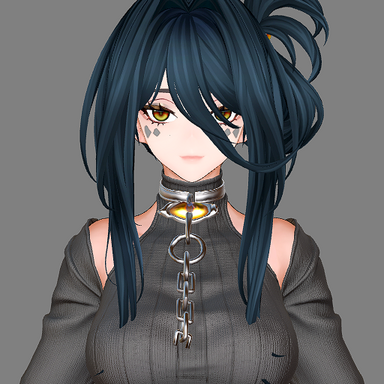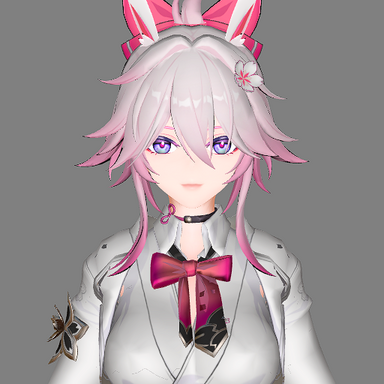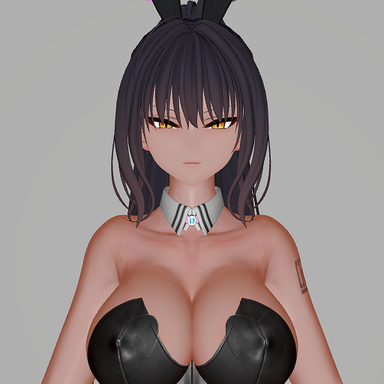
If you find the model too dark, please check if the Shadow Threshold value is set too high.
It is recommended to use 1-2 directional lights as the light source. This shader does not perform well under multiple light sources, point lights, or spotlights.
Anime_CUA Shader Parameters Documentation
Main Texture
The primary color/diffuse texture map that defines the base appearance of the material.
Normal Map
Normal map texture used to add surface detail and depth without additional geometry. Affects lighting calculations.
MatCap Texture
Matcap (Material Capture) texture that provides sphere-mapped environmental lighting effects based on view direction.
Normal Map Scale
Controls the intensity/strength of the normal map effect. Higher values increase surface detail visibility.
Edge Softness
Controls the softness of edges in the shading. Higher values create smoother transitions.
Shadow Color
Defines the color tint applied to shadowed areas. Allows for stylized shadow coloring typical in anime/toon shading.
Shadow Threshold
Determines the light intensity threshold at which shadows appear. Lower values create larger shadow areas.
Shadow Edge Smoothness
Controls the softness of shadow edges. Lower values create harder, more defined shadow boundaries characteristic of cel-shading.
Enable Normal Smoothing
Toggle for normal smoothing feature. Set to 1.0 to enable, 0.0 to disable. Helps reduce faceted appearance on low-poly models.
Normal Smooth Factor
Controls the intensity of normal smoothing when enabled. Higher values produce smoother shading across surfaces.
Specular Color
Defines the color of specular highlights. Typically white for realistic reflections, but can be tinted for stylized effects.
Specular Power
Controls the size/sharpness of specular highlights. Higher values create smaller, tighter highlights.
Specular Intensity
Controls the brightness/visibility of specular highlights. Set to 0.0 to disable specular reflections entirely.
MatCap Intensity
Controls the strength of the MatCap effect. Higher values make the MatCap texture more prominent in the final appearance.
Outline On
Toggle for outline rendering. Set to 1.0 to enable outlines, 0.0 to disable.
Outline Color
Defines the color of the outline. Black is typical for anime/toon style, but any color can be used.
Outline Width
Controls the thickness of the outline in screen space. Higher values create thicker outlines.
Alpha Cutoff
Threshold for alpha testing. Pixels with alpha values below this threshold are discarded, creating hard transparency edges.
Alpha Mode
Controls alpha rendering mode:
0.0: Alpha disabled (opaque)
1.0: Front faces only
2.0: Both front and back faces
Plugins + Scripts - Custom Shader Loader
regguise updated Custom Shader Loader with a new update entry: Bug fix. And debug logging Bug fix: ------------------------------------ 1. [Person plugin mode] Fixed an issue where scene load restore didn't wait for all clothing items to load 2. [Person plugin mode] Fixed an issue where when...hub.virtamate.com